
AI Music Generator
Turn text into songs, add vocals to your lyrics, or generate instrumental tracks. Multiple AI music models in one place. Free credits when you sign up.
What you can make with this AI song maker
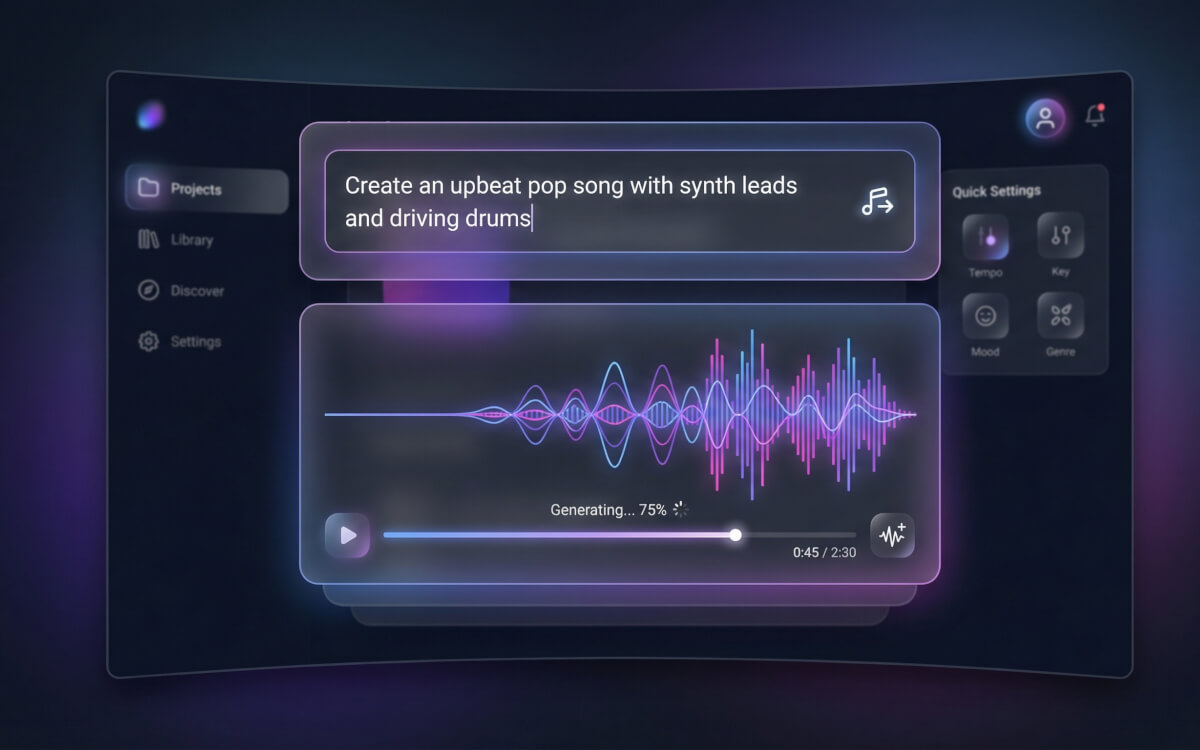
Text to music — describe it, hear it
Write a few sentences about the mood, tempo, and style you want. The AI music generator builds a complete track from your description. Want an upbeat pop beat with synth leads? A slow acoustic guitar piece? Just say so. Pick a model or use Auto mode to let the system run multiple models at once and give you the best result.
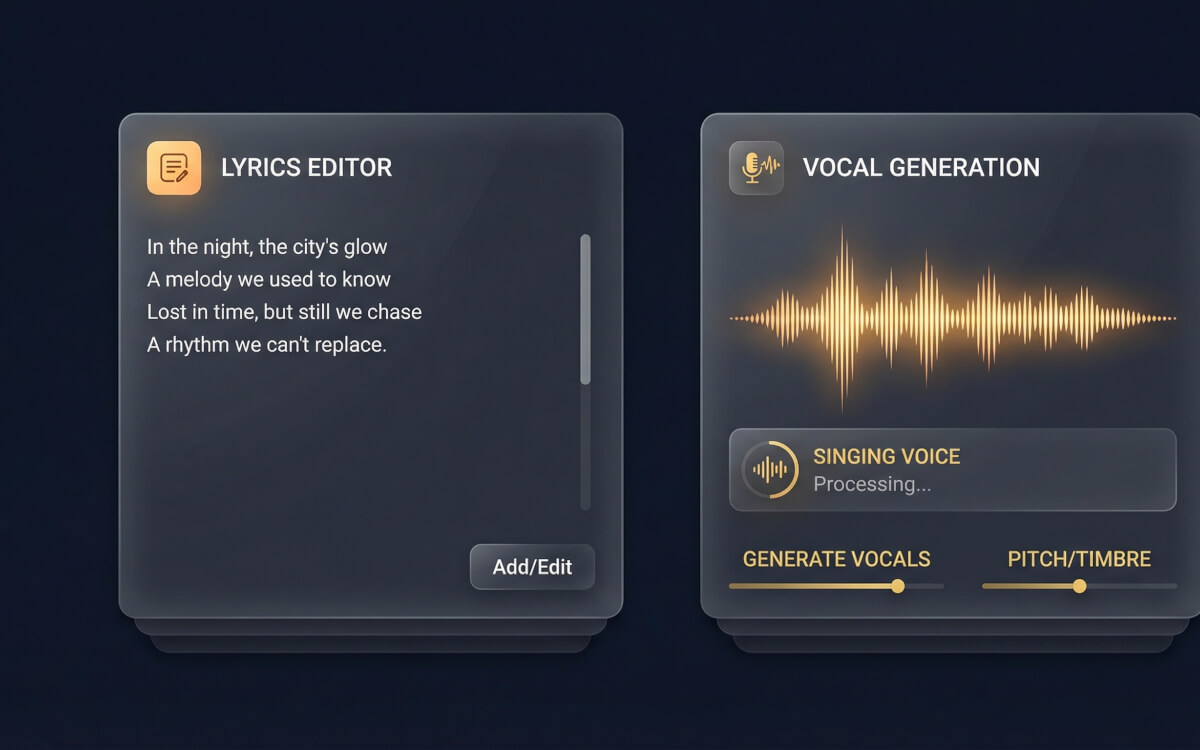
Lyrics to song — bring your words to life
Paste your lyrics and the AI adds vocals, melody, and instrumentation around them. MiniMax Music 2.6 and Mureka Song Generator both handle lyrics-to-song, producing tracks with actual singing voices. Mureka supports structured markers like Verse, Chorus, and Bridge for finer control over song sections.
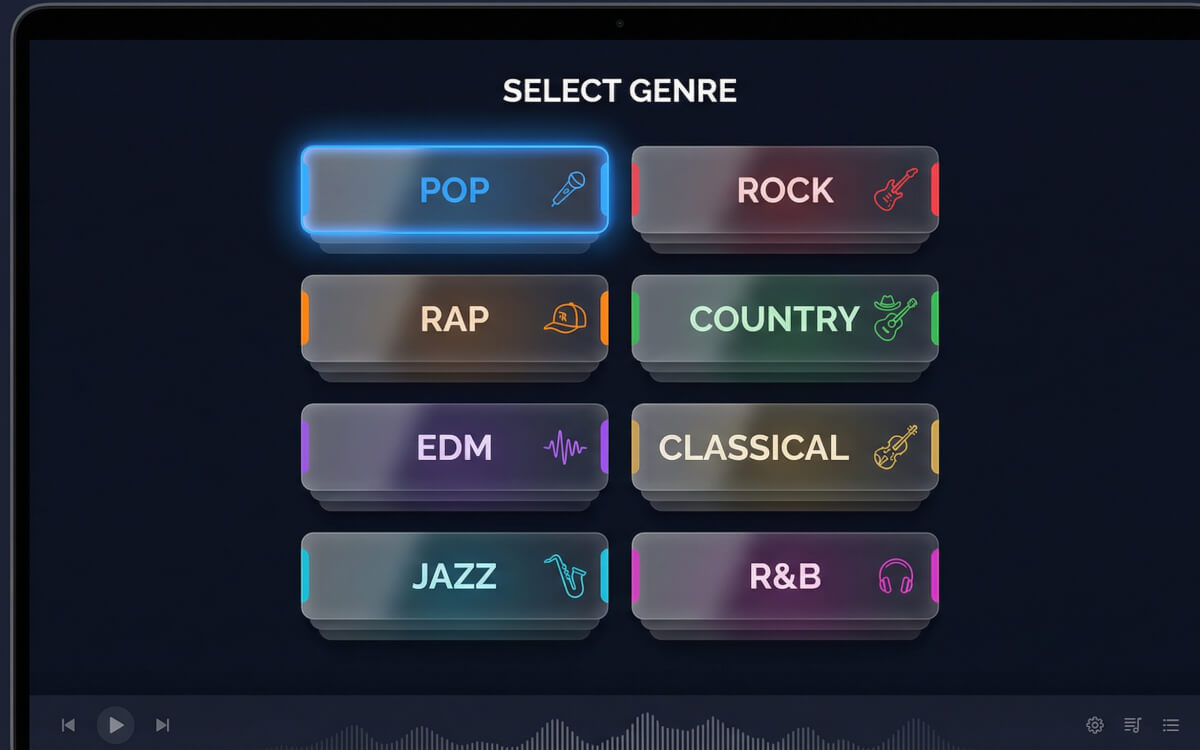
Pick a genre or let the AI decide
The built-in genre selector lets you choose from dozens of styles — pop, rock, rap, country, EDM, classical, jazz, R&B, lo-fi, and more. Or leave it on Auto Genre and just describe the vibe you want. The selected genre shapes how the model interprets your prompt.
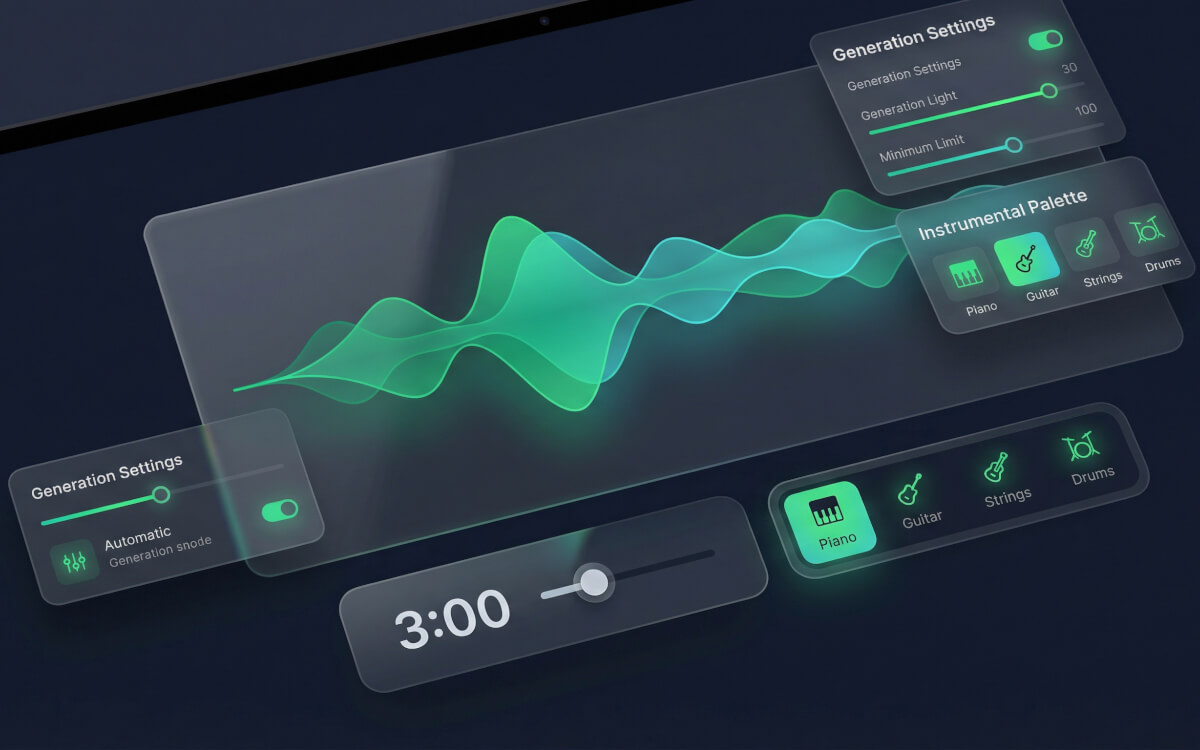
Instrumental and background music
Need a track without vocals? Mureka Instrumental Generator and ElevenLabs Music both create clean instrumental pieces — background music for videos, podcasts, or games. ElevenLabs supports up to 5 minutes and offers a composition plan for section-by-section control (intro, verse, chorus). Google Lyria 2 handles shorter clips up to 30 seconds.
From idea to song in three steps
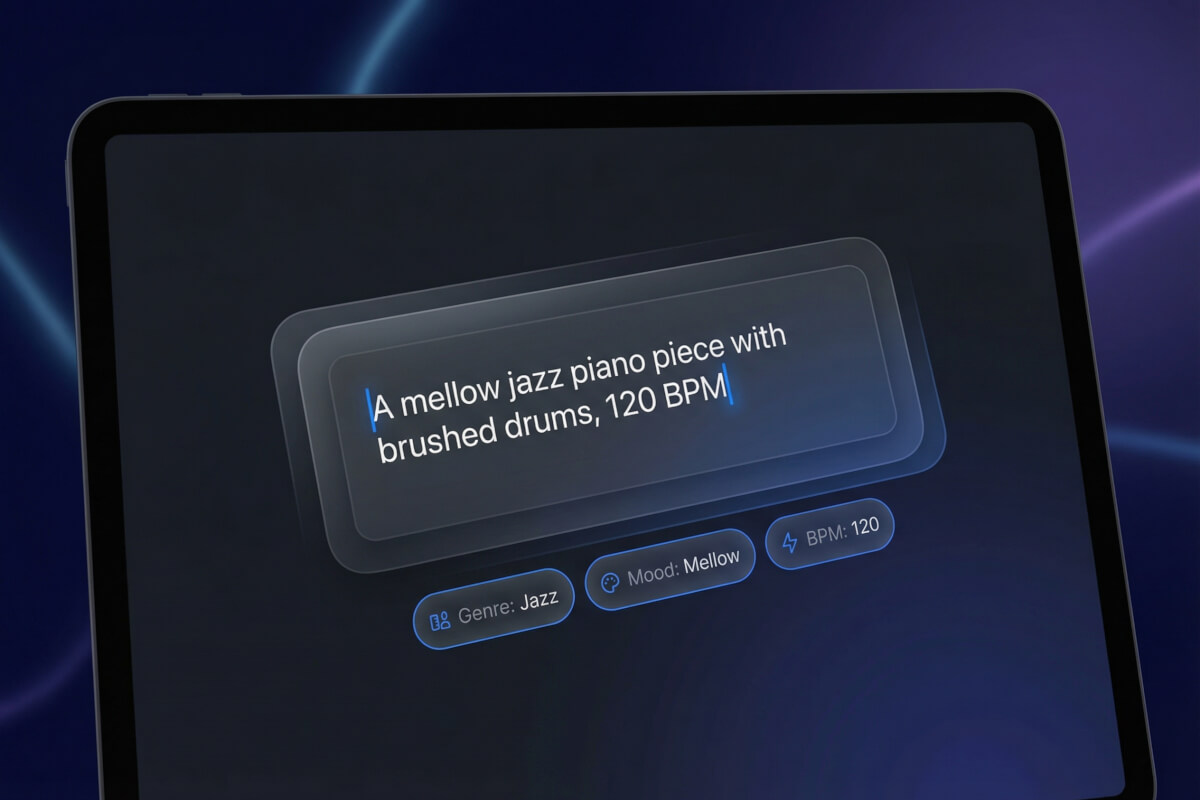
Describe your track
Type what you want — genre, mood, tempo, instruments. Or paste your lyrics if you want vocals. Use the genre selector to pick a style, or leave it on Auto.
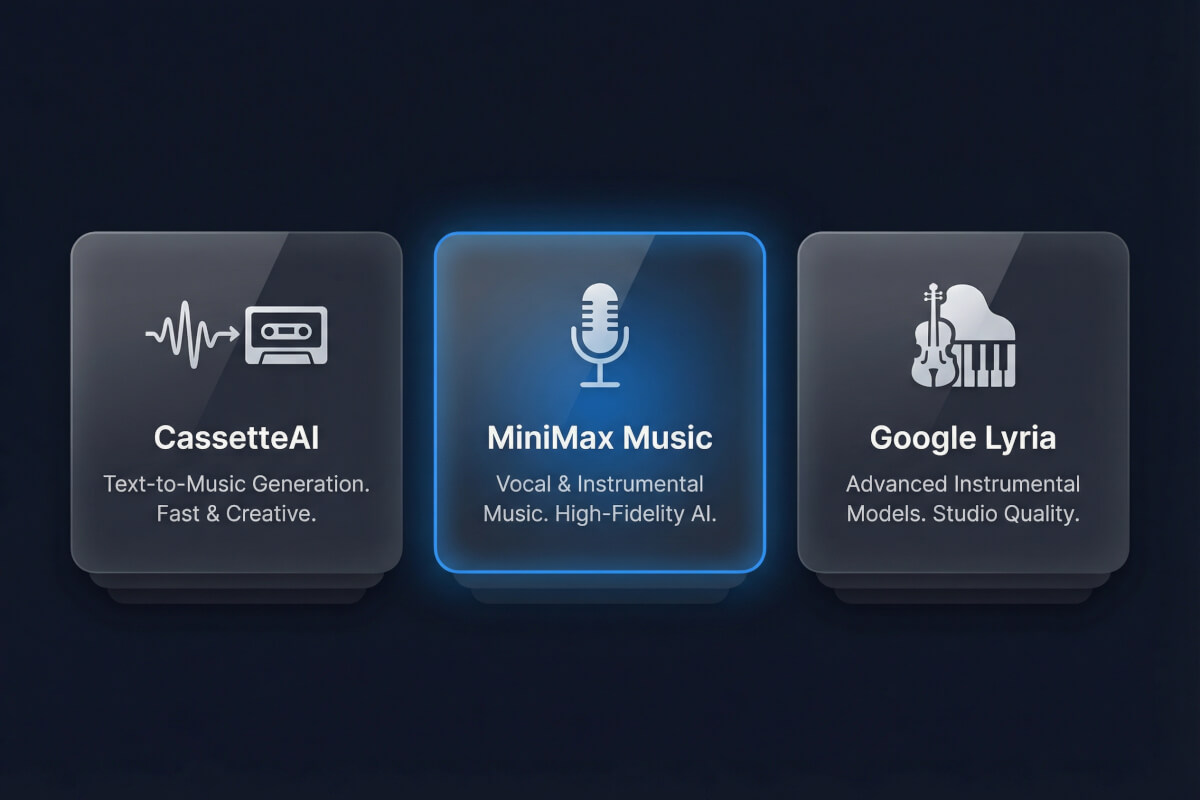
Pick a model or use Auto
Choose from seven AI music models: ElevenLabs Music, MiniMax Music 2.6, Mureka Song Generator, Mureka Instrumental, CassetteAI, Google Lyria 2, and more. Or select Auto to run multiple models in parallel and compare results.
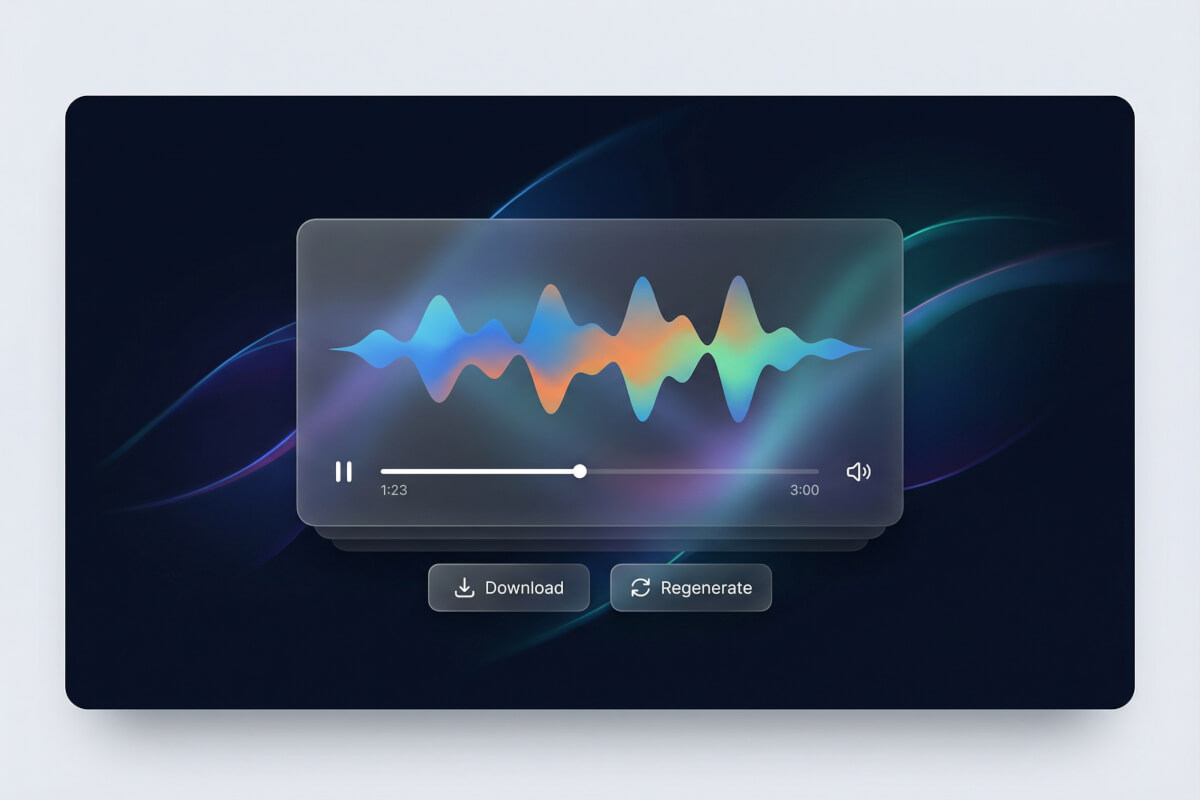
Listen and download
Preview the generated track. In Auto mode you get results from several models side by side. Adjust your prompt and regenerate if needed. Download the track you like best.
Frequently Asked Questions
Is this AI music generator free?
You get free credits when you sign up. Those credits cover music generation across all available models. It's a credit-based system, so usage depends on the model and track length you choose. Check your account for current credit details.
Can the AI generate songs with vocals?
Yes. MiniMax Music 2.6 and Mureka Song Generator both produce tracks with singing voices. Paste your lyrics, pick a style, and the model generates vocals with instrumentation. ElevenLabs Music can also generate vocal tracks, though it uses auto-generated lyrics rather than custom ones.
What music genres are supported?
The genre selector offers dozens of styles loaded from the platform. Common options include pop, rock, rap, country, EDM, classical, jazz, R&B, and lo-fi. You can also set it to Auto Genre and describe the style in your prompt instead.
How long can generated tracks be?
It depends on the model. ElevenLabs Music supports up to 5 minutes. CassetteAI and Mureka go up to 3 minutes. Google Lyria 2 maxes out at 30 seconds. Minimum is generally 10 seconds.
What does Auto mode do?
Auto mode runs your prompt through multiple music models at once — ElevenLabs, Mureka, MiniMax, and Lyria 2. You get several results to compare and pick the one that sounds best. It's the fastest way to find the right model for your idea.
Can I use the generated music commercially?
Licensing depends on the specific AI model that produced your track. Each model has its own terms of use. Check the relevant model's licensing terms before using generated music in commercial projects.