AI Schedule Maker
Tell it what needs to happen and when. Get back a time-blocked schedule — organized by priority, with breaks built in.
Schedules for every situation
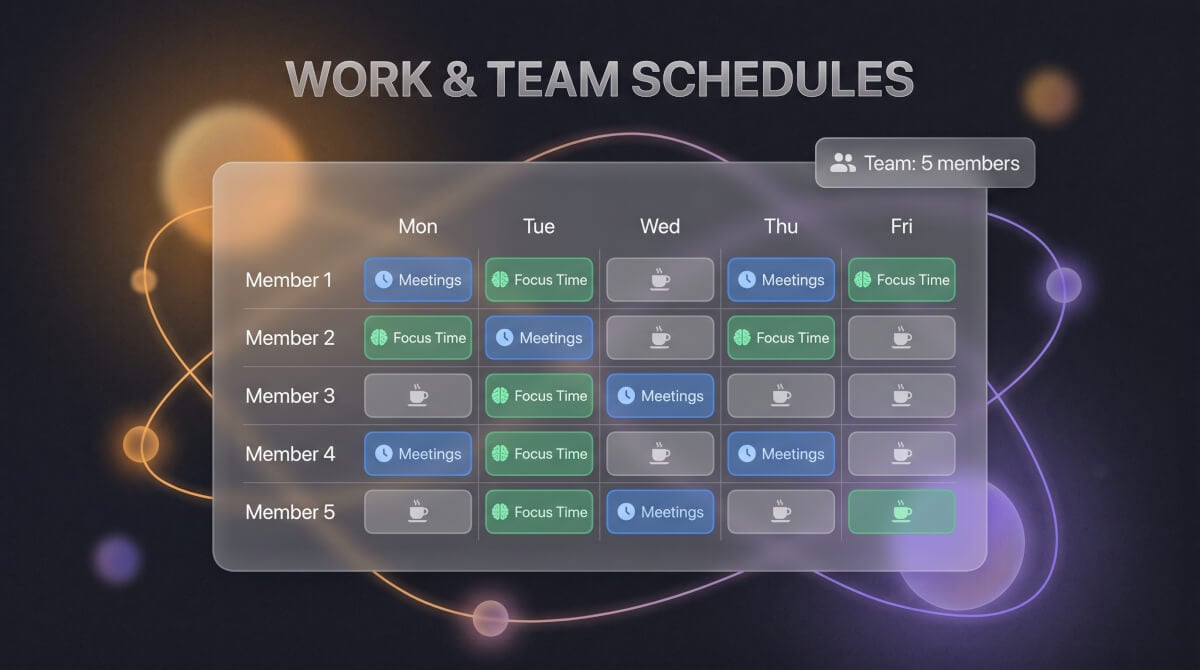
Work & Team Schedules
Meeting blocks, focus time, deadlines, and breaks — describe your week and get a structured plan your team can actually follow. Works for remote, hybrid, or in-office setups.
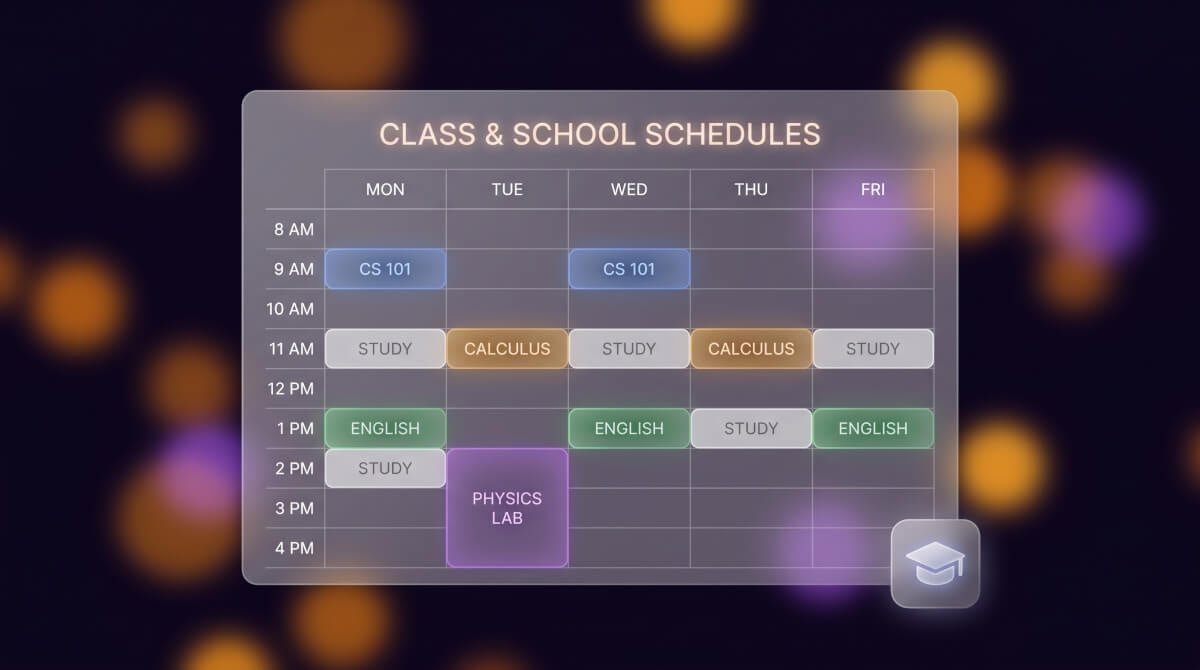
Class & School Schedules
Fit courses, labs, study sessions, and free time into a weekly grid. Input your class list and the schedule gets organized without conflicts or back-to-back marathons.
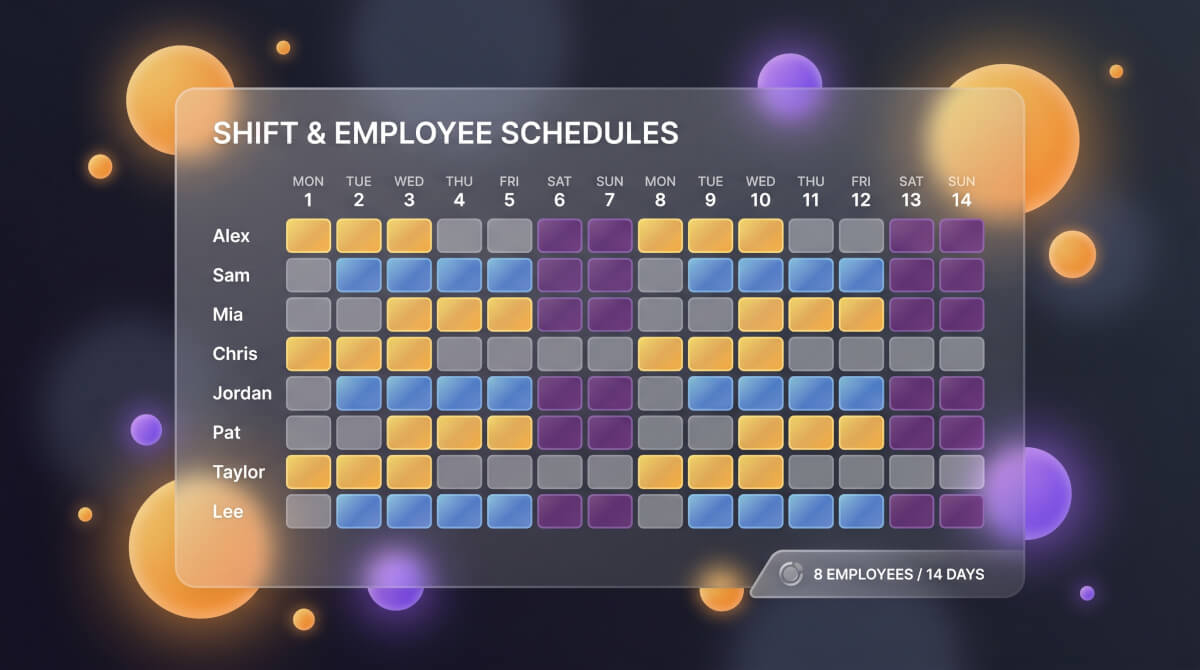
Shift & Employee Schedules
Assign morning, afternoon, and closing shifts across your team. Set days off, coverage requirements, and rotation rules — the roster fills itself out.
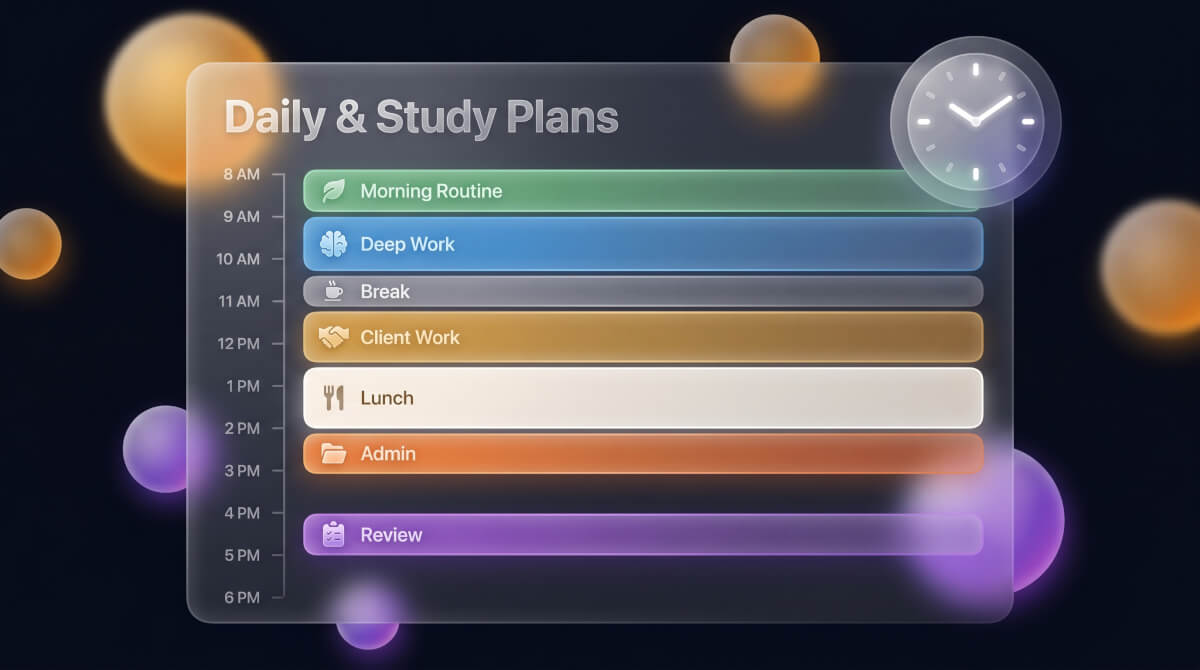
Daily & Study Plans
Block your day by energy level — deep work in the morning, meetings after lunch, admin in the afternoon. Or build a multi-week study plan for an exam with built-in review days.
Build a schedule in 3 steps
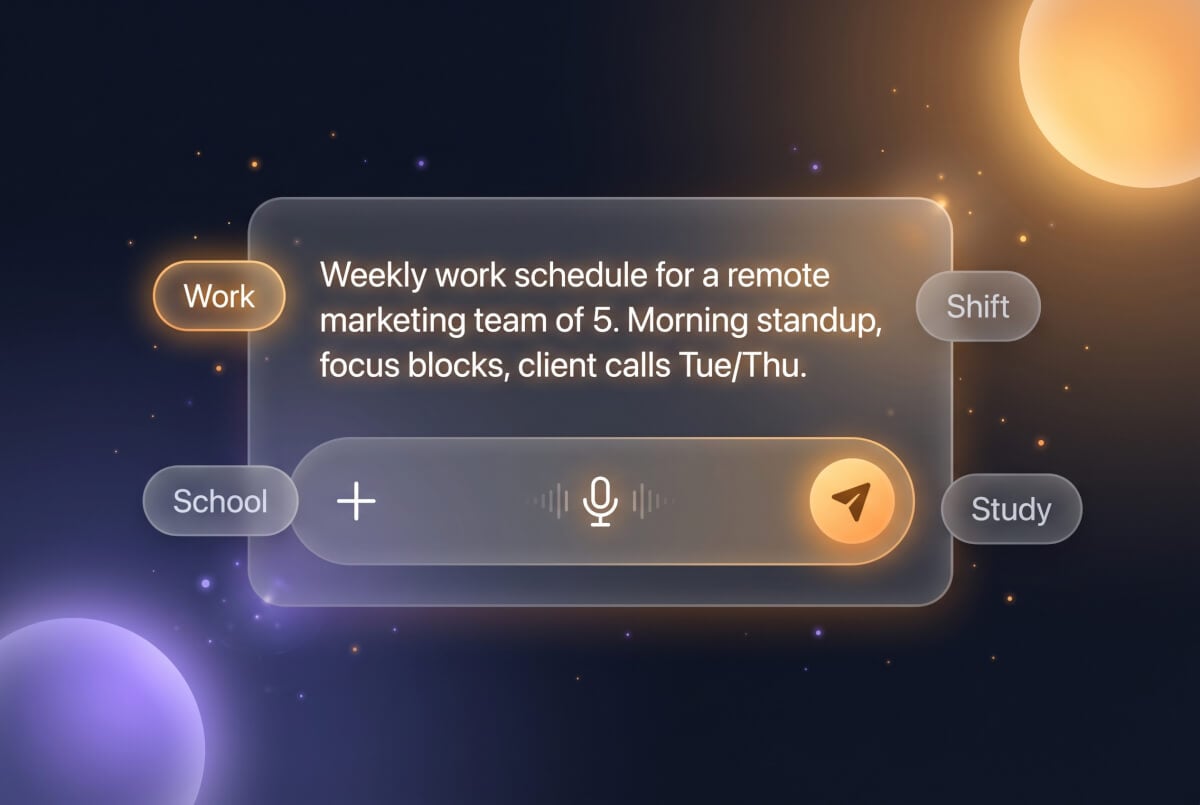
1. Describe what you need
Type the schedule type, time constraints, people involved, and any rules. Or pick a scenario above to start from a template.
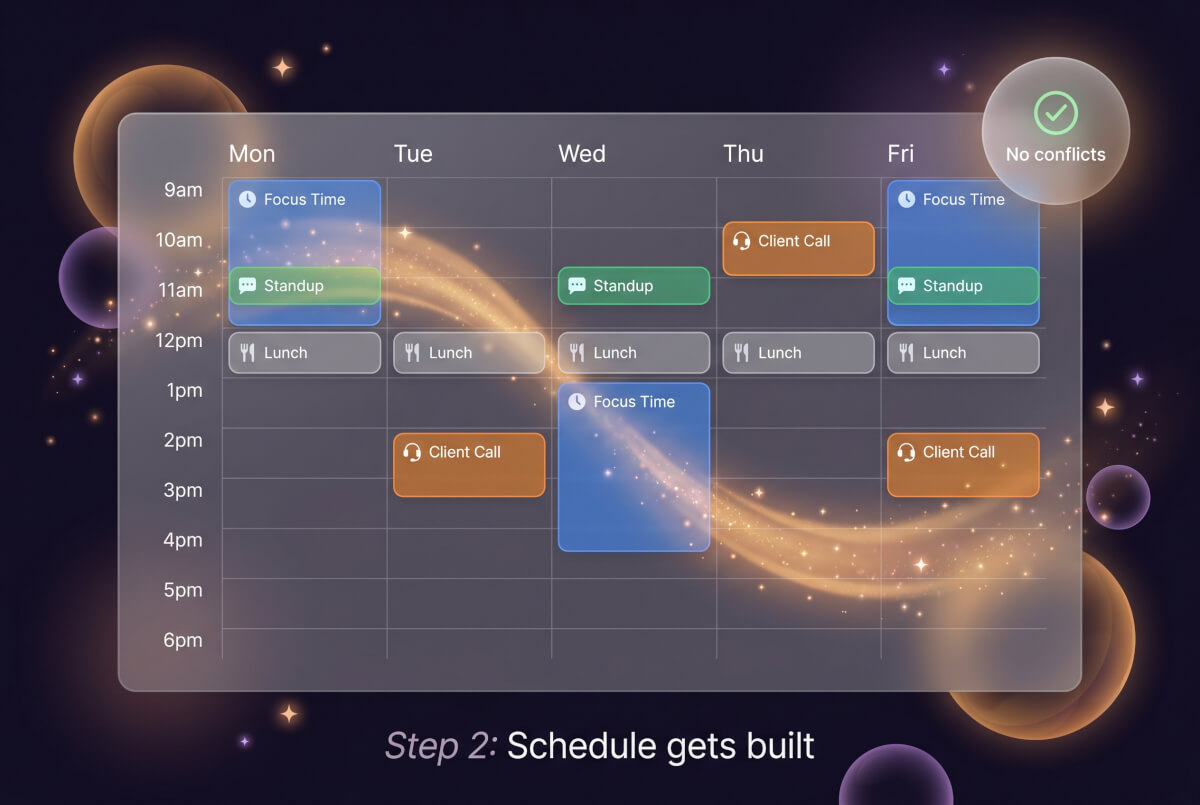
2. Schedule gets built
A complete time-blocked schedule with assigned slots, breaks, and no conflicts. Most schedules are ready in under 30 seconds.
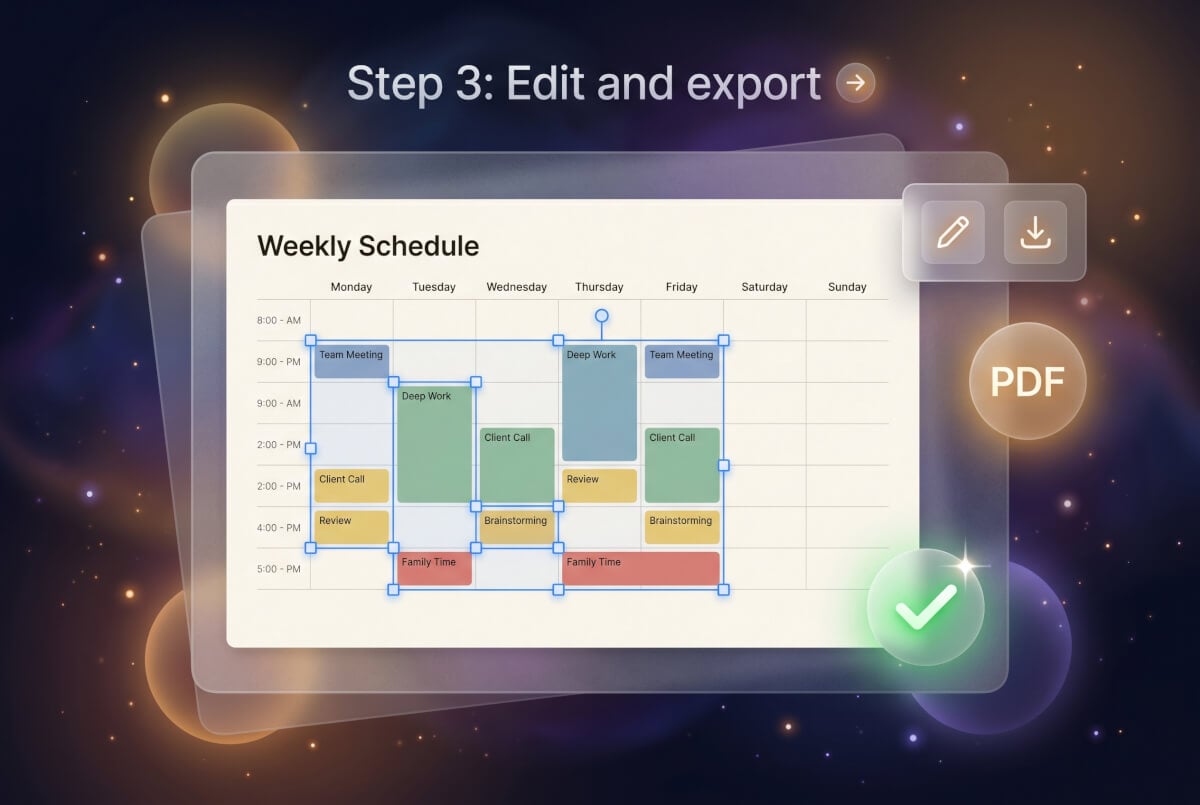
3. Edit and export
Swap time slots, adjust assignments, or request changes to specific blocks. Download when the schedule works.
Frequently Asked Questions
What kinds of schedules can I make?
Work schedules, class timetables, shift rosters, study plans, daily planners, event timelines, and more. Describe the constraints and the right format gets applied.
Is this AI schedule maker free?
Free credits to start, no card required. Paid plans add more credits and model options.
Can it handle shift scheduling for employees?
Describe your team size, shift hours, days-off rules, and coverage needs. The schedule distributes shifts fairly across the rotation.
How long does it take?
Under 30 seconds for most schedules. Complex rosters with many employees or constraints may take slightly longer.
Can I edit the schedule afterward?
The document editor lets you move time blocks, change assignments, adjust durations, or request targeted revisions on specific sections.
What export formats are available?
Export as a formatted document with the time grid, headings, and layout preserved — ready for printing or sharing with your team.
Does it work for school schedules?
Enter your course list with times, and the schedule gets organized into a conflict-free weekly grid with study blocks and breaks.
Does it work in other languages?
Describe your schedule in any supported language and it gets generated in that language with proper formatting.