AI Report Generator
Describe what you need. Get a structured report — data summaries, key findings, recommendations, all formatted and ready to share.
Reports for any context
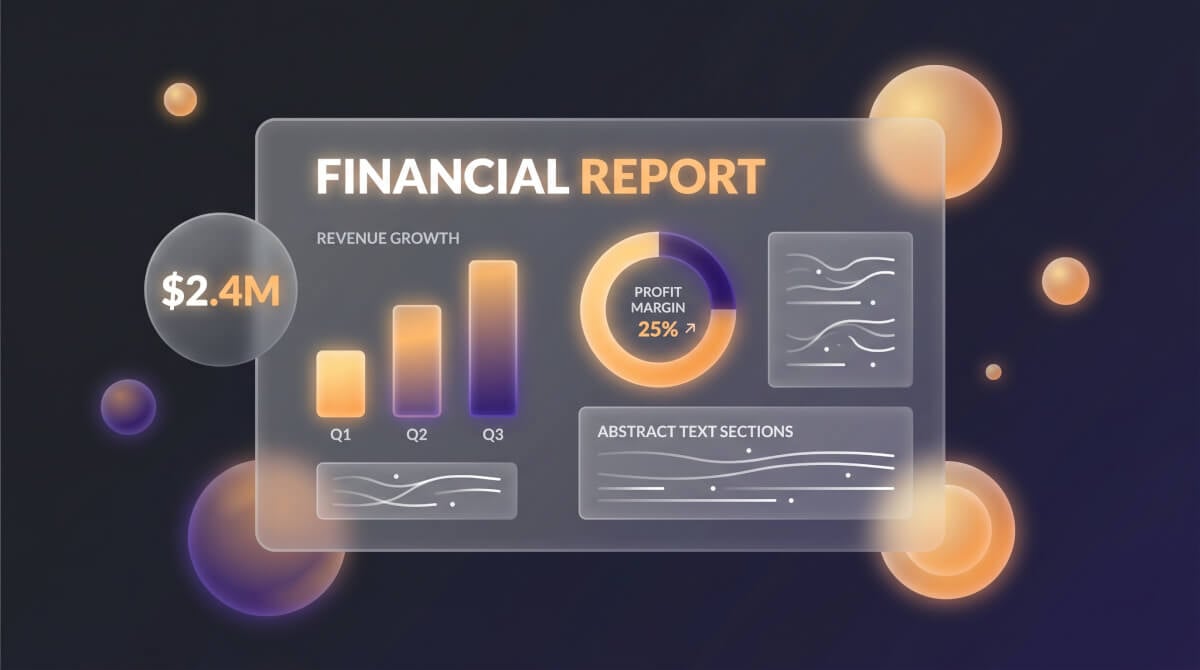
Business & Financial Reports
Quarterly reviews, revenue breakdowns, budget variances — enter the numbers and context, and the report gets structured with proper sections, charts descriptions, and executive summary.

Project & Progress Reports
Status updates that stakeholders can actually read. Milestones, blockers, timelines, and next steps laid out in a format that works for weekly standups or board presentations.
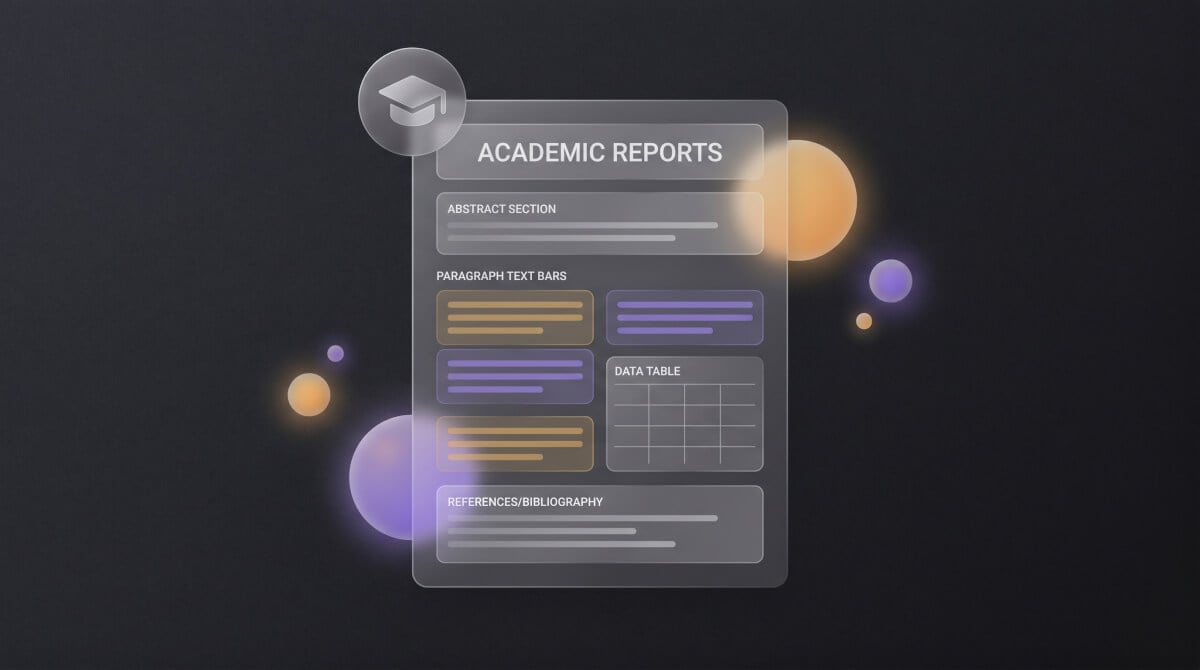
Academic Reports
Book reports, lab reports, research summaries — describe the subject and the assignment requirements. The output follows academic formatting with proper citations and structure.
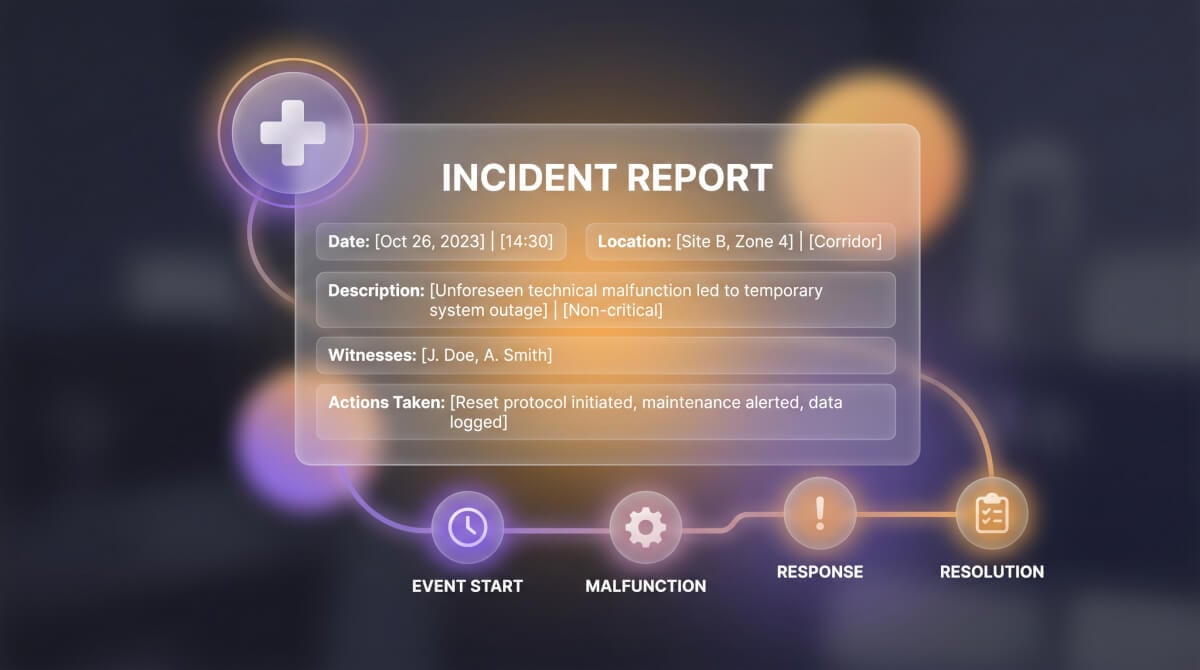
Incident & Medical Reports
Structured documentation for workplace incidents, patient encounters, or compliance filings. Facts, timeline, observations, and recommended actions — organized by section.
Generate a report in 3 steps
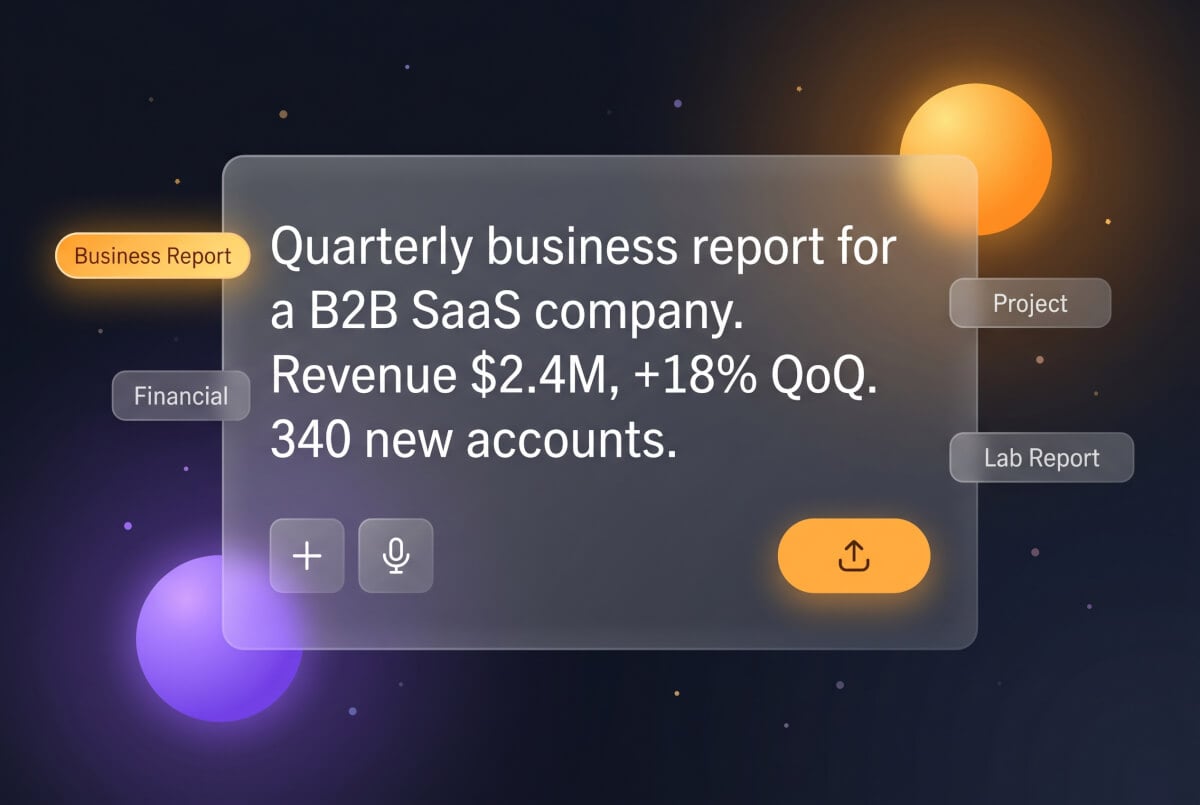
1. Describe your report
Type the report type, key data points, and any specific sections you need. Or pick a scenario above to start from a template.
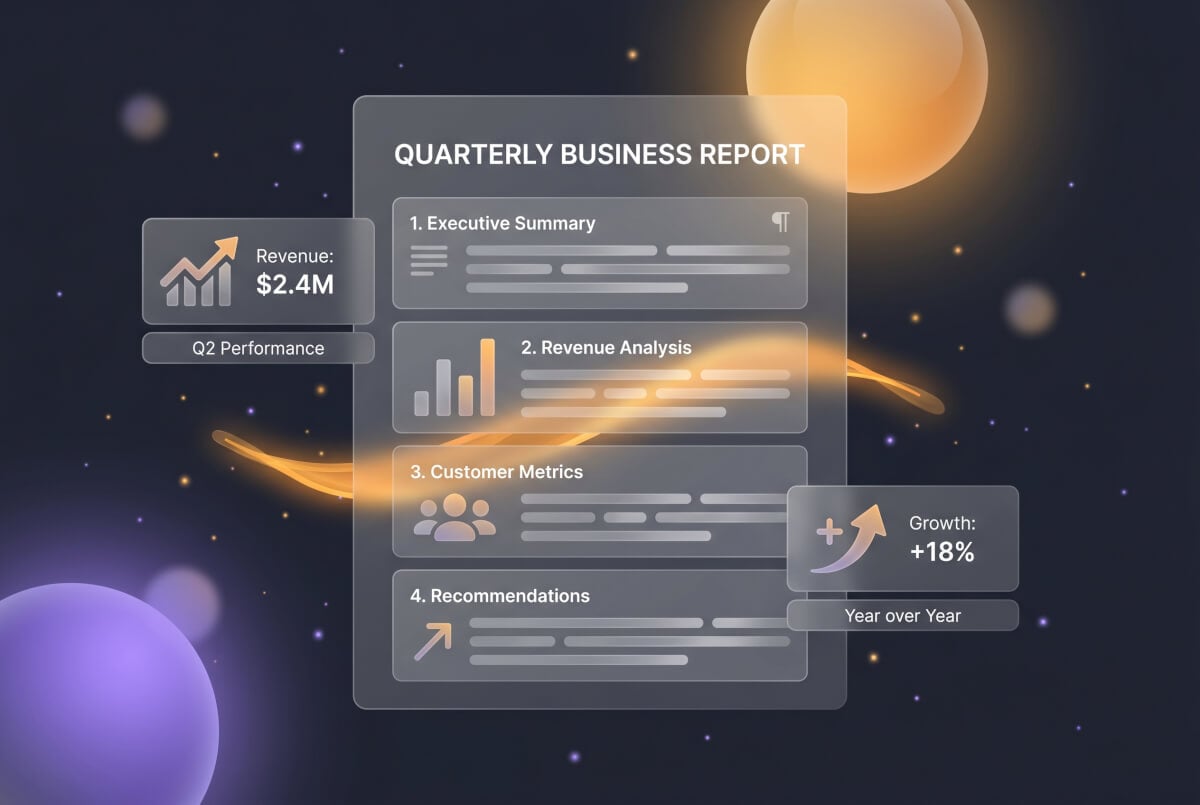
2. Report gets drafted
A complete report with numbered sections, data summaries, analysis, and conclusions. Most reports are ready in under 30 seconds.
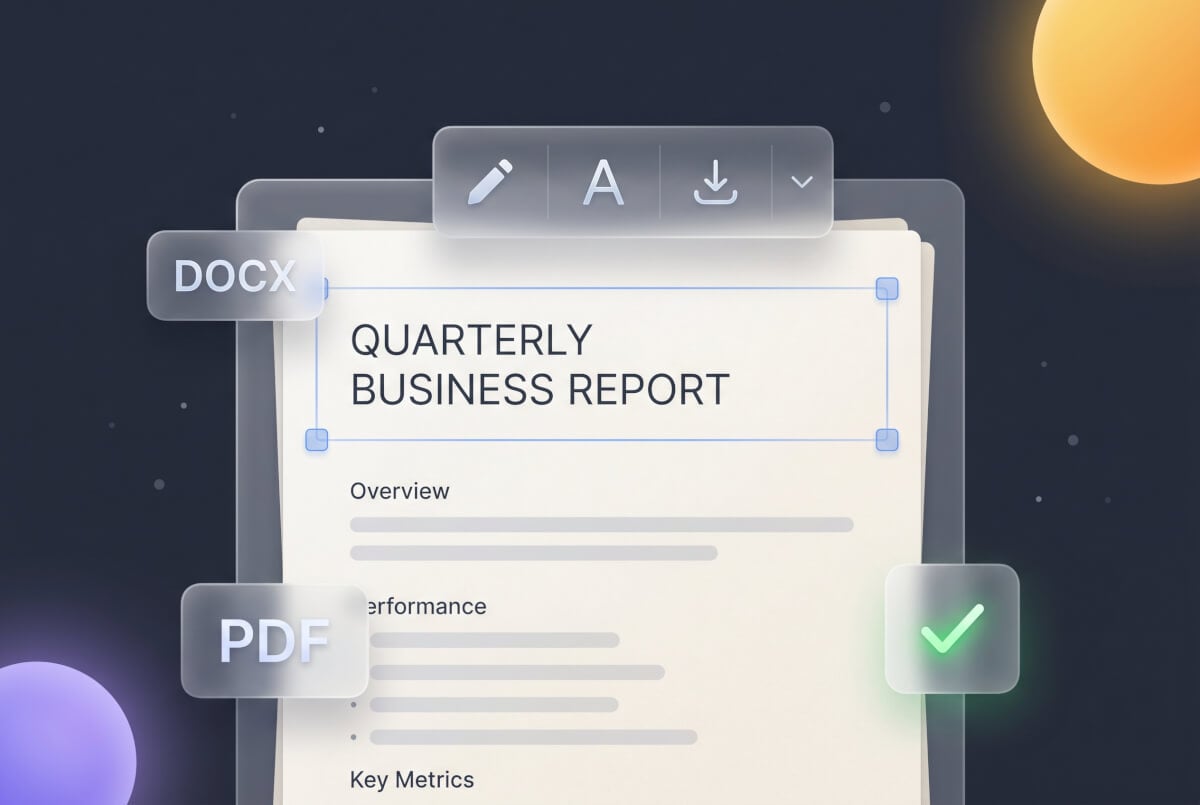
3. Edit and export
Adjust wording, update numbers, or request revisions on specific sections. Download when it looks right.
Frequently Asked Questions
What types of reports can I generate?
Business reports, financial summaries, project status updates, book reports, lab reports, incident reports, progress reports, and more. Describe what you need and the right structure is applied.
Is this AI report generator free?
Free credits to start, no card required. Paid plans add more credits and model options.
Can I include specific data and numbers?
Put your figures directly in the description — revenue, percentages, dates, measurements. They get placed in the correct sections of the report.
How long does generation take?
Under 30 seconds for most reports. Detailed reports with extensive data may take slightly longer.
Can I edit the report afterward?
The document editor lets you rewrite sections, update data, adjust formatting, or request targeted revisions.
What export formats are available?
Export as a formatted document with preserved headings, numbered sections, and layout — ready for sharing or printing.
Does it handle academic reports?
Book reports, lab reports, research summaries — describe the assignment and the output follows academic structure with proper formatting.
Does it work in other languages?
Describe your report in any supported language and it gets generated in that language with proper formatting.