
AI Note Taker
An AI bot joins your meeting, records everything, and hands you a structured summary with action items when it's over. Works on Zoom, Google Meet, Teams, Webex, and GoToMeeting.
What the AI note taker actually does
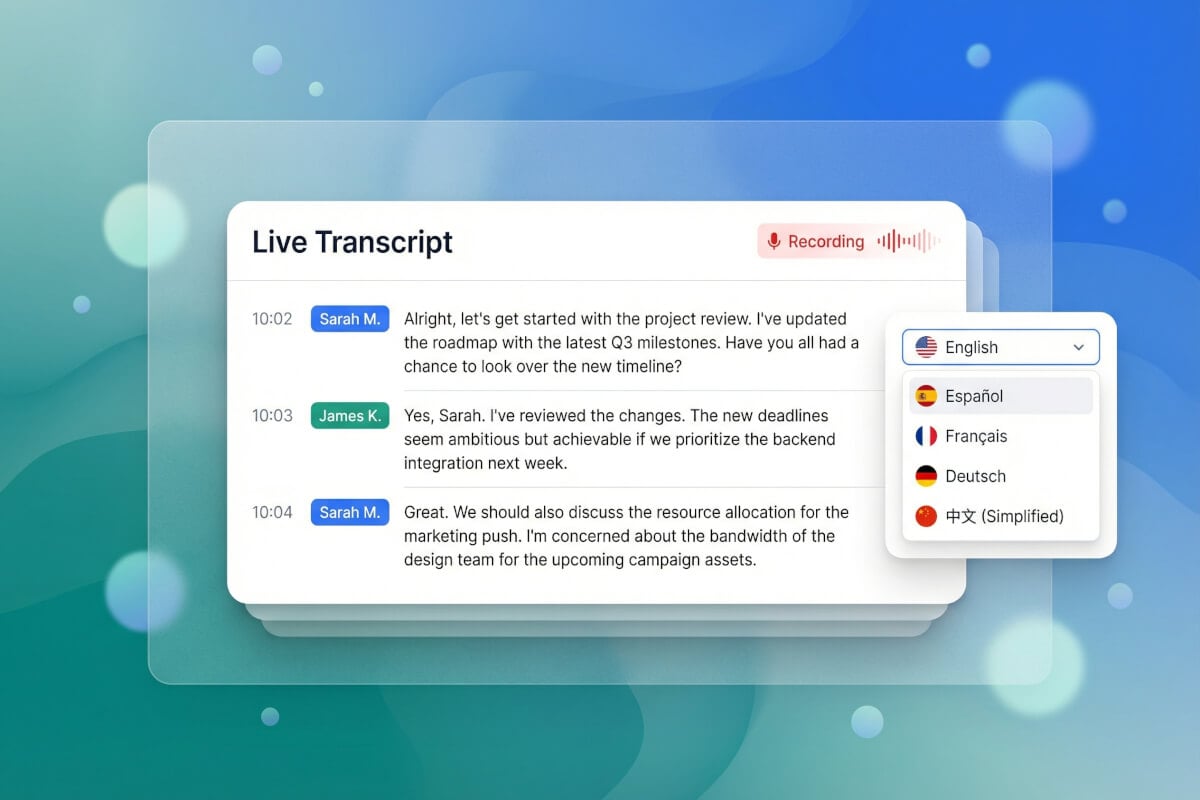
Real-time transcription with speaker labels
The bot joins your call and transcribes the entire conversation as it happens, powered by Gemini 2.5 Flash. Every statement is tagged with the speaker's name so you can tell who said what. Supports 19 languages, so multilingual teams don't need to switch tools. You can also upload audio files after the fact if you recorded the meeting yourself.
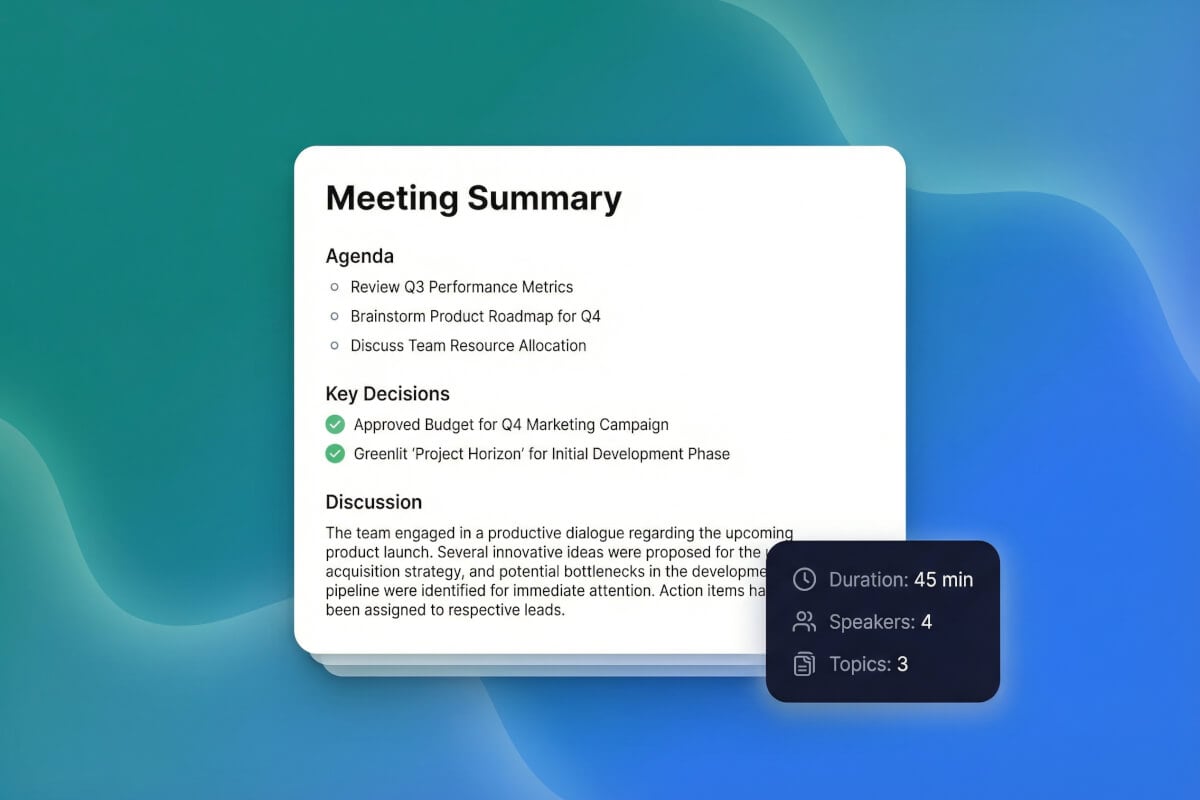
Structured summaries, not walls of text
After the meeting ends, the AI generates a summary broken into sections: title, agenda topics, key decisions, and discussion highlights. It's not a raw transcript dump. You get a document you can actually skim in two minutes and share with people who missed the call. Export it as a PDF or email it directly to attendees.
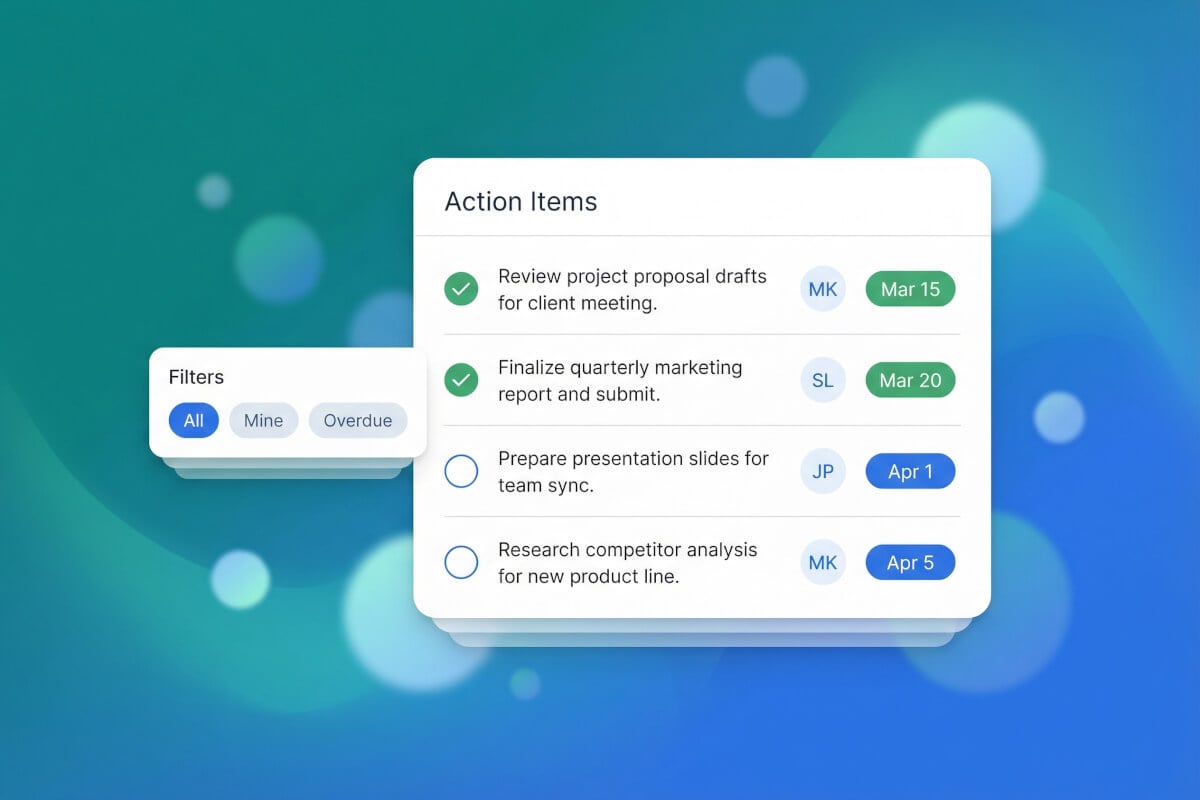
Action items pulled out automatically
The AI identifies tasks mentioned during the meeting and lists each one with the person responsible and the due date, when those details are spoken. No more digging through a 45-minute transcript to figure out who agreed to do what. The action items sit in their own section, ready to copy into your project tracker.
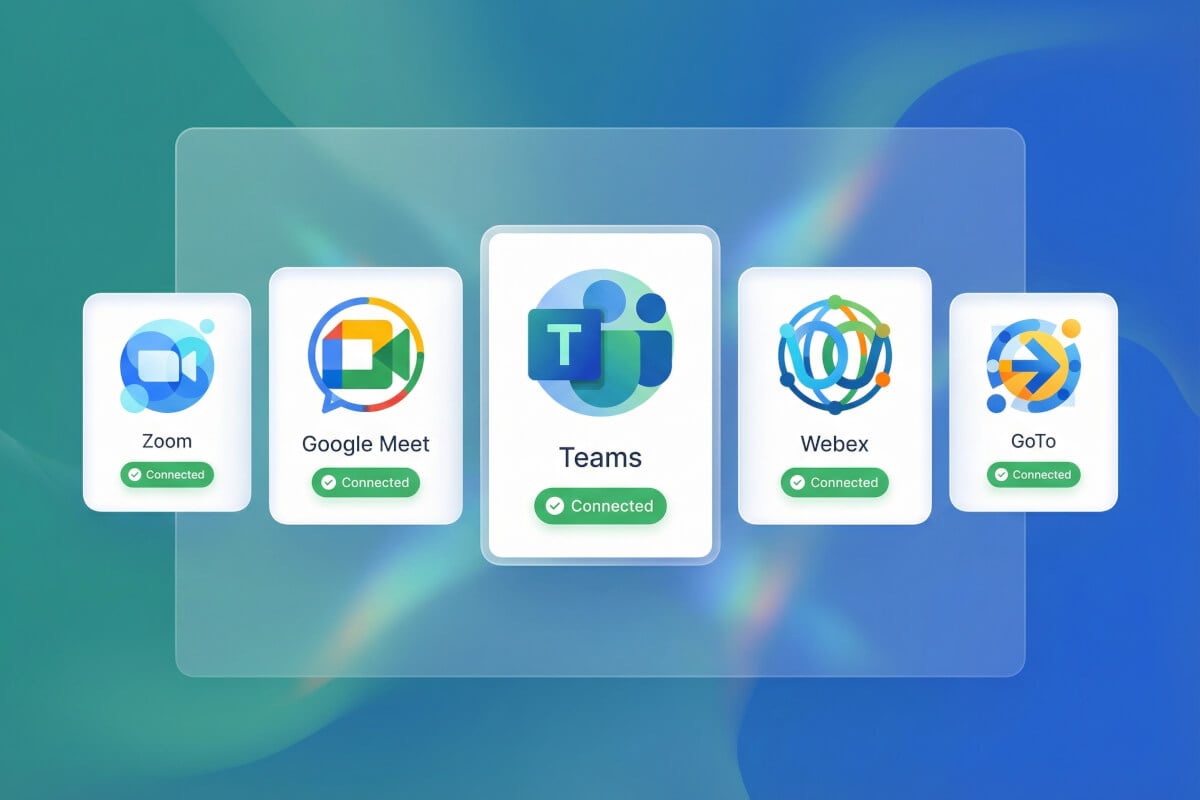
Works across five major platforms
Connect your Google Calendar or Outlook, and the AI bot auto-detects upcoming meetings every two minutes. It joins Zoom, Google Meet, Microsoft Teams, Webex, and GoToMeeting calls on its own — no browser extensions, no manual invites. One setup covers all five platforms, so you don't need a different tool for each app your team uses.
How it works
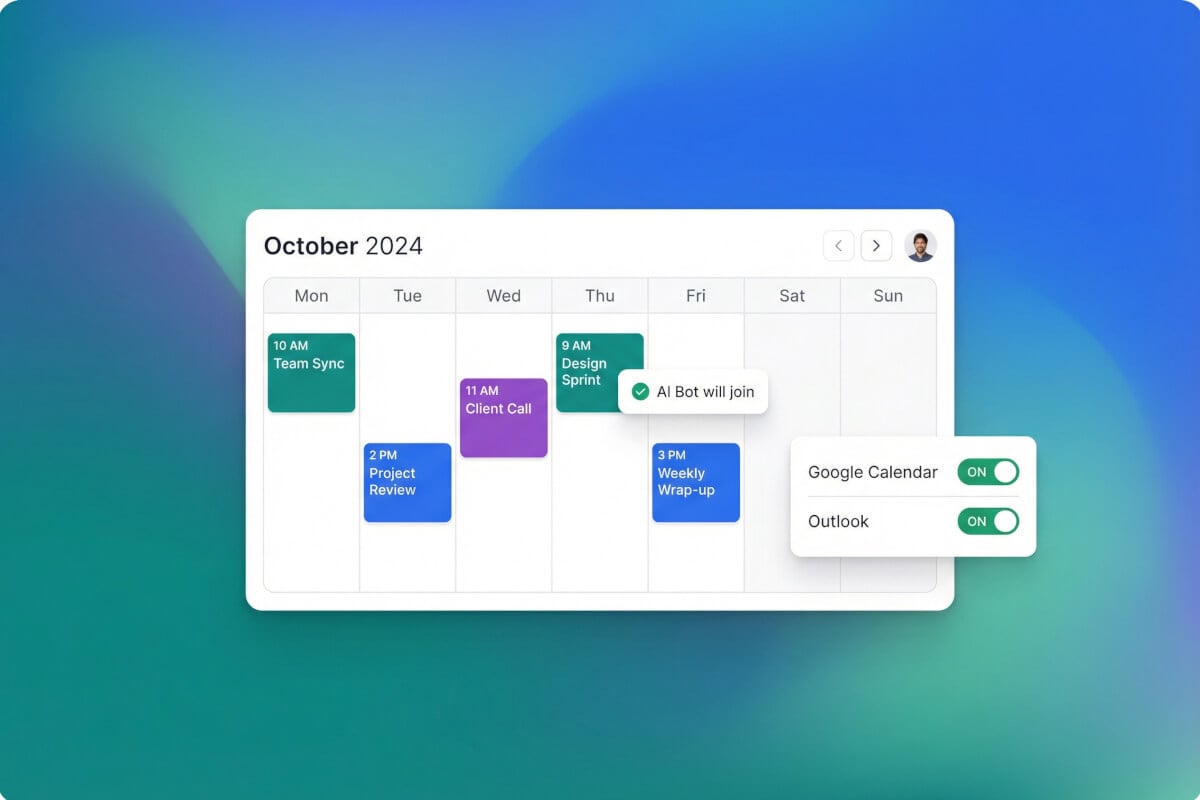
Connect your calendar
Link your Google Calendar or Outlook account. The AI scans for upcoming meetings every two minutes and queues a bot to join each one automatically.
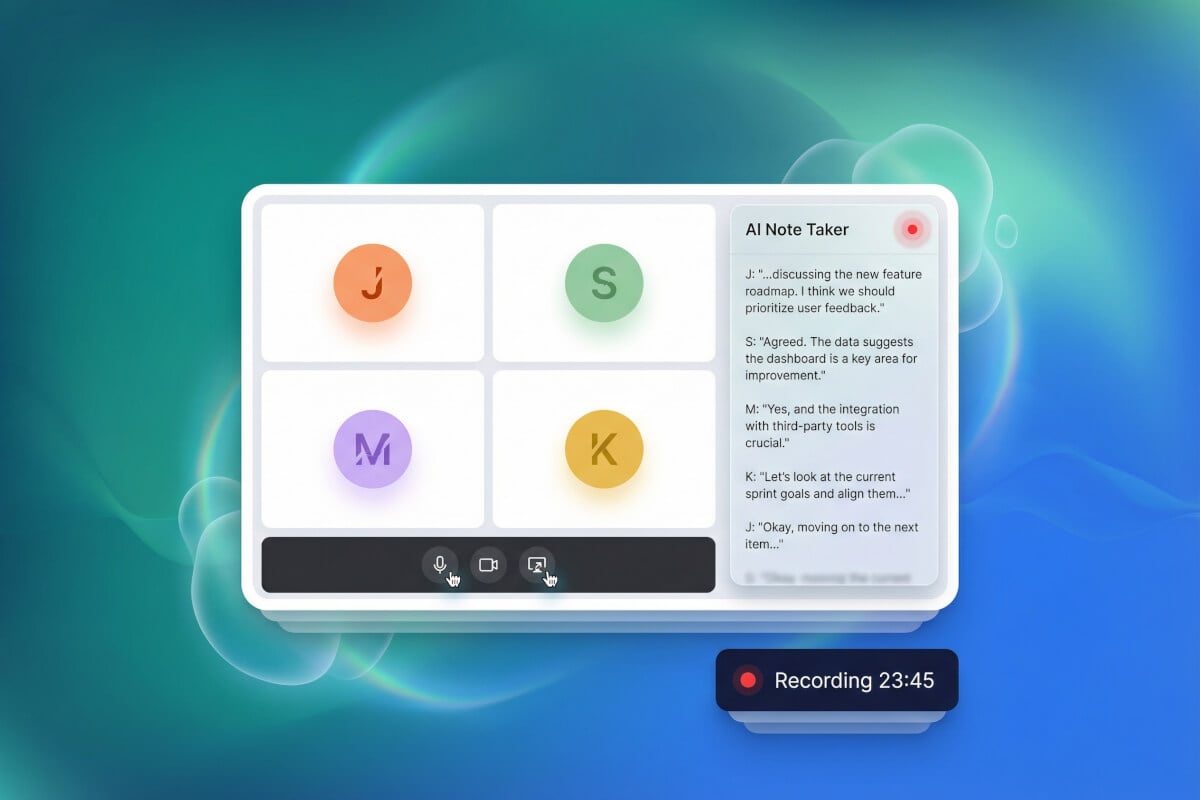
The bot joins and records
A Recall AI bot enters your Zoom, Google Meet, Teams, Webex, or GoToMeeting call at the scheduled time. It transcribes the conversation in real time with speaker identification.
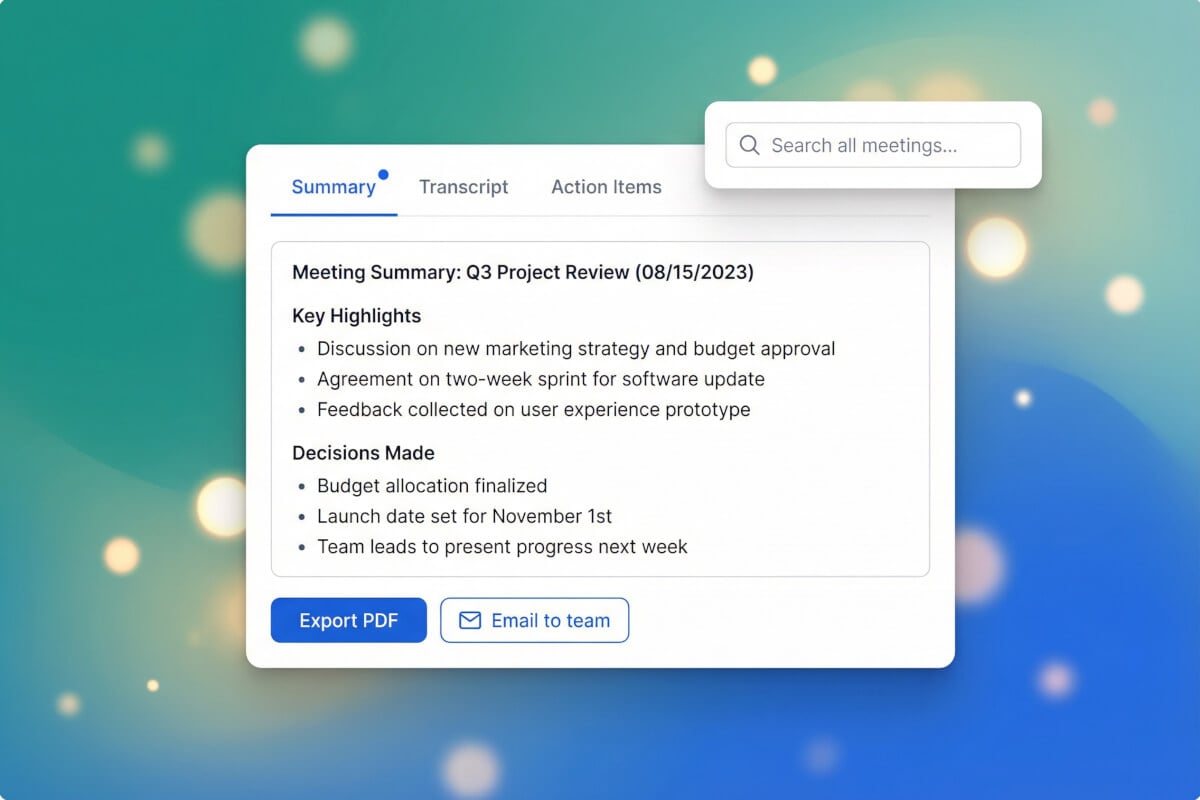
Review your notes
When the meeting ends, you get a structured summary with action items, decisions, and a full transcript. Export as PDF, email to attendees, or search across all your past notes by keyword or date.
Frequently Asked Questions
How does pricing work?
The AI Note Taker uses Genspark credits — you spend credits per minute while the bot is in your meeting. Every plan includes credits, and new accounts get free credits to get started.
Which meeting platforms does it support?
Zoom, Google Meet, Microsoft Teams, Webex, and GoToMeeting. The bot joins these platforms automatically once you connect your calendar. Other platforms are not currently supported.
How does the bot join my meeting?
After you link your Google Calendar or Outlook, the system polls for new meetings every two minutes. When a meeting is about to start, a Recall AI bot joins the call automatically. You don't need to install a browser extension or send a manual invite.
How accurate is the transcription?
The transcription is powered by Gemini 2.5 Flash and supports speaker diarization across 19 languages. Accuracy depends on audio quality, background noise, and accents. It works well in typical office and remote call conditions, but no transcription engine is perfect in every situation.
Can I share the meeting notes with my team?
Yes. You can export the notes as a PDF or email them directly to meeting attendees from inside the app. The notes include the full transcript, the structured summary, and the action items list.
Does it work for in-person meetings?
If you record the audio, you can upload the file for transcription after the meeting. The AI will generate the same structured summary and action items as it does for live calls. The auto-join bot only works with the five supported video conferencing platforms.