
AI Video Generator
Turn text into video with 14+ AI models. Kling, Gemini Veo, PixVerse, Sora, and more — all in one place. Free daily credits after sign up.
Why this AI video maker works differently
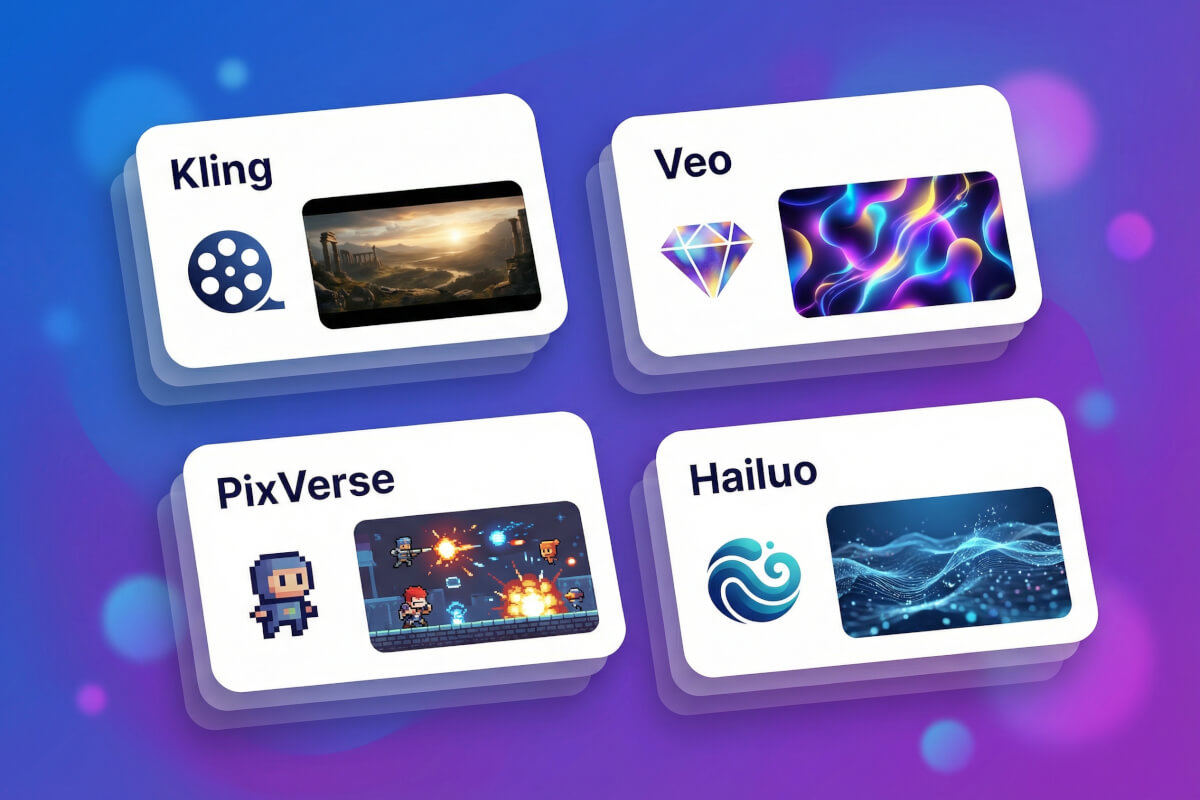
14+ video models, one interface
Other AI video generators tie you to a single model. Genspark aggregates Kling, Gemini Veo, PixVerse, Sora, Runway, Hailuo, VIDU, Seedance, Happy Horse, and more. Each model has different strengths — Kling handles complex motion, Veo produces cinematic footage, PixVerse is fast for stylized clips. Switch between them or let MOA smart selection pick the right one for your prompt.
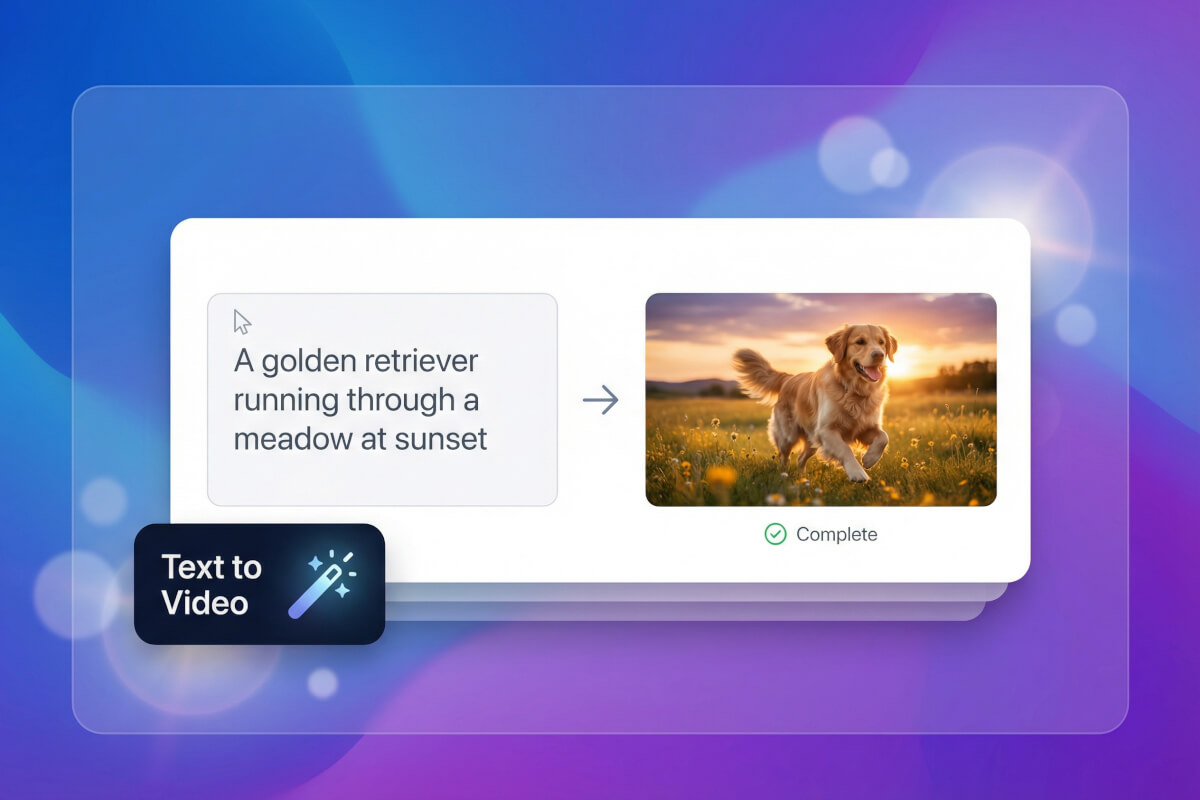
Text to video that follows your directions
Describe a scene and the AI video creator builds it. Camera movement, lighting, subject actions — you control the details through your prompt. Need a specific start and end frame? Use first-last-frame control to define exactly where the clip begins and where it lands. The result is a video that matches what you described, not a random interpretation.
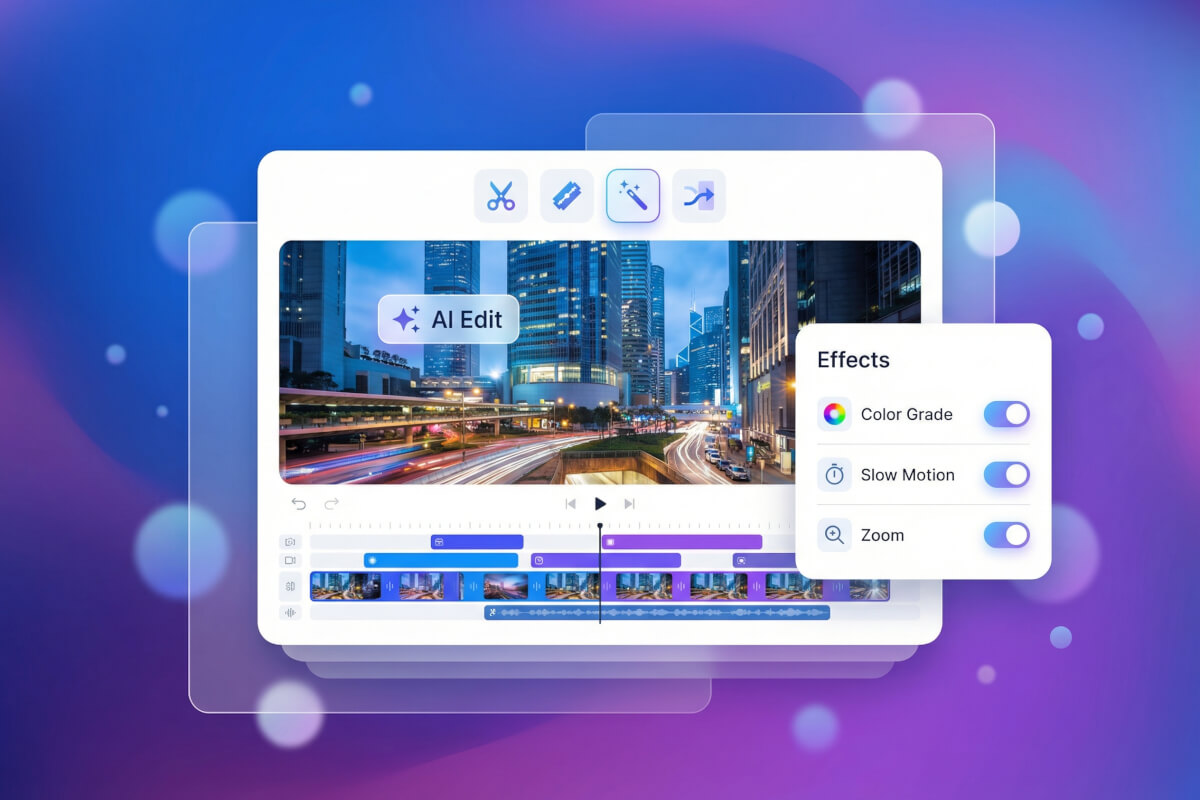
Edit, extend, and merge on a timeline
Generated a 5-second clip that needs to be longer? Extend it. Have three clips that belong together? Merge them on the built-in timeline. Upscale resolution, trim sections, or adjust pacing — all without leaving the page. No need to export and re-import through a separate editor.
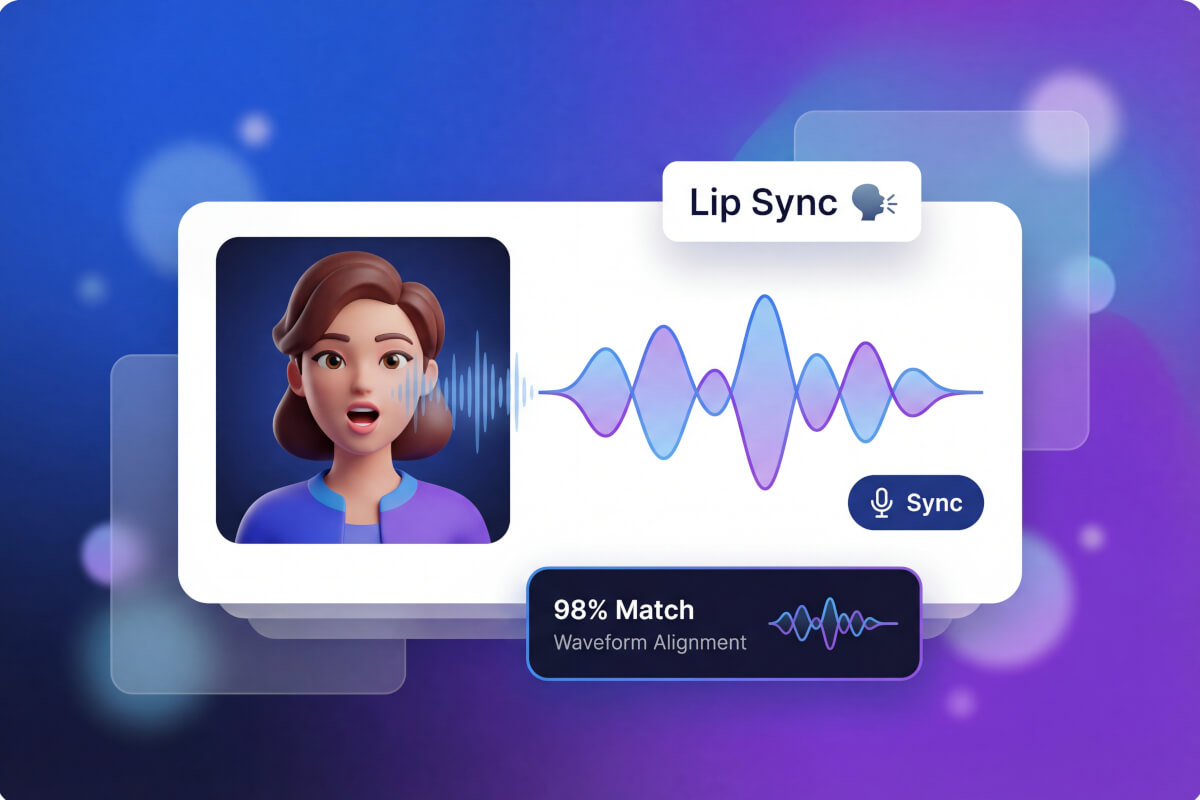
Lipsync and AI avatars
Upload audio or type a script, then sync it to a character's mouth movements. OmniHuman powers the digital human pipeline for realistic talking-head videos. Use it for product demos, course content, or social media — the lip movements track the audio naturally, not like a dubbed-over overlay.
From text to video in three steps
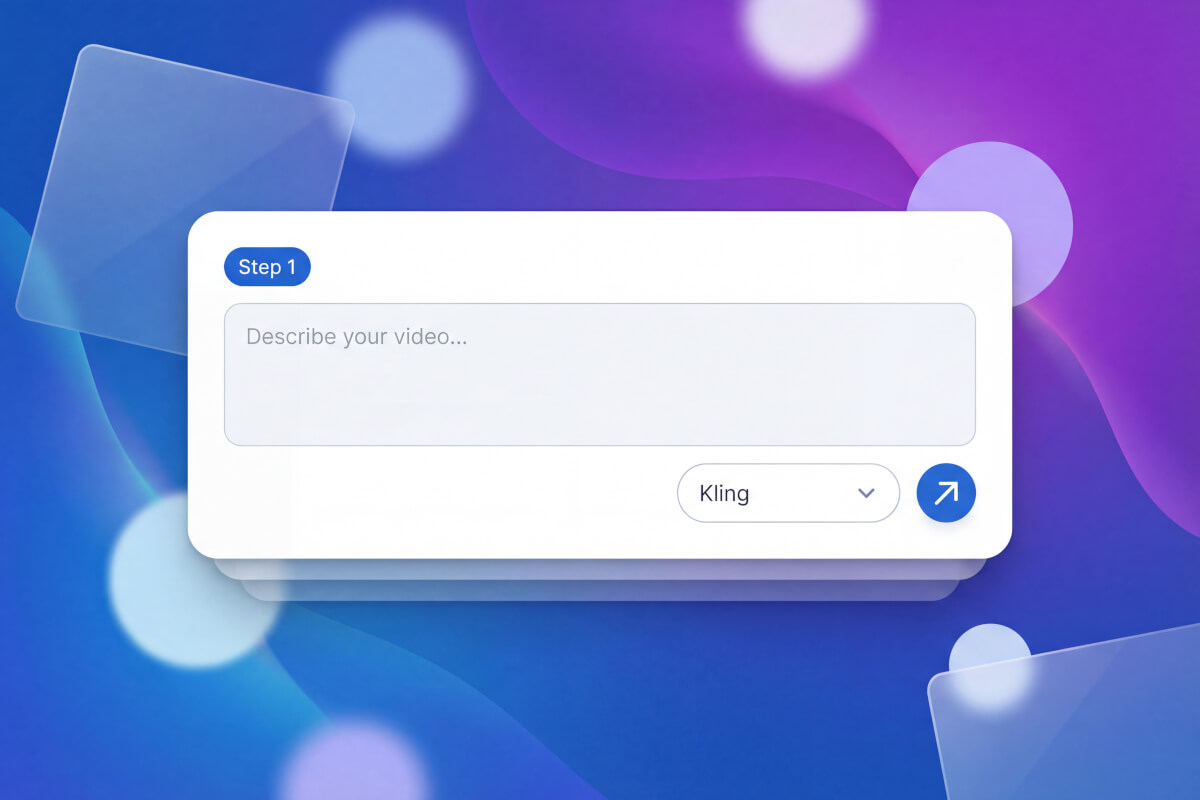
Describe your scene
Type a text prompt with as much or as little detail as you want. Mention camera angles, lighting, subject movement, or mood. You can also upload a reference image to guide the first frame.
Pick a model or let MOA choose
Select from 14+ video models — Kling for motion-heavy scenes, Veo for cinematic shots, PixVerse for speed. Not sure which fits? MOA analyzes your prompt and routes it to the best model automatically.
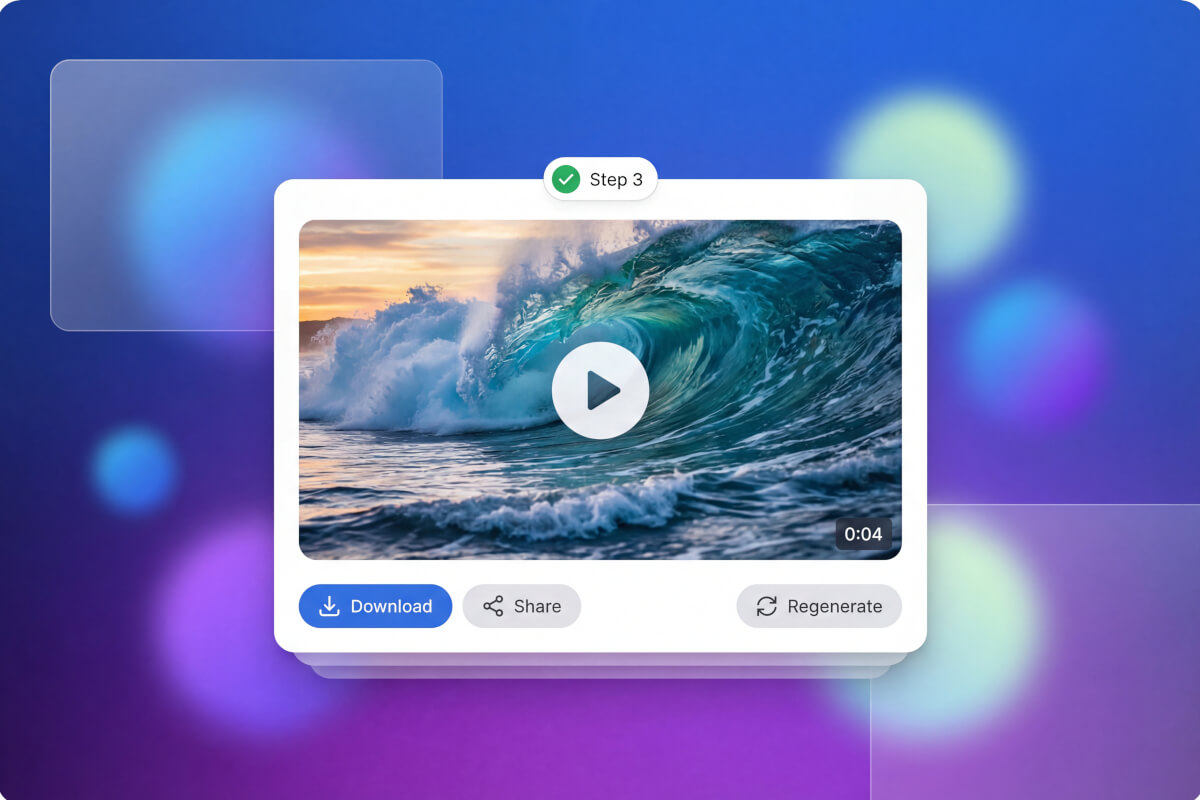
Refine and export
Watch the result, then extend the clip, adjust pacing, upscale resolution, or merge multiple clips on the timeline. Download when you're satisfied, or feed the clip back as a reference for the next generation.
Frequently Asked Questions
Is this AI video generator free to use?
Free members get 100 credits daily at a 50% discount after signing up. That covers several generations depending on the model you pick. It's not a free ai video generator with no limits, but the daily refill means you can keep experimenting without a subscription.
Which AI video model should I pick?
It depends on your goal. Kling handles complex motion and action sequences well. Gemini Veo produces cinematic, high-fidelity footage. PixVerse is the fastest for quick iterations. Hailuo (MiniMax) excels at smooth, physics-accurate motion. If you're not sure, turn on MOA — it reads your prompt and picks the best model for you.
Can I control the camera movement?
Yes. Include camera directions in your prompt — pan left, zoom in, dolly forward, aerial shot. Models like Kling and Veo follow camera instructions closely. You can also use motion control settings for finer adjustments beyond what text prompts allow.
Do I lose credits if generation fails?
Check your account for details on how credits are handled for failed generations. Credit costs vary by model, so the amount deducted depends on which of the 14+ models you selected and the options you chose.
How long can the generated videos be?
Clip length depends on the model and settings you choose. If you need something longer, use video extension to continue a clip, or merge several clips together on the built-in timeline. The text to video ai pipeline supports both short scenes and multi-clip sequences that way.
Can I use these videos commercially?
Licensing varies by model. Check each model's terms before using a generated video in commercial projects. Genspark aggregates 14+ models — Kling, Gemini Veo, Sora, PixVerse, and others — so the rules differ depending on which one produced your clip.