
Image to Video AI
Image to video AI that actually works. Upload a photo, describe the motion you want, and watch AI bring your picture to life in seconds.
What You Can Do
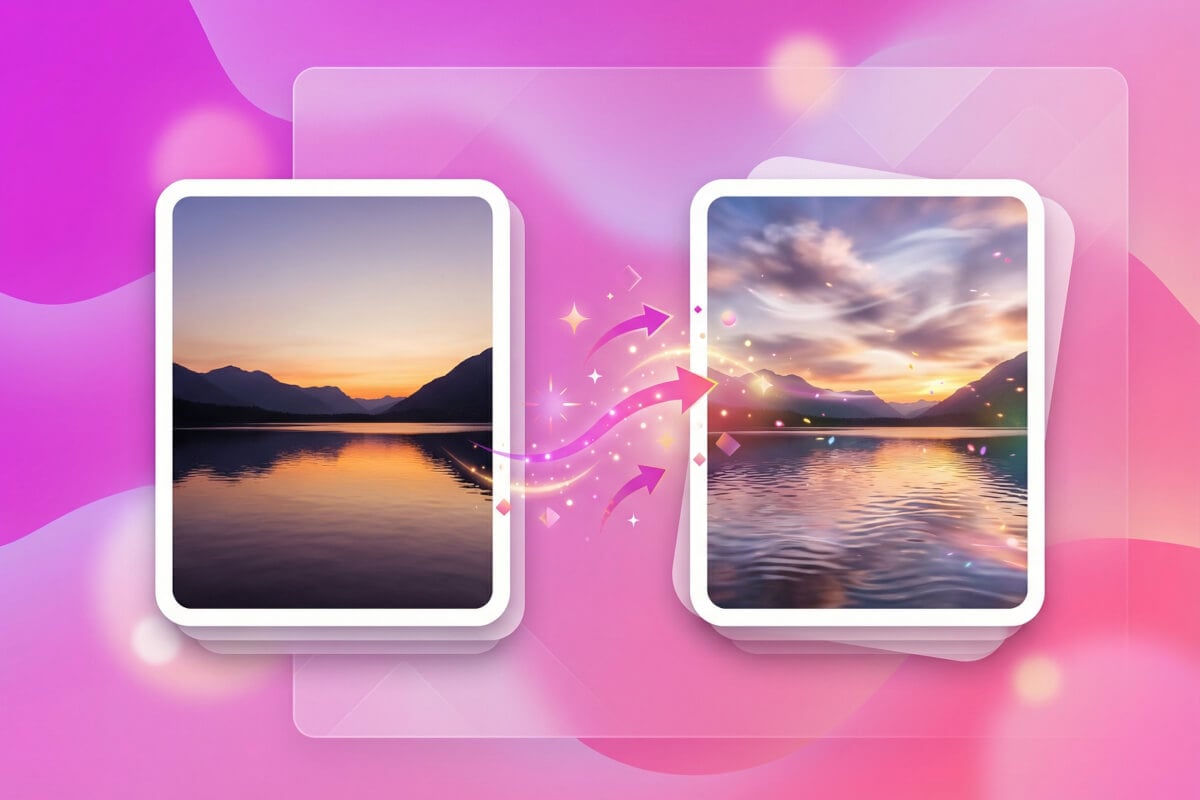
Animate Any Photo
Upload a portrait, product shot, or illustration and turn it into a short animated video. The AI analyzes your image and applies motion based on your text description — tell it what should move and how. Works with photos, digital art, and illustrations.
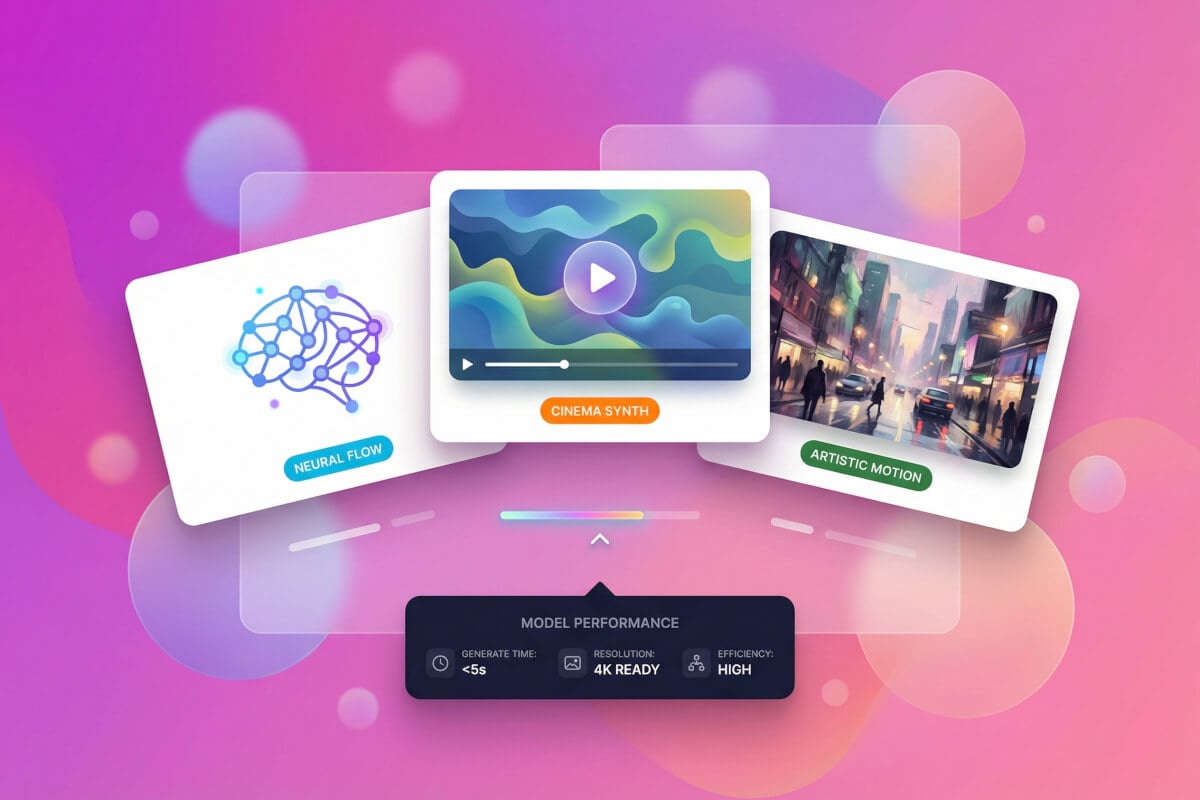
Pick from Multiple AI Models
Genspark gives you access to several image-to-video models including Kling, Veo, Pixverse, and Wan. Each model has different strengths — some handle realistic motion better, others work well with stylized art. The agent recommends the best fit for your image and prompt.
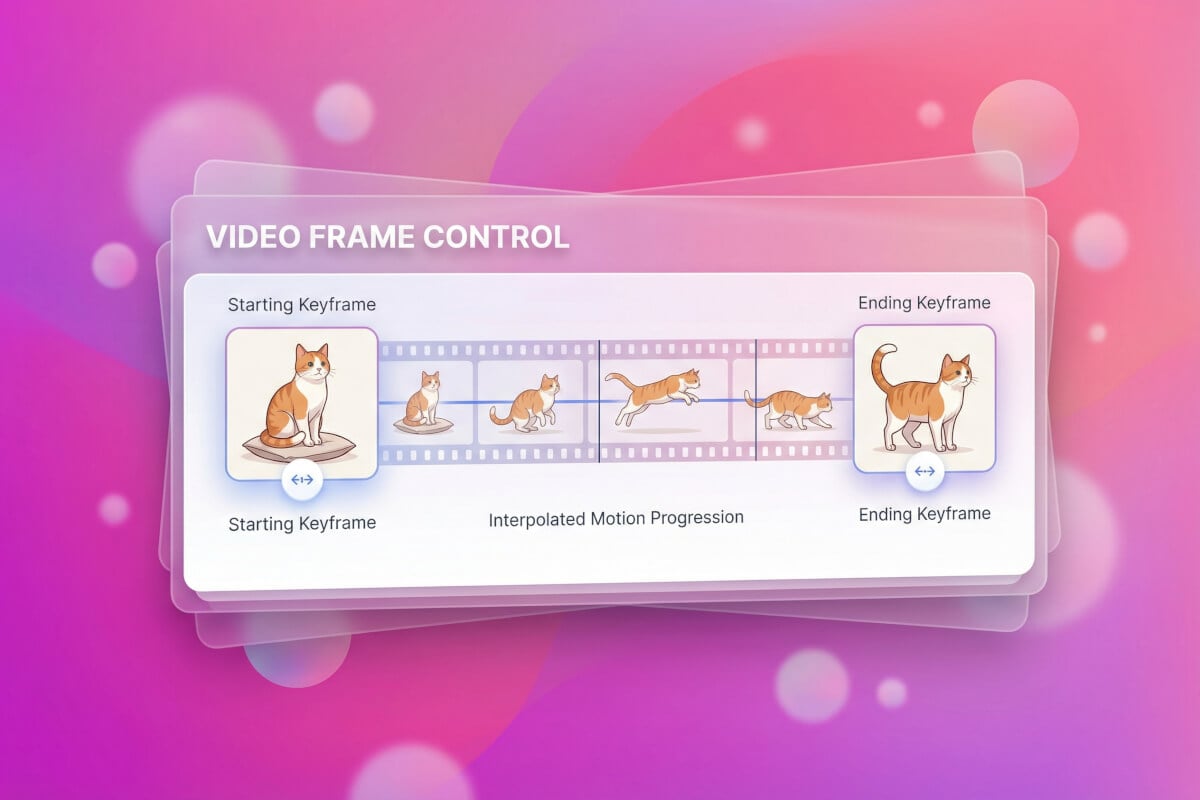
First and Last Frame Control
Set both a starting and ending image to control exactly how your video transitions. Supported on models like Veo and Kling, this feature lets you define the beginning and end states so the AI generates smooth motion between them — ideal for morphing effects and controlled camera movements.
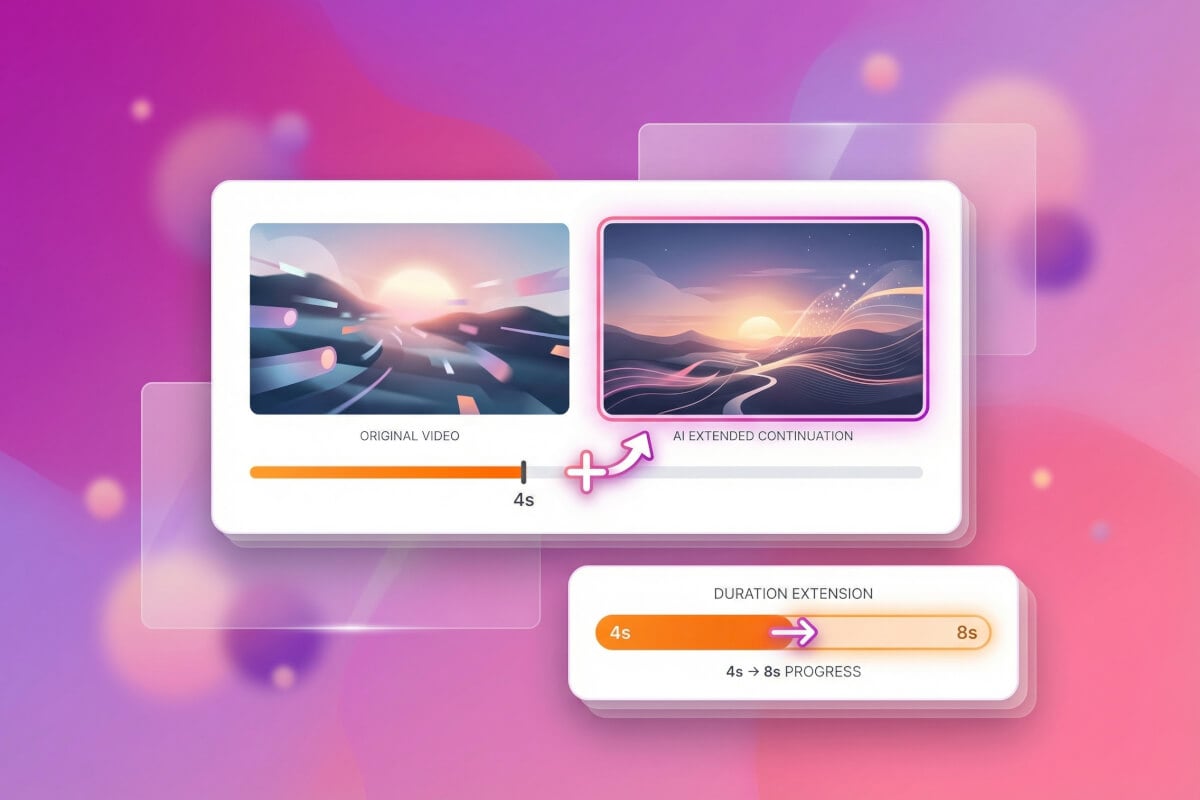
Extend Your Generated Clips
Not long enough? Once your initial clip is generated, you can extend it to create longer sequences. The AI continues the motion naturally from where the previous clip ended, so you can build up longer animations without starting over.
How It Works
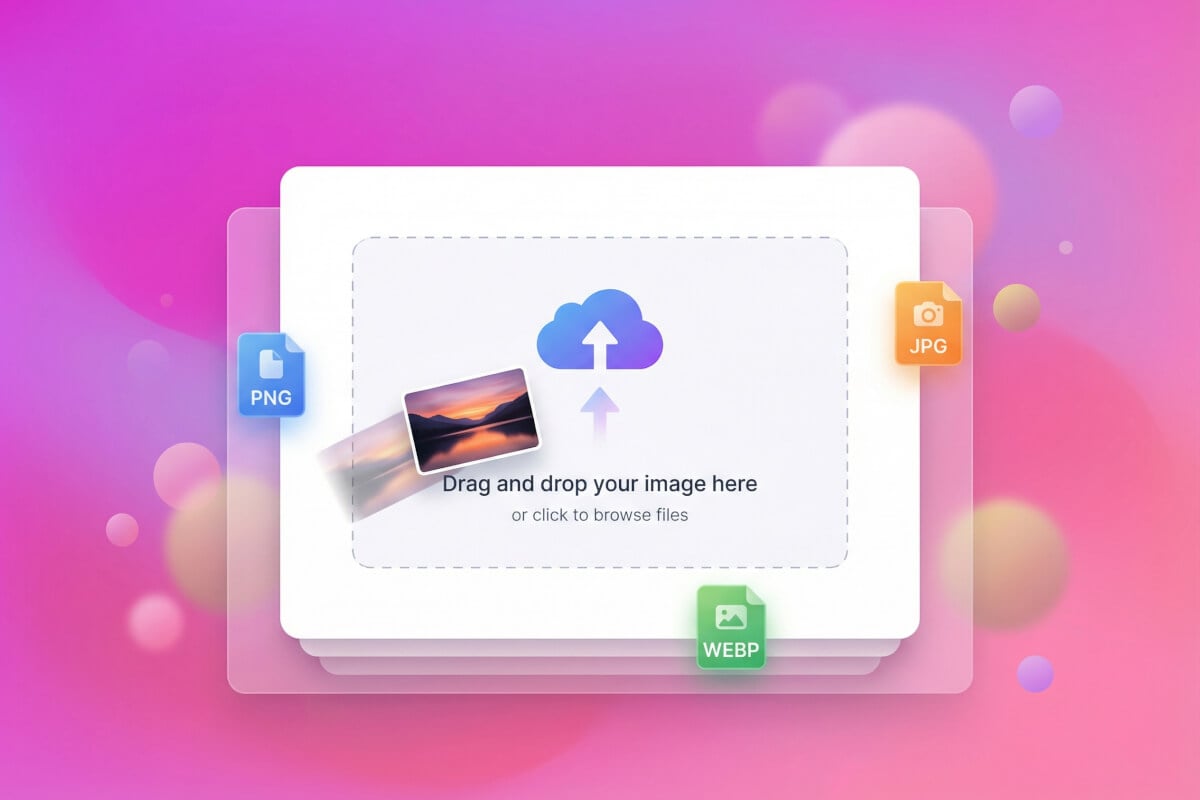
Upload Your Image
Drop in any photo, illustration, or digital artwork. The AI accepts common image formats and works best with clear, high-quality source images.
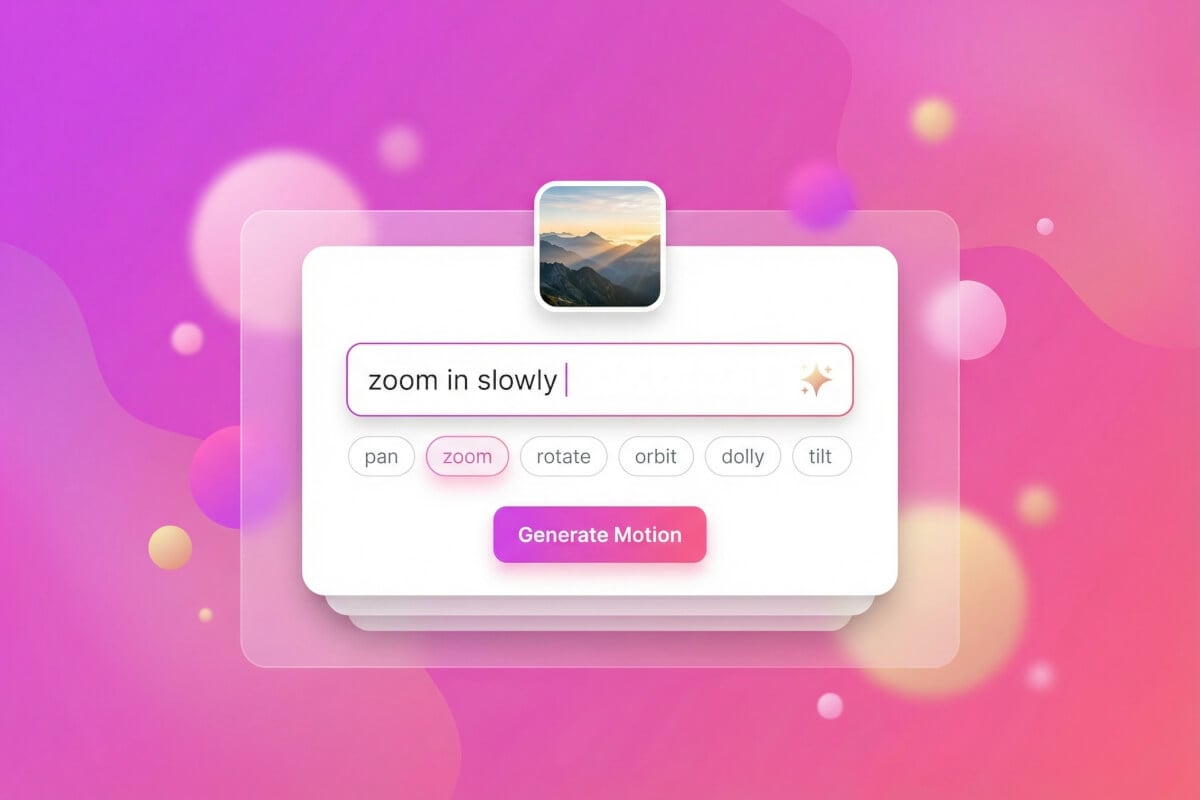
Describe the Motion
Tell the AI what kind of animation you want — camera pans, zooms, object movement, weather effects. The more specific your prompt, the closer the result matches your vision.
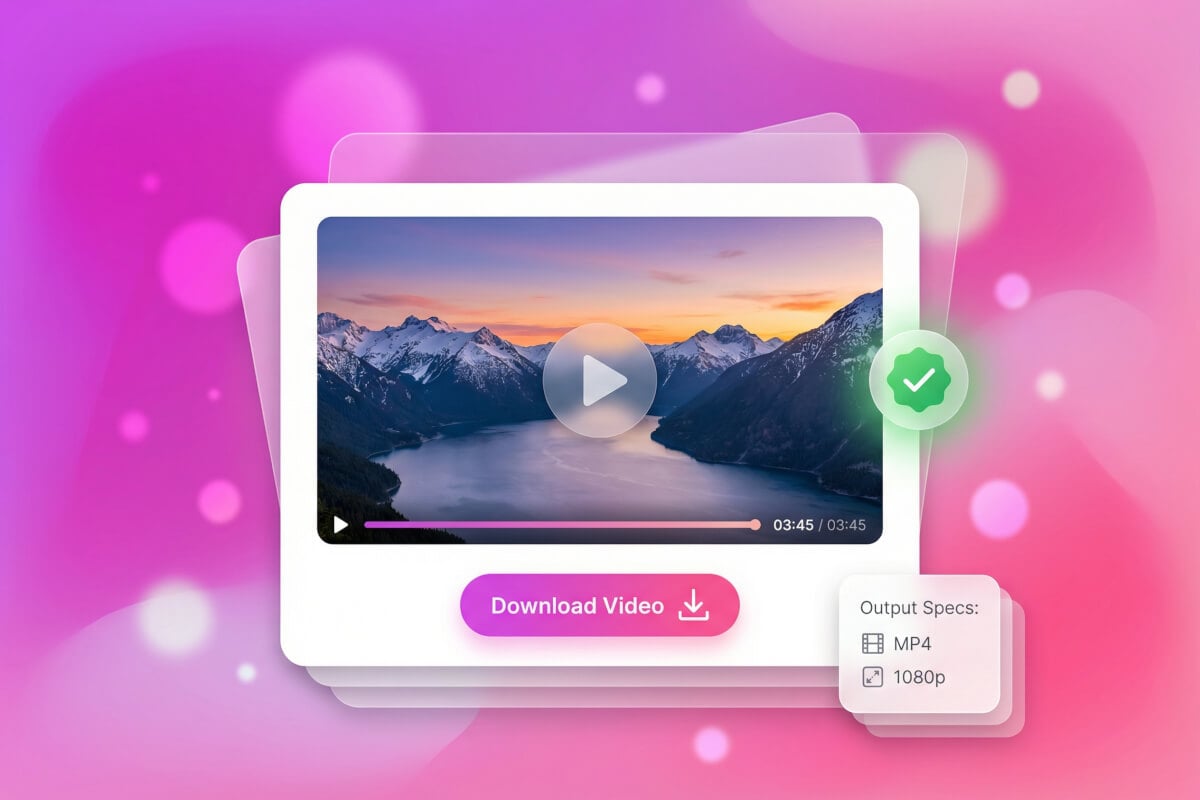
Generate and Download
Hit generate and the AI creates your video in under a minute. Preview it right in the browser, then download the final clip to use wherever you need it.
Frequently Asked Questions
What is image to video AI?
Image to video AI takes a still image you upload and generates an animated video from it. You provide a text prompt describing the motion you want — like a camera zoom, flowing water, or a person turning their head — and the AI produces a short video clip based on your image and instructions.
Which AI models are available for image-to-video?
Genspark offers multiple image-to-video models including Kling, Veo, Pixverse, and Wan. Each handles different styles and motion types differently. The video agent automatically suggests a model based on your image and prompt, but you can also choose a specific model yourself.
Is there a free option?
Yes. Genspark provides 100 free credits per day on the FREE plan. Image-to-video generation uses credits based on the model and quality settings you choose. You can start generating right away without a paid subscription.
What image formats and sizes work best?
The AI accepts common image formats. For best results, use clear, high-resolution source images. Various aspect ratios work, though some models may perform better with standard dimensions.
What is first and last frame control?
First and last frame control lets you set two images — one for the start of the video and one for the end. The AI then generates the frames in between, creating a smooth transition. This is available on select models like Veo and Kling and is useful for morphing, scene transitions, and precise camera moves.
How long are the generated videos?
Clip length depends on the model and settings you choose. If you need more length, you can extend a generated clip — the AI continues the motion from where the previous one ended, letting you build longer sequences without starting over.