
AI Voice Cloning
Upload a voice sample, clone it with AI, and generate speech that sounds like the original speaker. Multiple voice engines. Free credits when you sign up.
What you can do with ai voice cloning
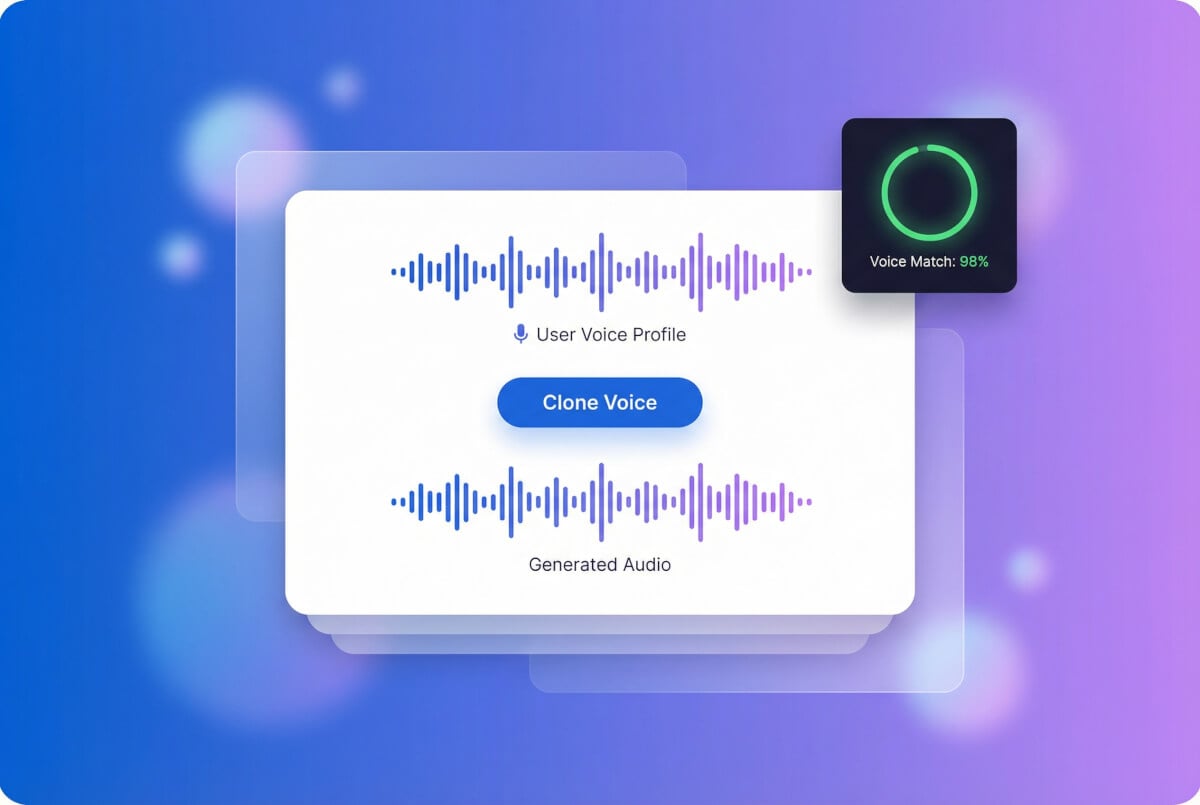
Clone any voice from a short sample
Record a few seconds of speech or upload an existing audio file. The AI analyzes the vocal characteristics — tone, cadence, pitch — and builds a reusable voice profile. MiniMax and ElevenLabs both support instant voice cloning from a single sample. Noise reduction runs automatically to clean up the input before cloning.
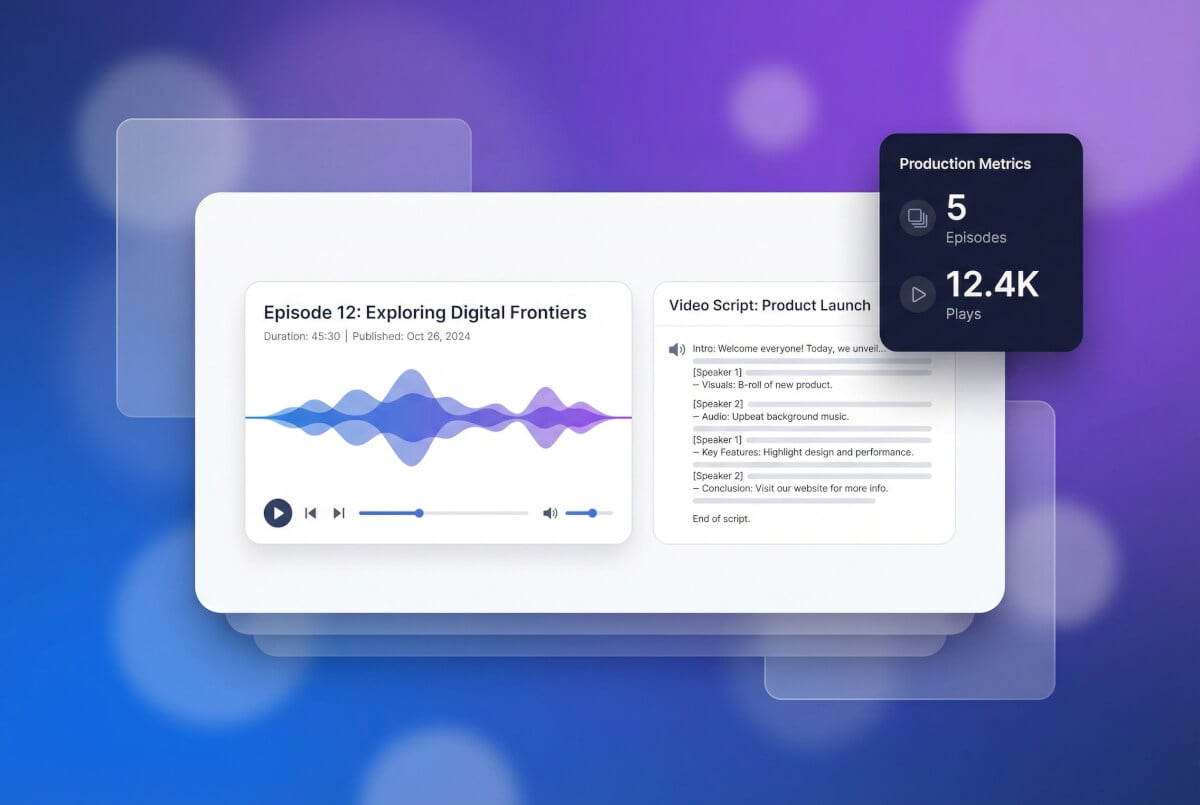
Generate voiceovers and narration
Once you have a cloned voice, type any text and get audio in that voice. Use it for video narration, podcast intros, explainer content, or product demos. Adjust speed, pitch, and emotion to match the context. Output is MP3 with instant download.
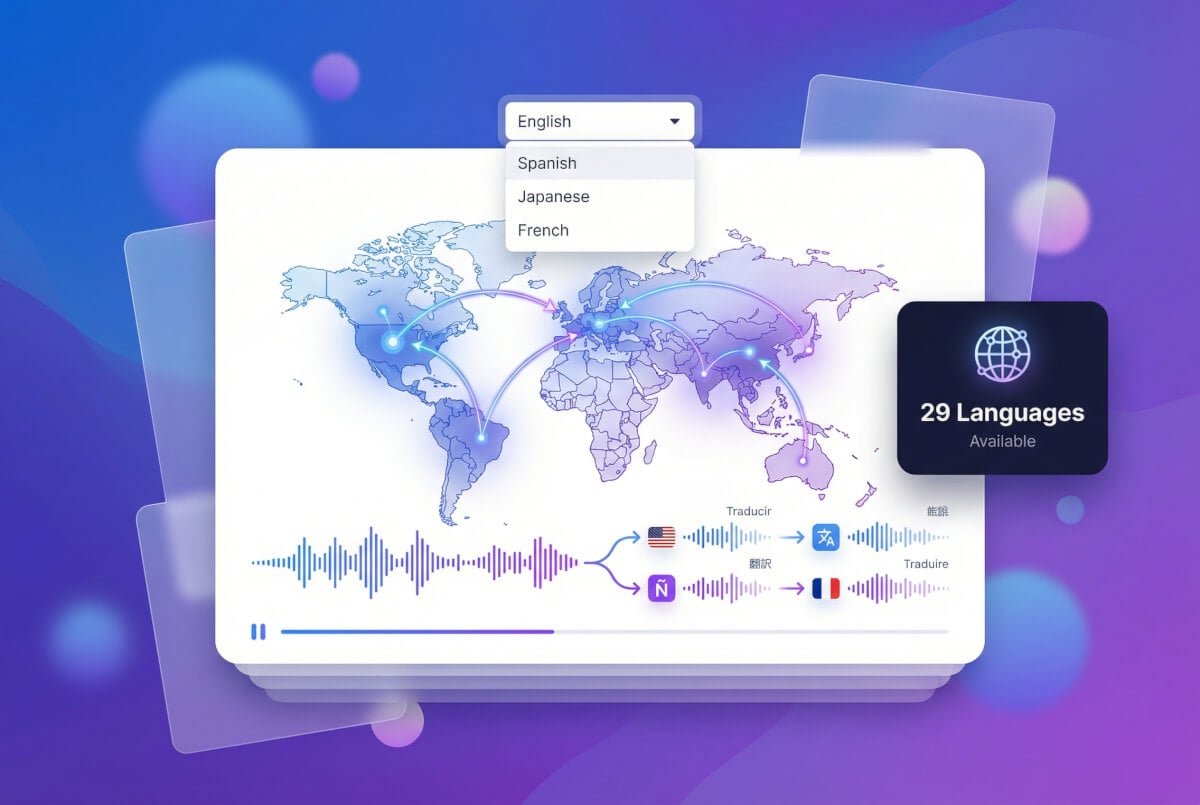
Speak any language in your own voice
The TTS engines behind voice cloning — MiniMax, ElevenLabs, Gemini TTS — each support multiple languages natively. Generate speech in different languages using your cloned voice profile. Useful for creators who produce content for audiences in multiple regions.
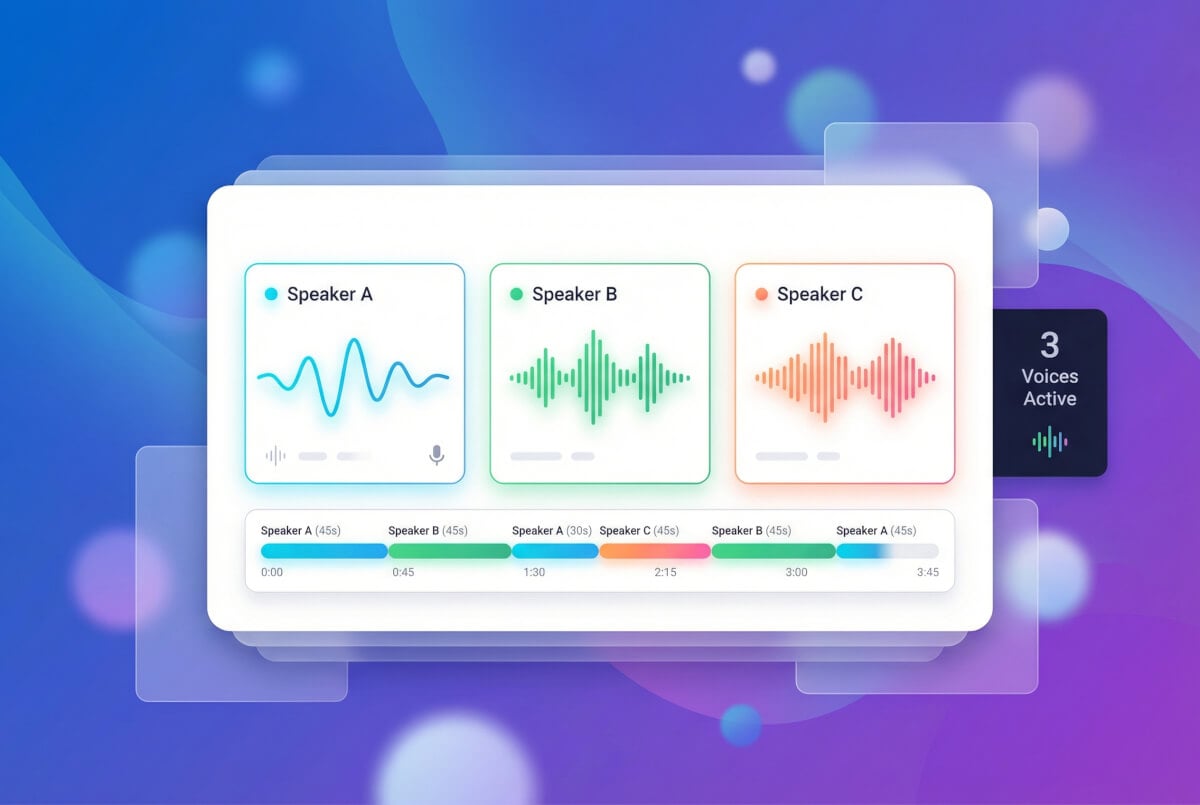
Build conversations with multiple voices
Clone several voices and assign them to different speakers in a script. The multi-speaker system gives each voice its own ID, so you can build dialogues, interview-style content, or audiobook narration with distinct characters. Each speaker's voice parameters — speed, pitch, stability — are independent.
How it works — three steps
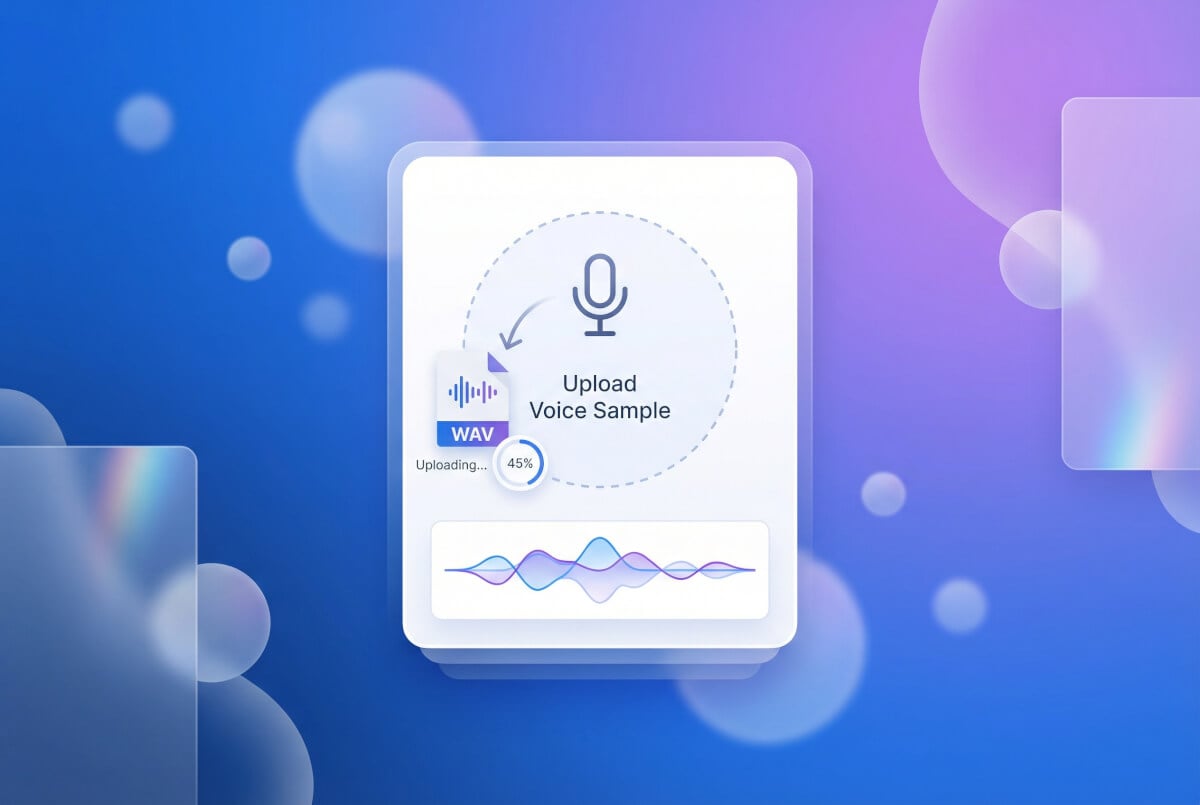
Upload a voice sample
Provide an audio file of the voice you want to clone. A few seconds of clear speech is enough. The system applies noise reduction and volume normalization to get a clean input signal.
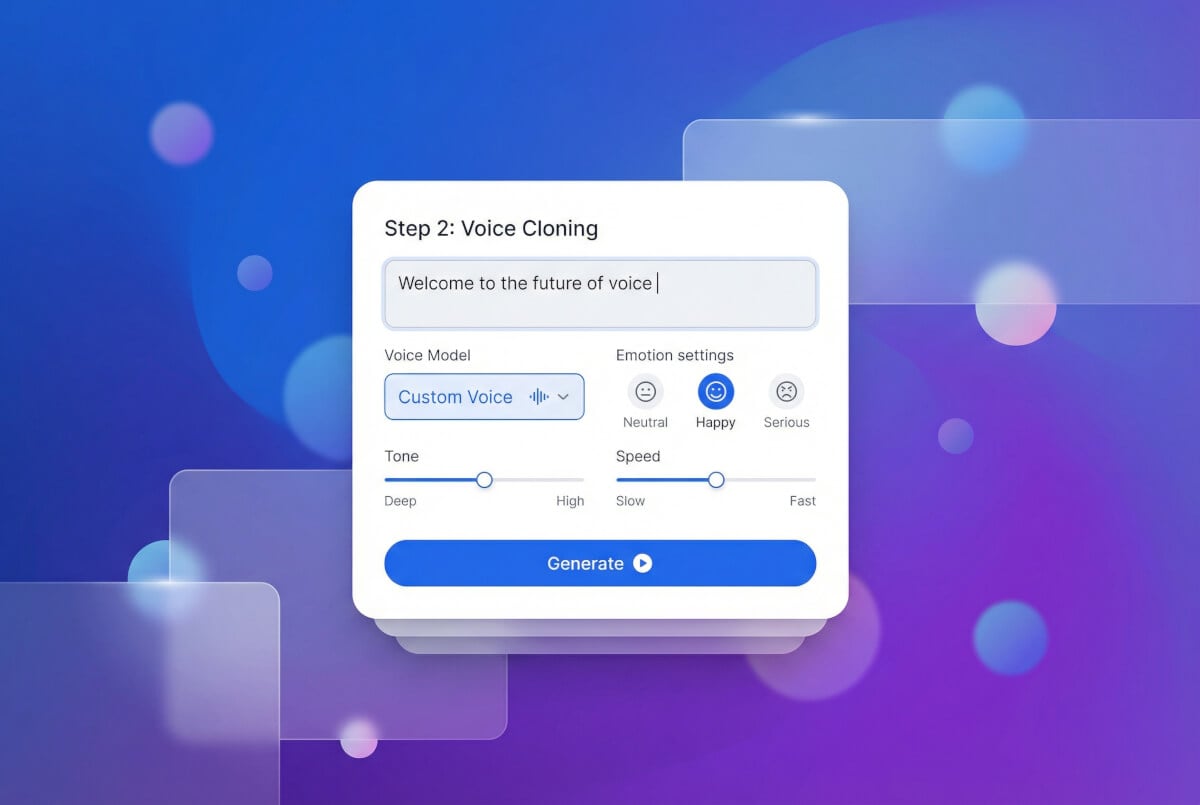
AI creates your voice profile
The voice cloning engine — MiniMax or ElevenLabs — processes your sample and generates a custom voice ID. This ID captures the speaker's unique vocal characteristics and can be reused across sessions.
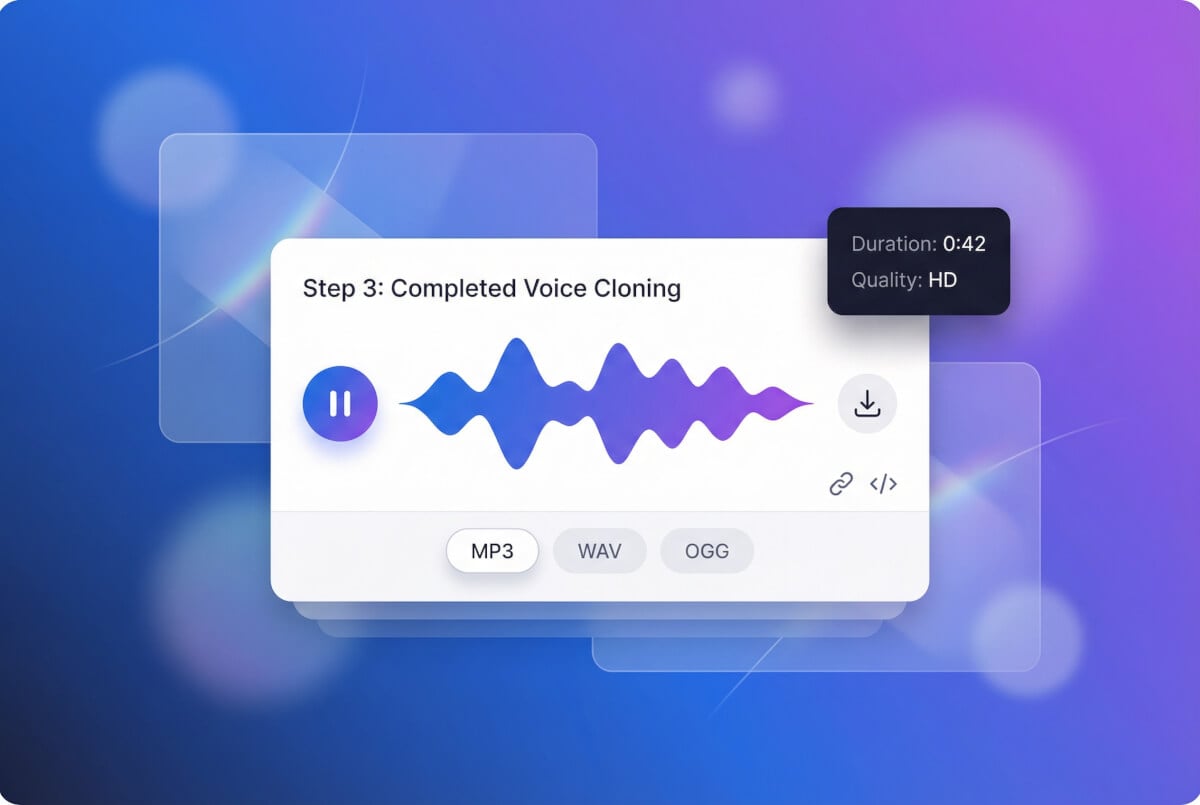
Type text, get speech
Enter any text and the cloned voice reads it back. Adjust speed, pitch, emotion, and stability. Download the result as MP3. Regenerate with different settings until it sounds right.
Frequently Asked Questions
How does AI voice cloning work?
You provide an audio sample of the target voice. The AI model analyzes the vocal characteristics and creates a voice profile (custom voice ID). When you type text, the text-to-speech engine uses that profile to generate speech that matches the original speaker's voice.
What audio formats work, and how long should the sample be?
MP3, WAV, and M4A are all supported. A few seconds of clear speech is the minimum. Longer samples can improve accuracy, but the system applies noise reduction and normalization automatically, so even imperfect recordings work. ElevenLabs also supports multiple sample files for higher fidelity.
Is AI voice cloning free?
You get free credits when you create an account. Those credits cover voice cloning and text-to-speech generation. It's a credit-based system — usage depends on the model and output length. Check your account for current credit balance.
What languages are supported?
The TTS engines support multiple languages. You can clone a voice from one language and generate speech in others. MiniMax, ElevenLabs, and Gemini TTS each handle their own set of languages natively.
How is voice cloning different from regular text-to-speech?
Standard text-to-speech uses preset voices built into the model. Voice cloning creates a new voice profile from your audio sample, so the output sounds like a specific person rather than a generic AI voice. You can also tune parameters like pitch, speed, and emotion on cloned voices.
Is my voice data safe?
Voice samples are processed to create a voice ID and are used for generating speech output. The platform does not use your voice data to train public models. For specific data handling details, refer to the platform's privacy policy.