AI Word to PPT Converter
Upload a Word doc, get a PowerPoint deck back. Unlike a 1:1 file converter, the AI reads your headings and bullet lists, lays them out as slides, and picks a design that matches the tone of the document. Download the .pptx when you're done.
What people turn Word docs into

Business Reports & Pitch Decks
Annual reports, board updates, product specs, pitch decks. Upload the Word draft you already wrote and get a deck back. Headings turn into slide titles, bullets stay as bullets, and the numbers, names, and tables don't get mangled in the transfer.
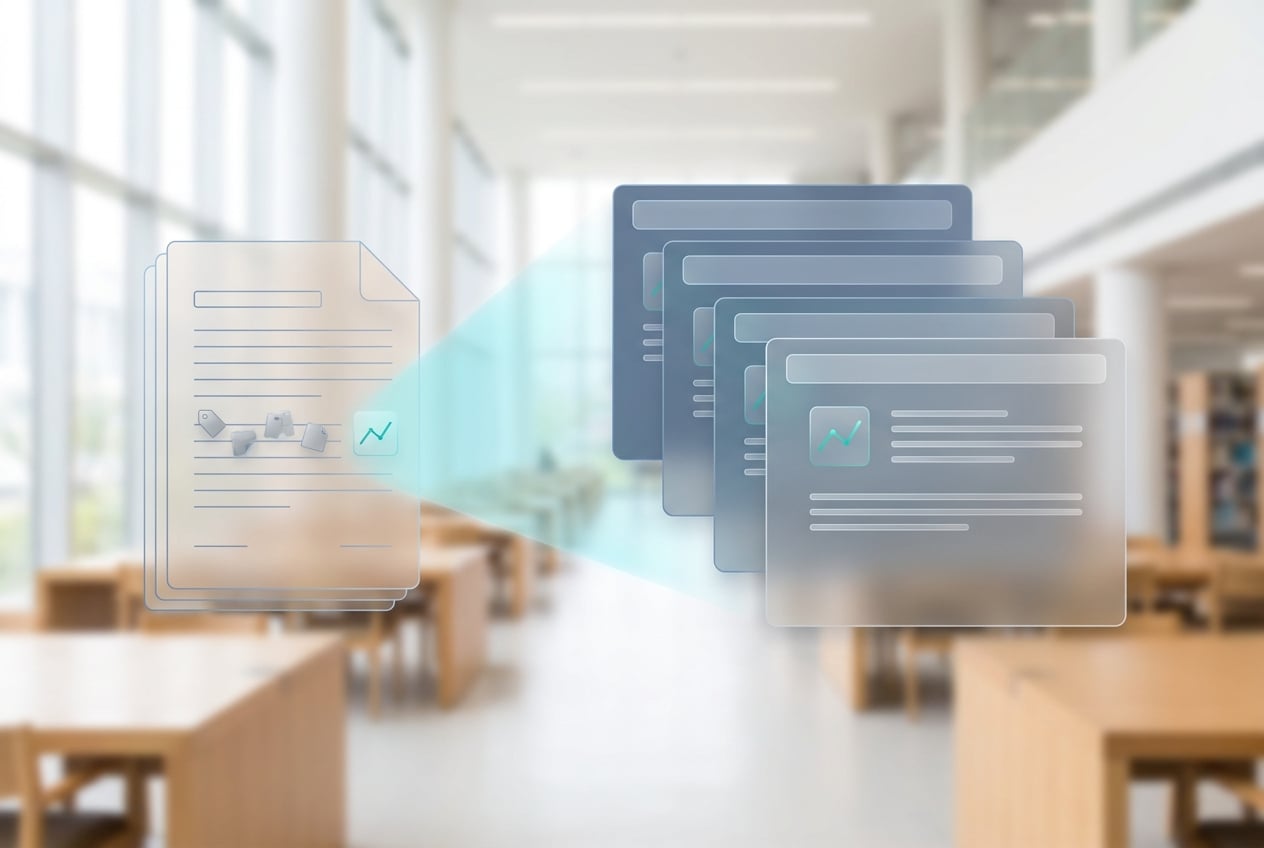
Research Papers & Conference Slides
Upload your paper, get conference-ready slides. Abstract, methodology, findings, limitations, conclusion — each on its own slide. Your citations and figure numbers stay with the right content, so nothing drifts out of place when you build the talk.
Training & Onboarding Materials
Internal guides, onboarding docs, SOPs — the kind of documents you want your team to actually read. Convert them into slides so they will at least look. Drop in your company template afterward; you don't have to restructure anything.

Class Notes & Study Slides
Lecture notes, textbook chapters, study guides — turn any of them into slides for a presentation or a study session. Works across subjects and languages.
Convert Word to PPT in 3 steps
1. Upload your Word doc
Drag in a .doc or .docx file, or paste the content. Up to 500 pages per file. Your document stays private and isn't used to train any models.
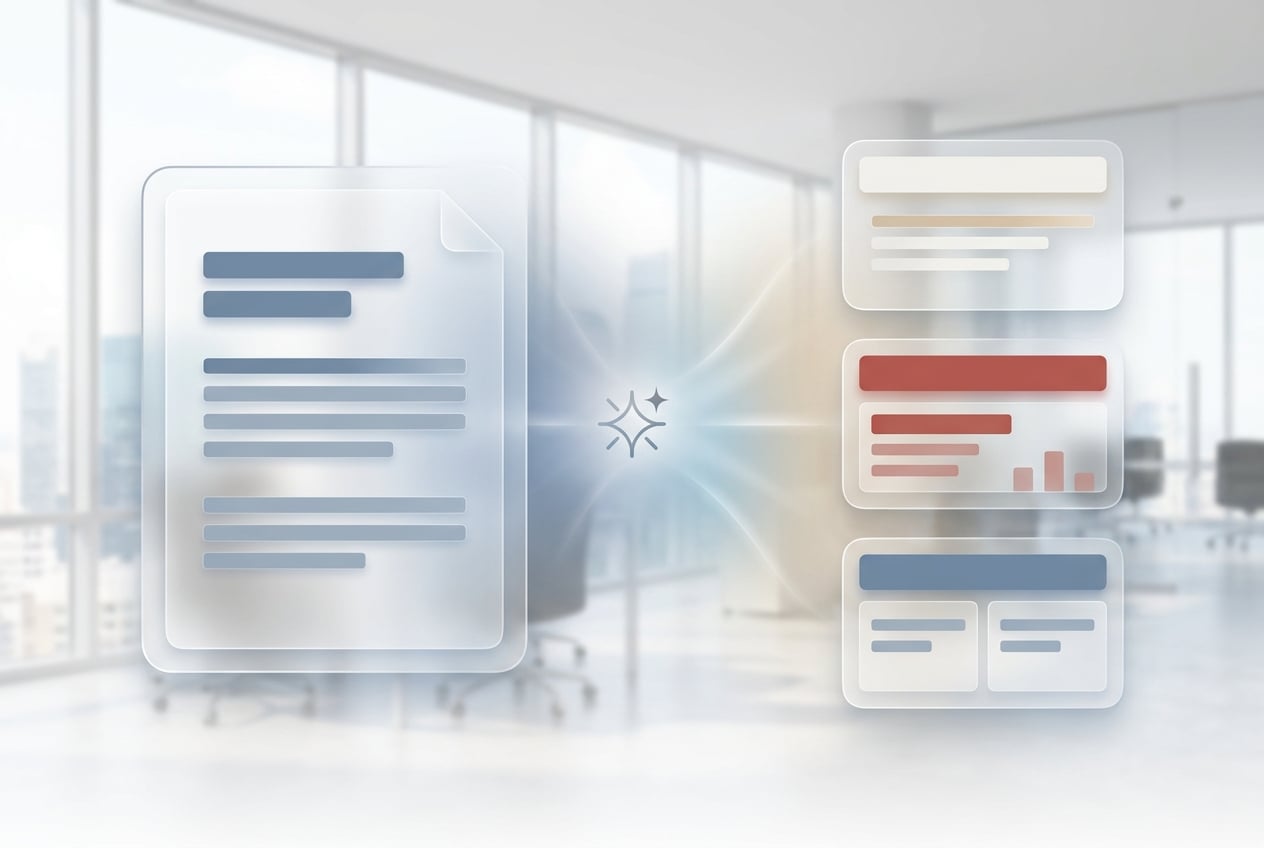
2. AI converts it to slides
The AI reads your document structure. Headings become section dividers, bulleted lists become slide bullets, and tables get reformatted to fit the slide frame. A matching design template gets picked for you. Most decks come back in under 30 seconds.

3. Download as PPTX
Download the finished deck as .pptx and open it in PowerPoint, Keynote, or Google Slides. Don't like the first template? Regenerate with a different style.
Frequently Asked Questions
Is this Word to PPT converter free?
Yes. You get free credits to start, no credit card needed. Paid plans give you more credits, bigger files, and access to premium design templates.
What Word file formats are supported?
Both .doc (Word 97-2003) and .docx (Word 2007 and later) work. RTF files and pasted text are also supported. Max 500 pages per upload.
Does it preserve my images, tables, and formatting?
Images and tables carry over into the slides. Inline formatting like bold and bullets stays intact. The page layout gets replaced by the slide template — that's the whole point of using an AI converter instead of a 1:1 file converter.
Can I customize the slide design or template?
Yes. The AI picks a template based on the tone of your document, but you can ask for a different style (minimal, corporate, academic, playful) and regenerate. Or download the .pptx and swap in your own template.
How is this different from saving Word as PPT in Microsoft Office?
Office's built-in export does a 1:1 page-to-slide conversion, which usually looks terrible. This tool actually reads your content structure. Headings turn into section dividers, bullet lists become slide bullets, tables get reformatted to fit, and a matching template gets picked for you.
Does it work with non-English Word documents?
Yes. Upload a Word doc in any major language and the output deck stays in that language. Punctuation, typography, and reading direction all match the source. Works for Chinese, Japanese, Korean, Arabic (RTL), Indonesian, Portuguese, and more.
How long does the conversion take?
Most documents under 50 pages are converted in under 30 seconds. Longer files (up to 500 pages) take 1-2 minutes.
Is my Word document kept private?
Uploaded documents are encrypted in transit, never used to train models, and deleted from your library whenever you want.