
AI Podcast Generator
Turn any text or notes into a polished podcast with two-speaker dialogue. Upload PDFs, paste your content, or just describe a topic. Free credits when you sign up.
What you can create with this AI podcast maker
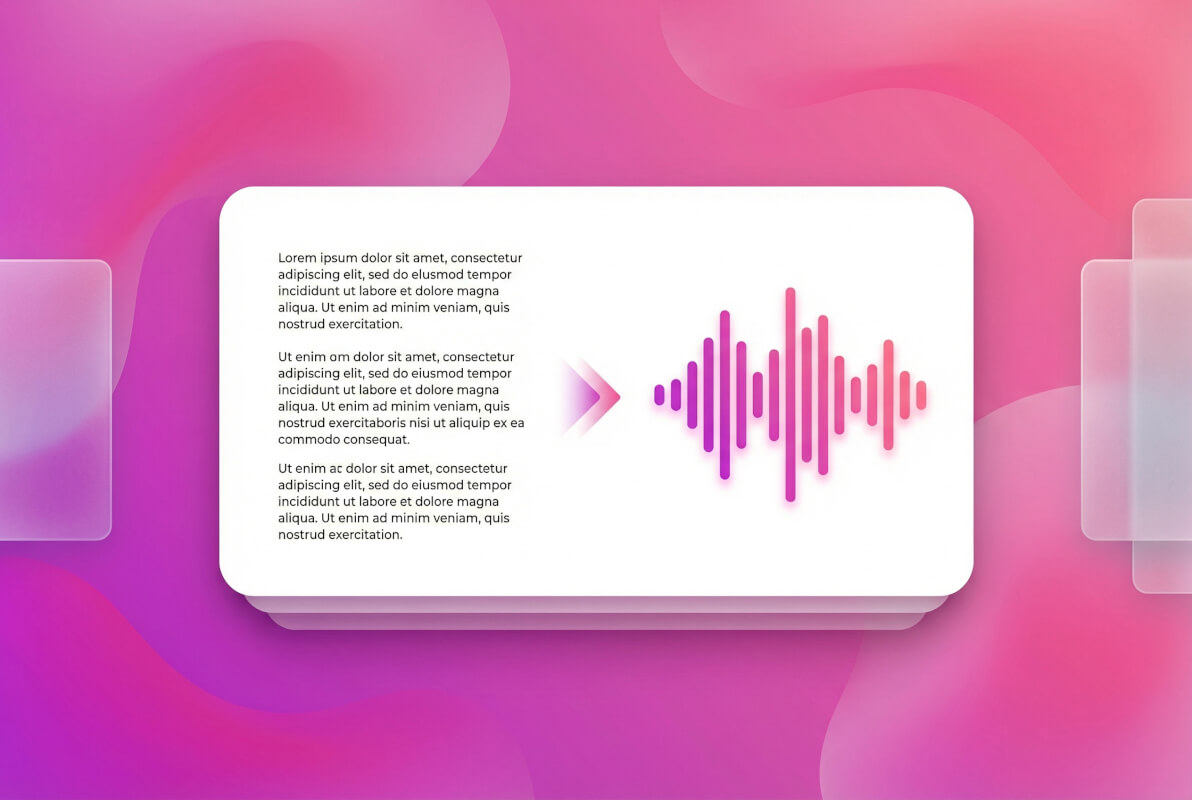
Text to podcast -- describe a topic, get audio
Type a topic or paste a block of text, and the AI podcast generator writes a full dialogue script and produces audio with two distinct speakers. The system researches your topic online if needed, then structures the conversation so it sounds natural. You control the length -- set it to a few minutes or let it run longer.
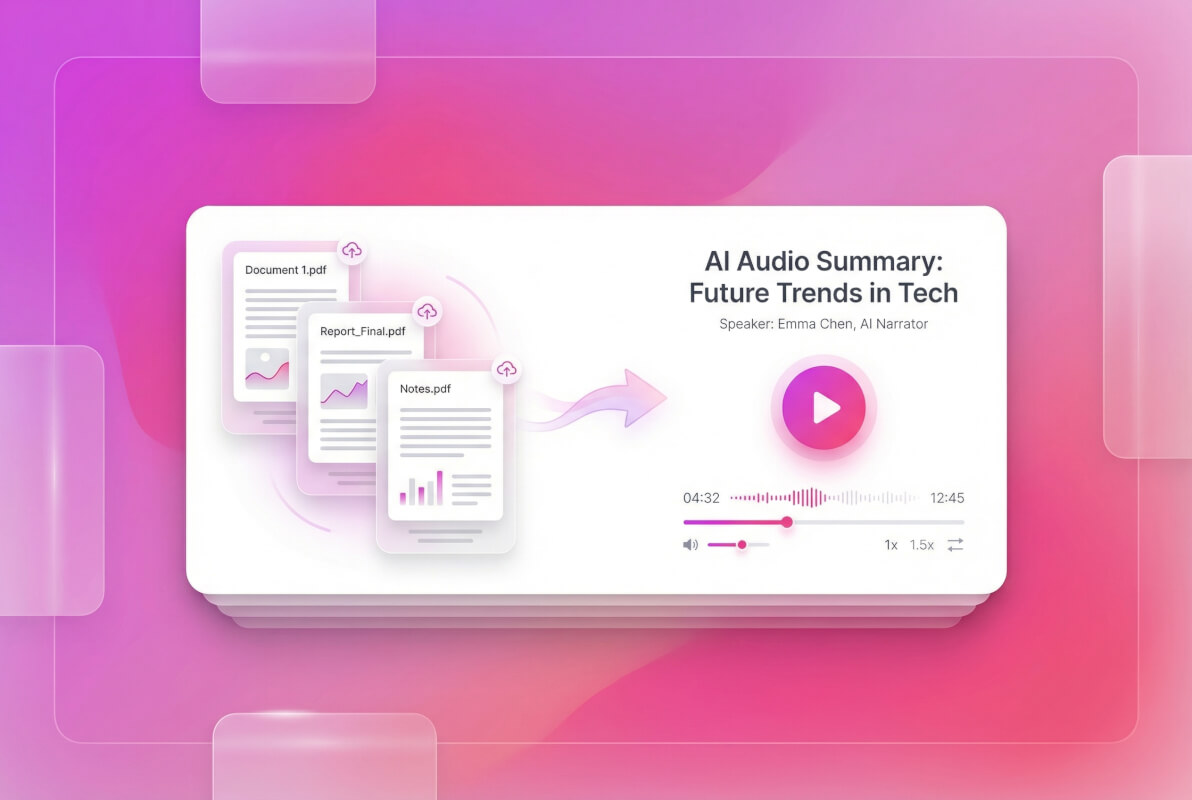
Turn notes into a podcast
Upload a PDF, DOCX, or TXT file with your lecture notes, research paper, or meeting summary. The AI podcast creator reads the document and turns it into a two-person discussion that covers the key points. It's a fast way to make study material or reports easier to consume on the go.
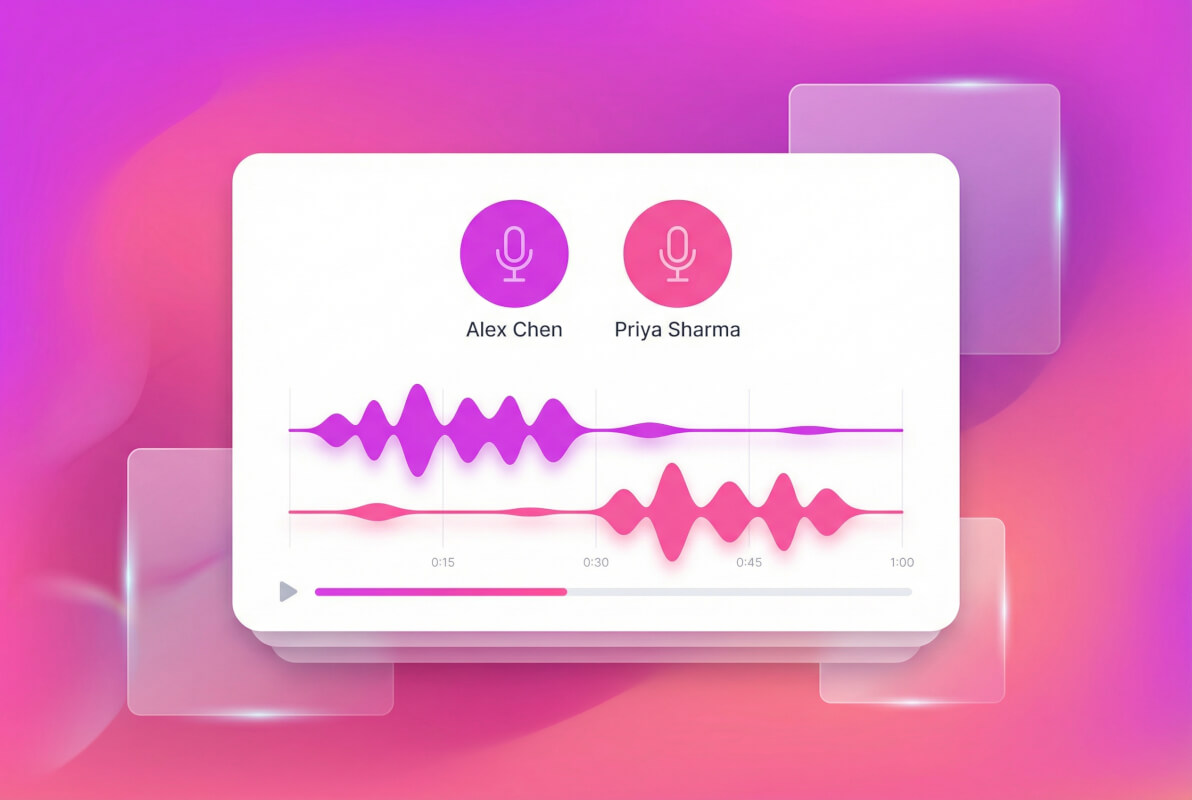
Multi-speaker dialogue that sounds real
The generator produces conversations between two speakers using text-to-speech in 24+ languages. Each speaker gets a distinct voice, and the script includes natural back-and-forth -- questions, reactions, and topic transitions. Need more than two speakers? The system generates a script you can record yourself.
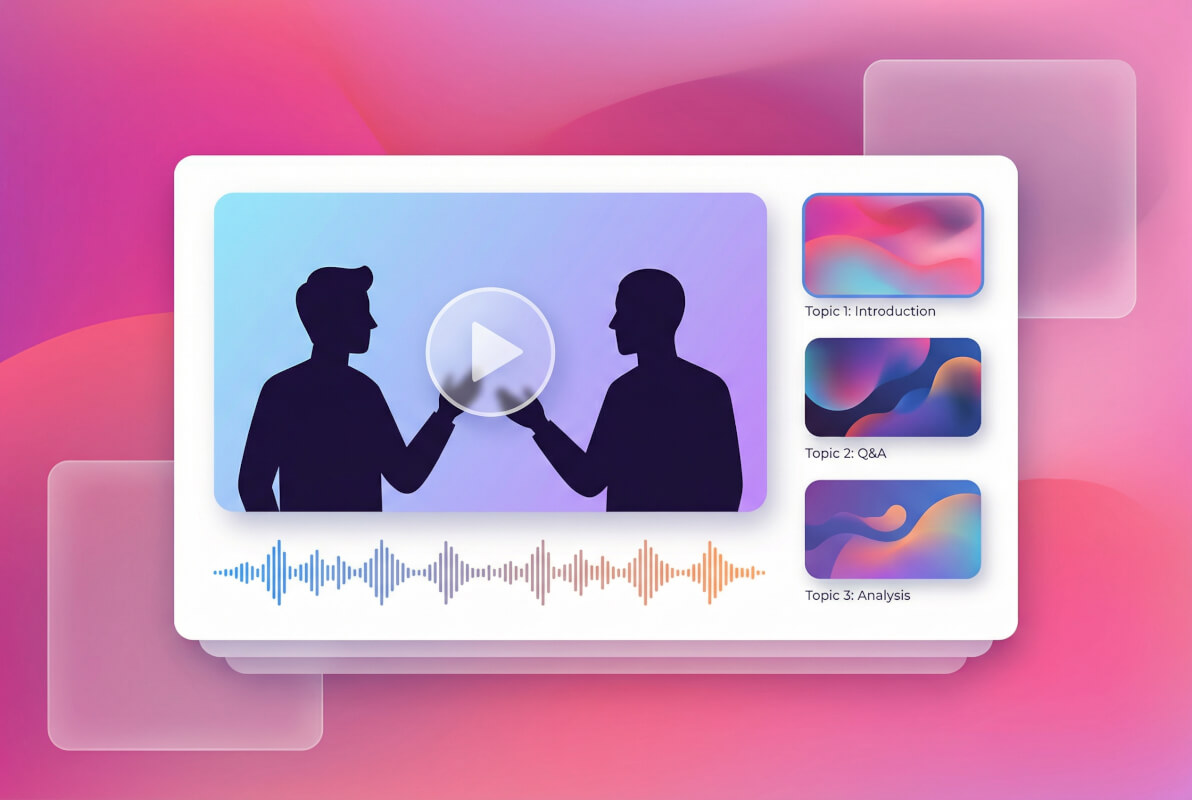
Video podcast with visual slides
Go beyond audio. The AI can generate a video podcast that pairs your dialogue with relevant images and visual references. It also creates a cover image automatically. The result is a ready-to-share video file -- useful for YouTube, social media, or internal presentations.
From topic to podcast in three steps
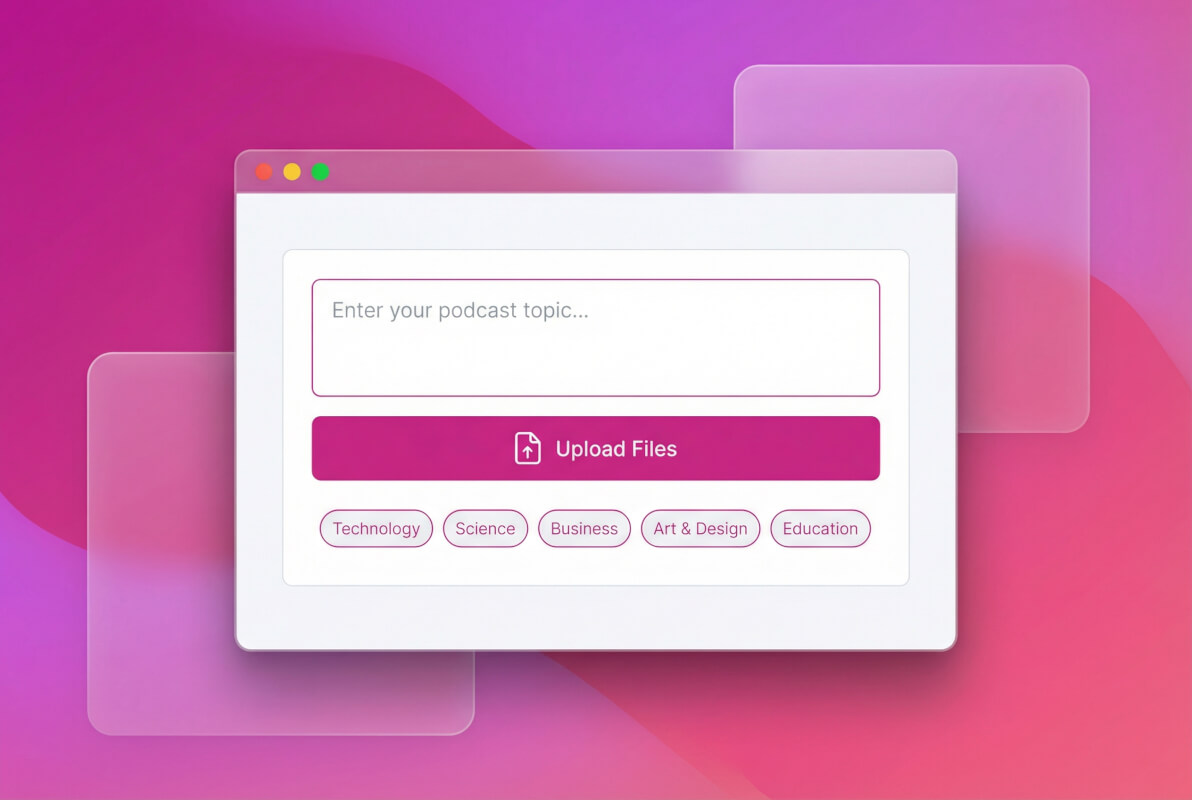
Enter your topic or upload files
Type what you want the podcast to cover, or upload a PDF, DOCX, or TXT file as source material. The AI can also search the web to gather background information on your topic.
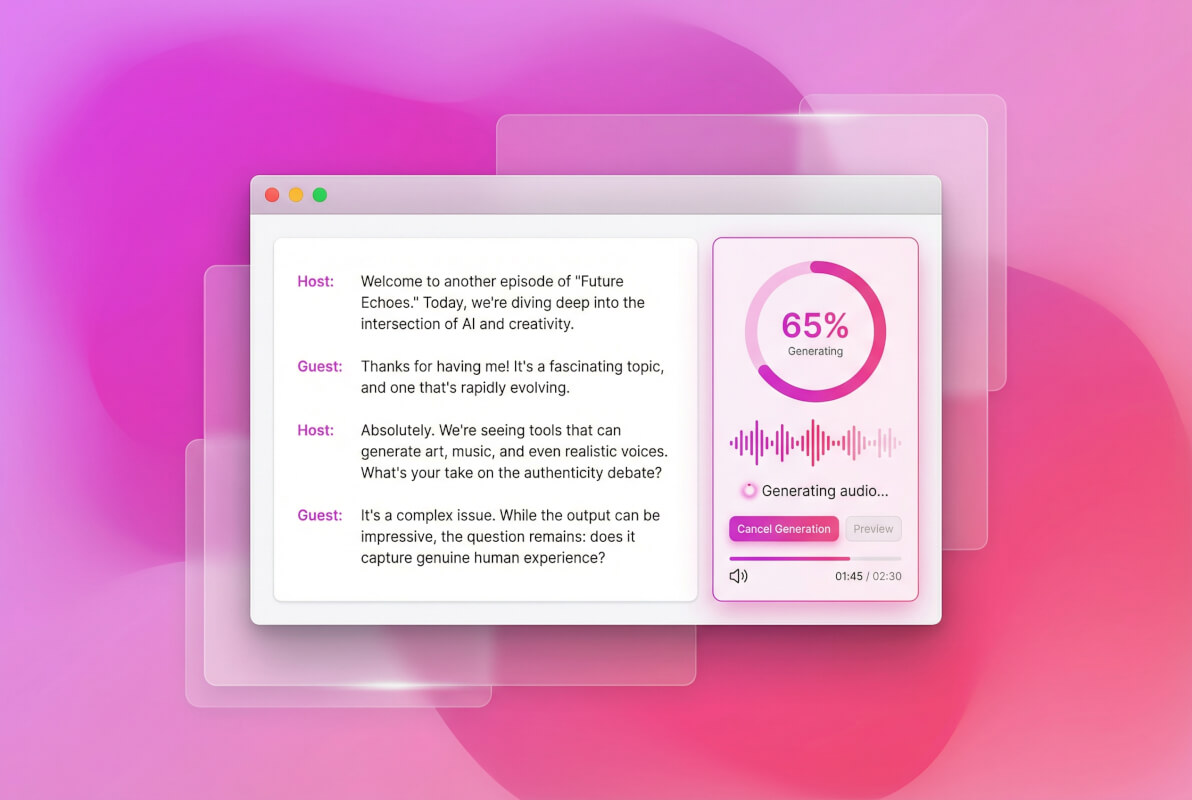
AI writes the script and records audio
The system generates a structured two-speaker dialogue, then synthesizes the audio using text-to-speech. Pick from 24+ languages. Set your preferred duration in minutes.
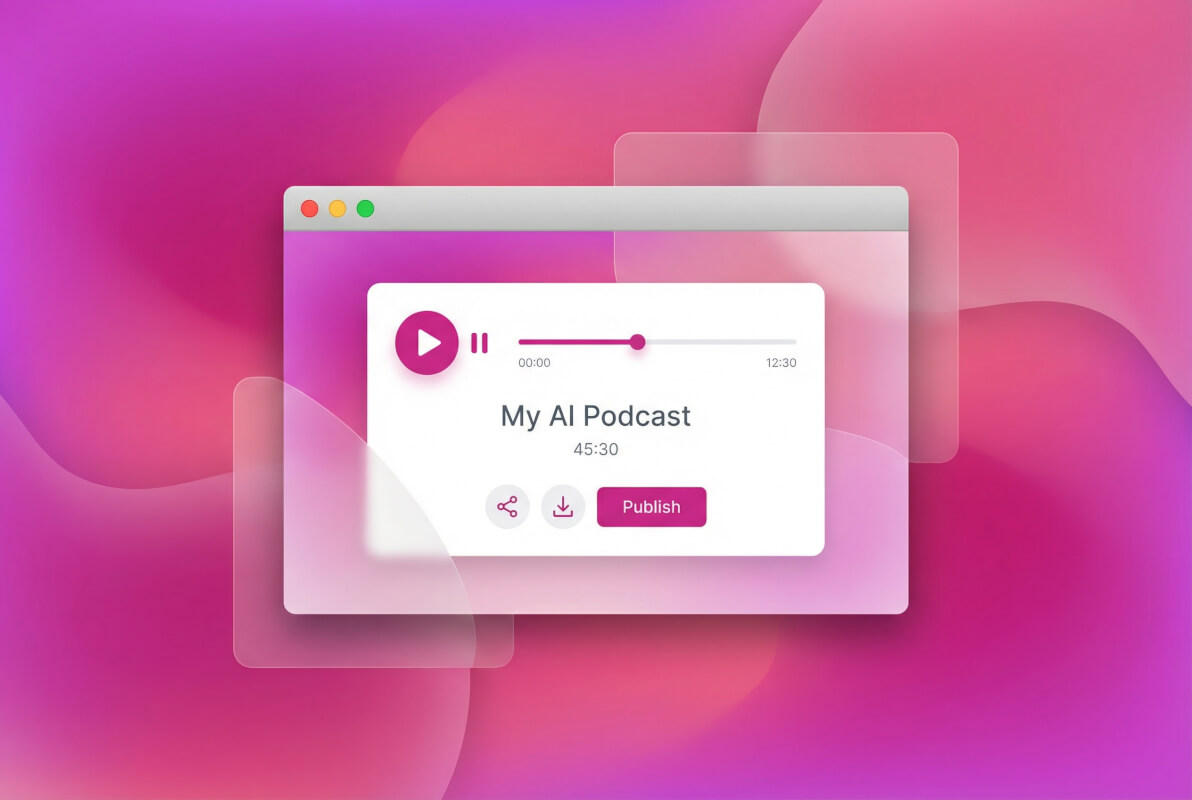
Listen, share, or publish
Preview the finished podcast in the built-in player. Read along with the script, add audio clips at specific timestamps, or publish it to the public feed. You can also generate a video version with visual slides.
Frequently Asked Questions
Is this AI podcast generator free?
You get free credits when you sign up, and those credits cover podcast generation. It runs on a credit-based system, so usage depends on podcast length and settings. Check your account for current credit details.
What source formats can I upload?
You can upload PDF, DOCX, and TXT files. The AI reads your document and turns it into a podcast script. You can also skip the upload and just type or paste your notes directly.
How many speakers does the podcast have?
Auto-generated audio supports up to 2 speakers with distinct voices. If you need 3 or more speakers, the system generates a script you can record with your own voices.
What languages are supported?
The text-to-speech engine supports 24+ languages, including English, Japanese, Chinese, Korean, Spanish, French, and German. Each language uses pre-trained TTS voices.
Can I control podcast length?
Yes. You can set the desired duration in minutes before generating. The AI adjusts the script length to match your target time.
What is the video podcast option?
The video podcast feature combines your audio dialogue with visual slides and reference images. It also auto-generates a cover image. The output is a video file you can share or post.