AI Presentation Maker
Describe a topic or upload your notes. Genspark handles the research, writing, and slide design — you just review and export.
What Will You Create?
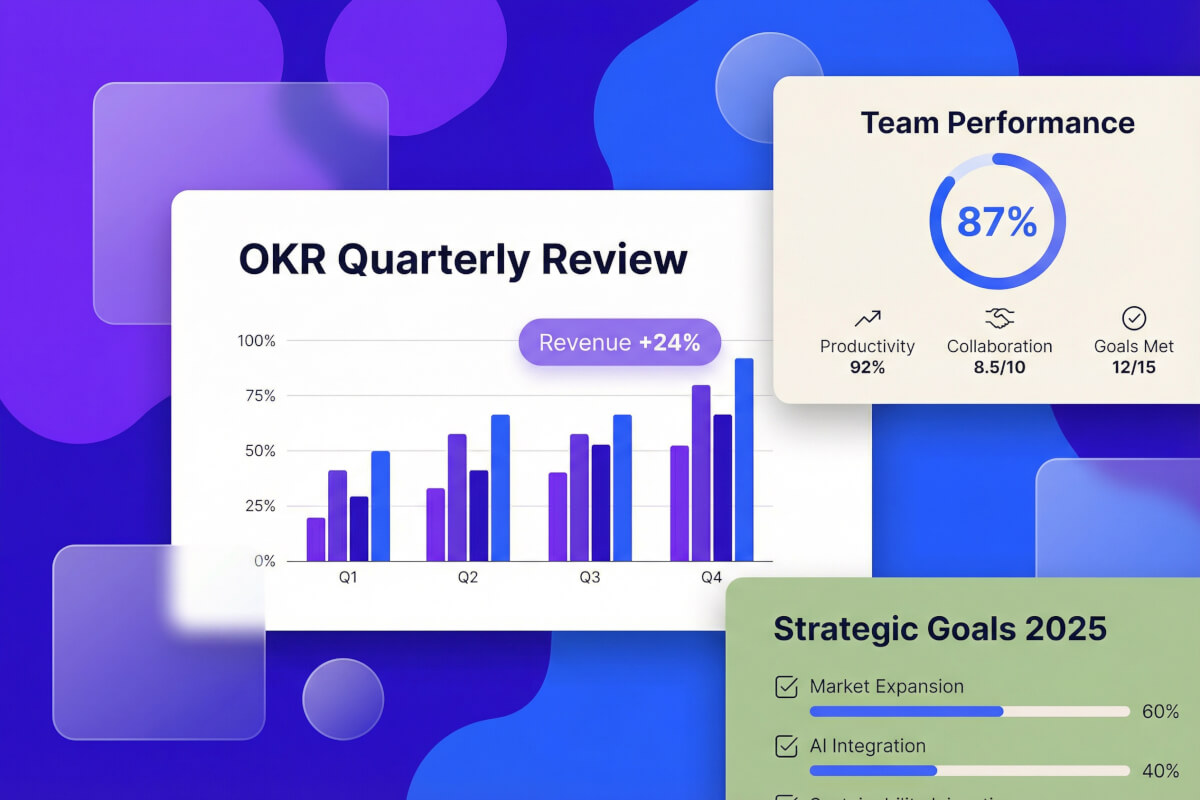
Business Reports & Reviews
Quarterly reviews, board updates, financial summaries. Paste your data or describe the quarter — Genspark builds a clean deck with charts, KPIs, and an executive summary.

Marketing & Campaign Decks
Product launches, campaign proposals, brand strategy. Describe your audience and goals, get slides with narrative hooks, competitive positioning, and a clear CTA. Export to .pptx.
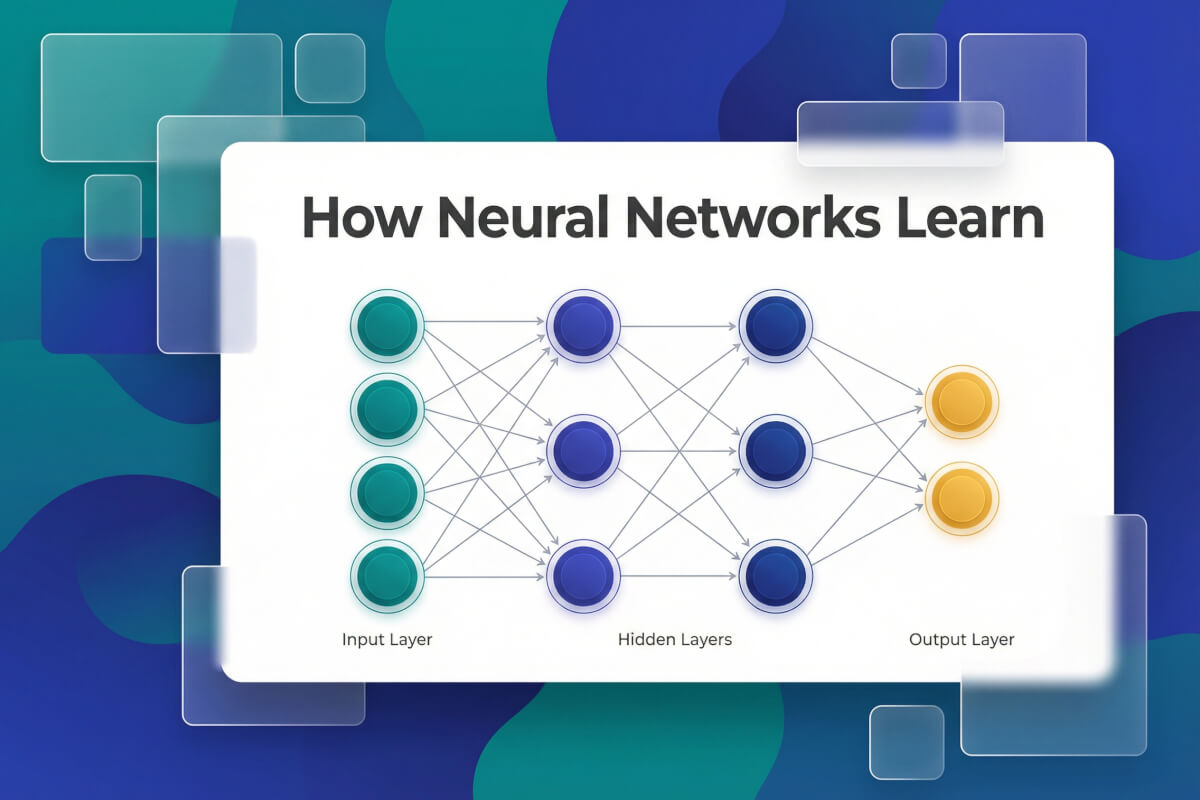
Lectures & Training Materials
Lecture slides, workshops, onboarding decks. Give Genspark a topic or paste your notes — it organizes everything into clear sections with diagrams, takeaways, and discussion prompts.
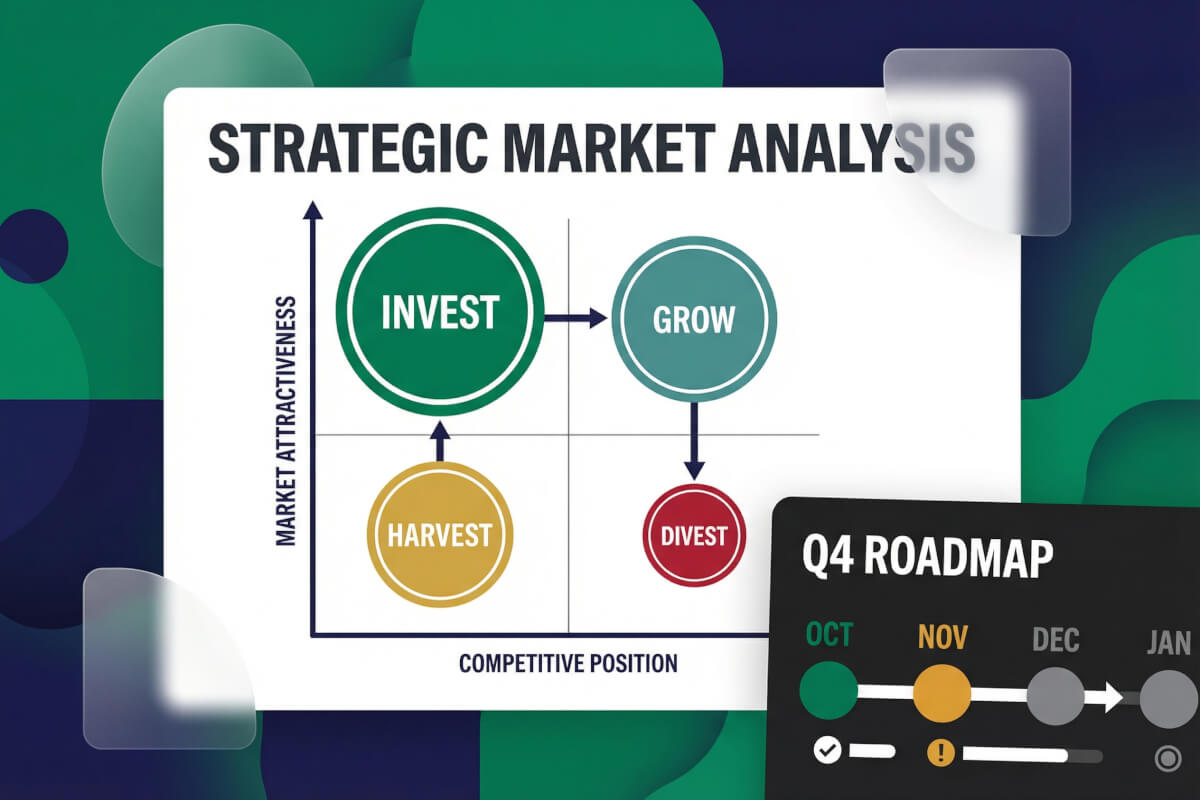
Consulting & Strategy Deliverables
Frameworks, market sizing, due diligence readouts. Genspark researches in real time and outputs structured slides with comparison matrices and recommendation layouts.

Personal & Everyday Presentations
Travel plans, wedding decks, portfolio showcases, community talks. Type what you need in plain language and get a polished deck — no template hunting, no design skills required.
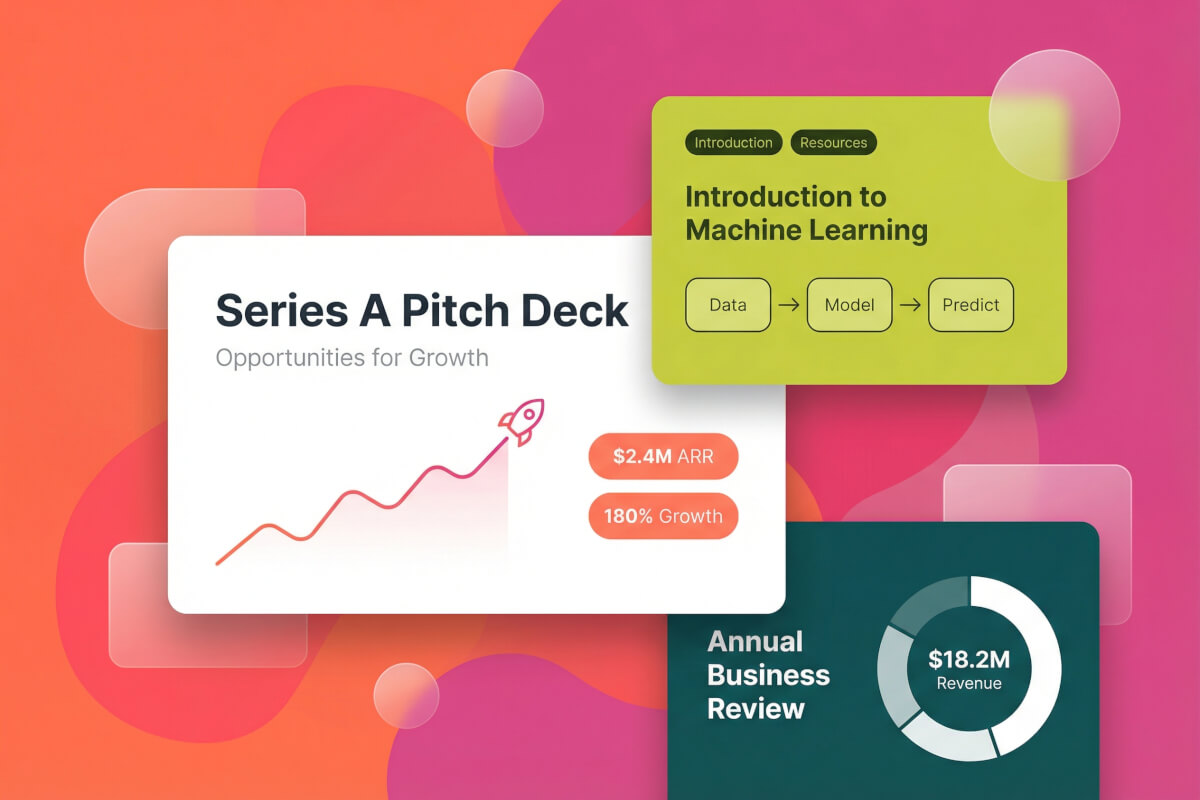
Startup Pitch Decks
Problem-solution framing, TAM/SAM/SOM, traction timelines, team bios. Describe your startup and get a 12–15 slide deck in the format VCs expect.
How the AI Presentation Maker Works
Describe — or Let AI Ask
Type a topic, upload a doc (PDF, Word, Excel, or an existing PPT), or start from a template. In Guide mode, the AI presentation maker asks follow-up questions about your audience, tone, and slide count before generating anything.
Outline First, Then Slides
The AI slide generator pulls live data from the web, drafts an outline, and waits for your go-ahead. Once you approve the structure, it builds each slide with sourced content — so you catch problems before the full presentation exists.
Edit Anything, Export Anywhere
Click any text, image, or layout on a slide and tell the AI what to change. Want full manual control? The built-in editor works like PowerPoint. Then export your slideshow as .pptx, PDF, or present it directly.

See How It Works
·One topic goes in, finished slides come out. This 2-minute video shows the AI slideshow maker doing the whole thing start to finish.
Frequently Asked Questions
Can I export my slides to PowerPoint or PDF?
Yes. You can export to PowerPoint (.pptx), PDF, or Google Slides. The exported files are fully editable, so you can keep refining in whatever app you normally use.
Can I upload my own documents to create slides?
Yes — upload PDF, Excel, Word, or PowerPoint files and Genspark will extract the key points and turn them into a structured presentation. Great for converting reports or notes into slides quickly.
Can I edit the slides manually after generation?
Yes. Use Advanced Edit for full manual control — adjust text, colors, images, tables, and layout, similar to PowerPoint. Manual edits don't consume any credits.
How do I check if the content is accurate?
Use the built-in Fact Check feature. It reviews your slides, validates data and statistics against sources, and flags anything that looks off. You can also ask the AI to fix errors automatically.
Can I share presentations with my team?
Yes. Share via email invitation or a public link. You can share just the final slides, or the full project including the creative process — useful for collaborative editing.
Can I use my own templates?
Yes. Save any presentation as a reusable template in My Templates. You can also upload your own .pptx files and convert them into templates to keep your branding consistent across projects.
What languages does the AI presentation maker support?
Genspark generates slides in 19 languages including English, Chinese, Japanese, Korean, Spanish, French, German, and Portuguese.
Explore more tools
Business & Productivity
Your next presentation starts with one sentence.
Describe what you need — Genspark handles the research, outline, and design. You'll have a finished deck before your coffee gets cold.