Market Research Tools
Skip the surveys. This AI market research platform does the digging for you.
How It Works
Describe Your Market
Type a topic and pick a region. "EV charging in Southeast Asia" works. So does "luxury resale, global."
AI Analyzes Everything
The agent searches the web, reads reports, checks financial filings, and pulls it all together. Think of it as market research software that does the legwork on its own.
Read the Report
You get a structured writeup with charts, source links, and recommendations. Ask follow-up questions if something needs more detail.
What You Can Research
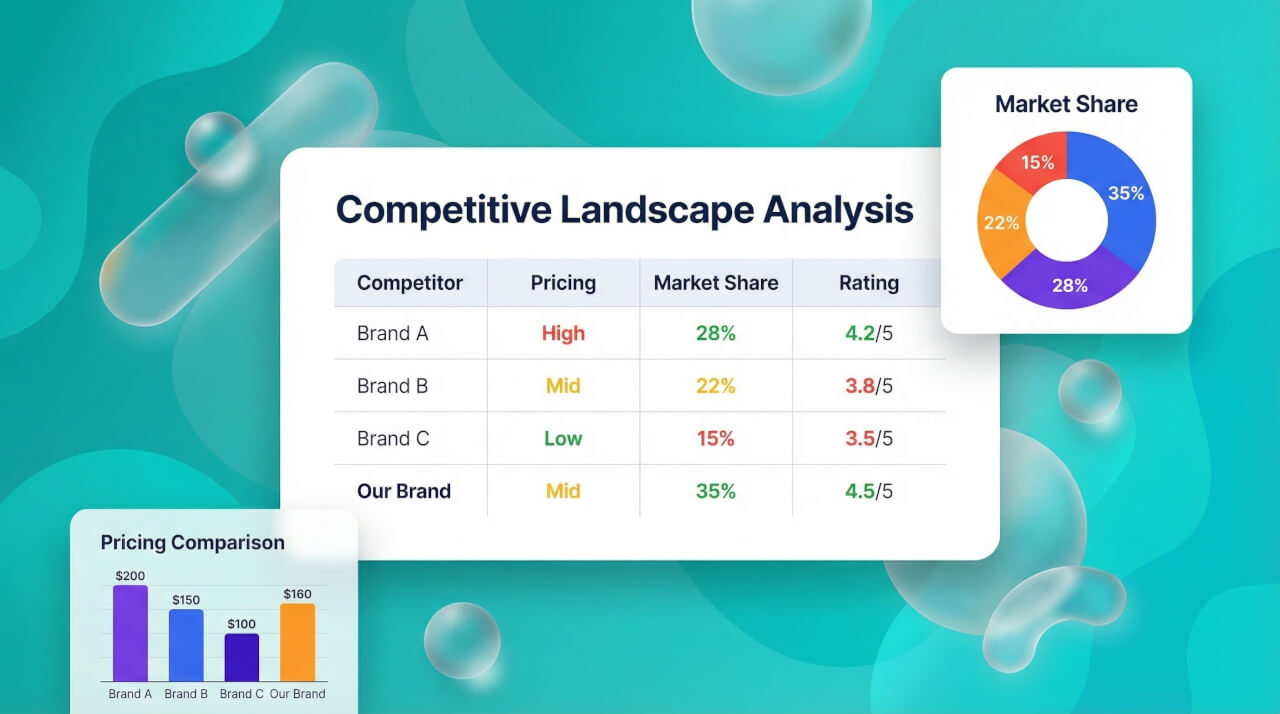
Competitive Landscape Analysis
See who the top players are, how they price, where they're strong, and where they're not. The market analysis tools pull this together so you can spot the gaps yourself.
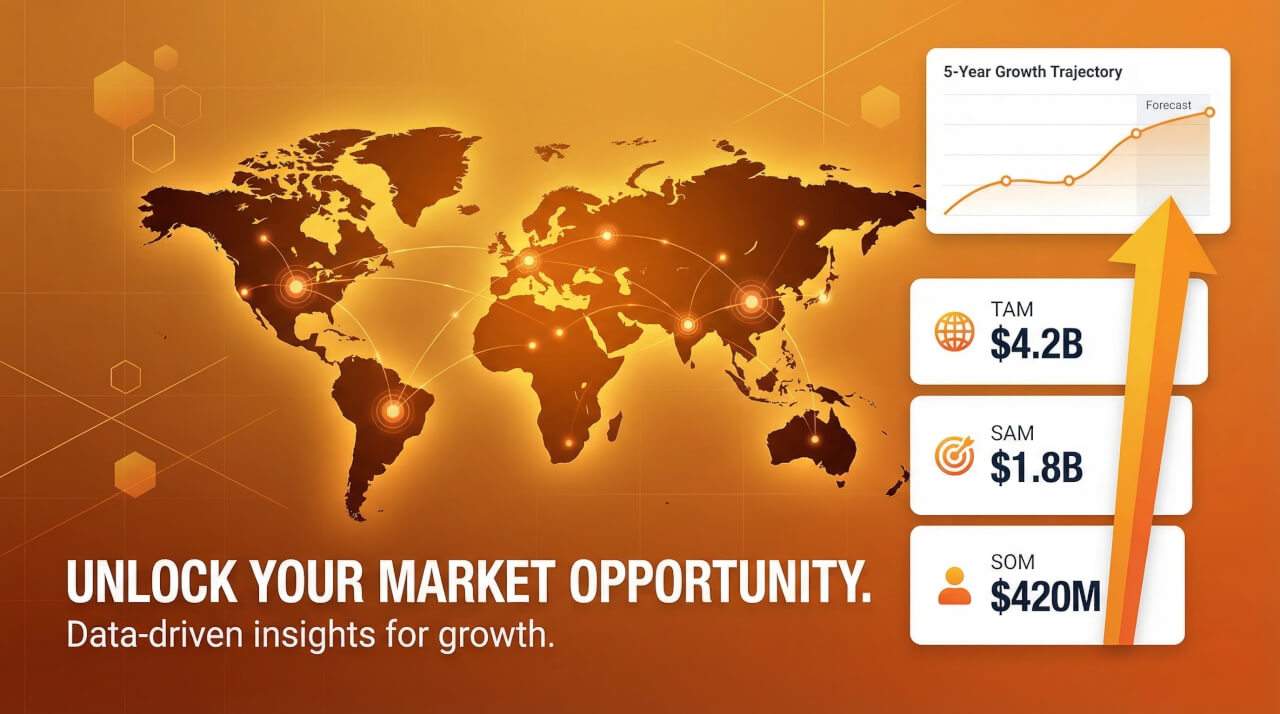
Market Sizing & Opportunity
Get TAM, SAM, and SOM estimates for any industry or region. The numbers come from actual sources, not a language model guessing.
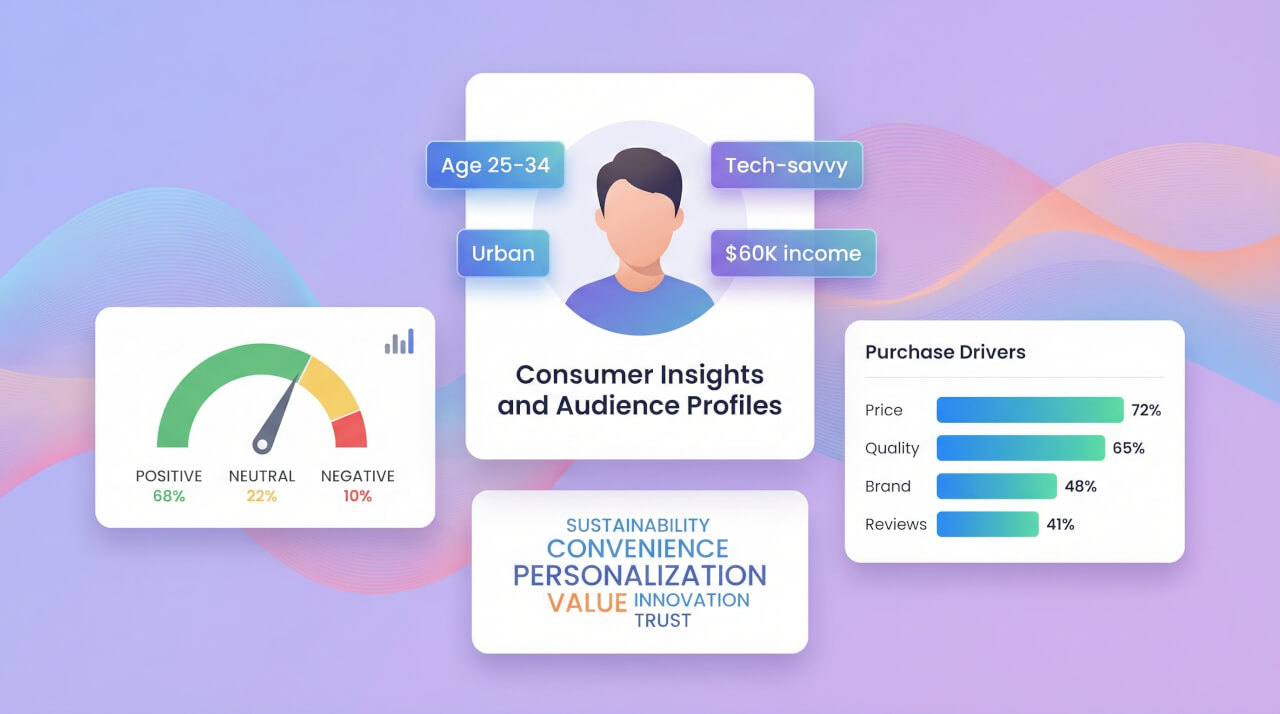
Consumer Insights & Audiences
Find out what your target audience actually cares about, what they buy, and why. The consumer insights tools build profiles you can use for marketing or product planning.
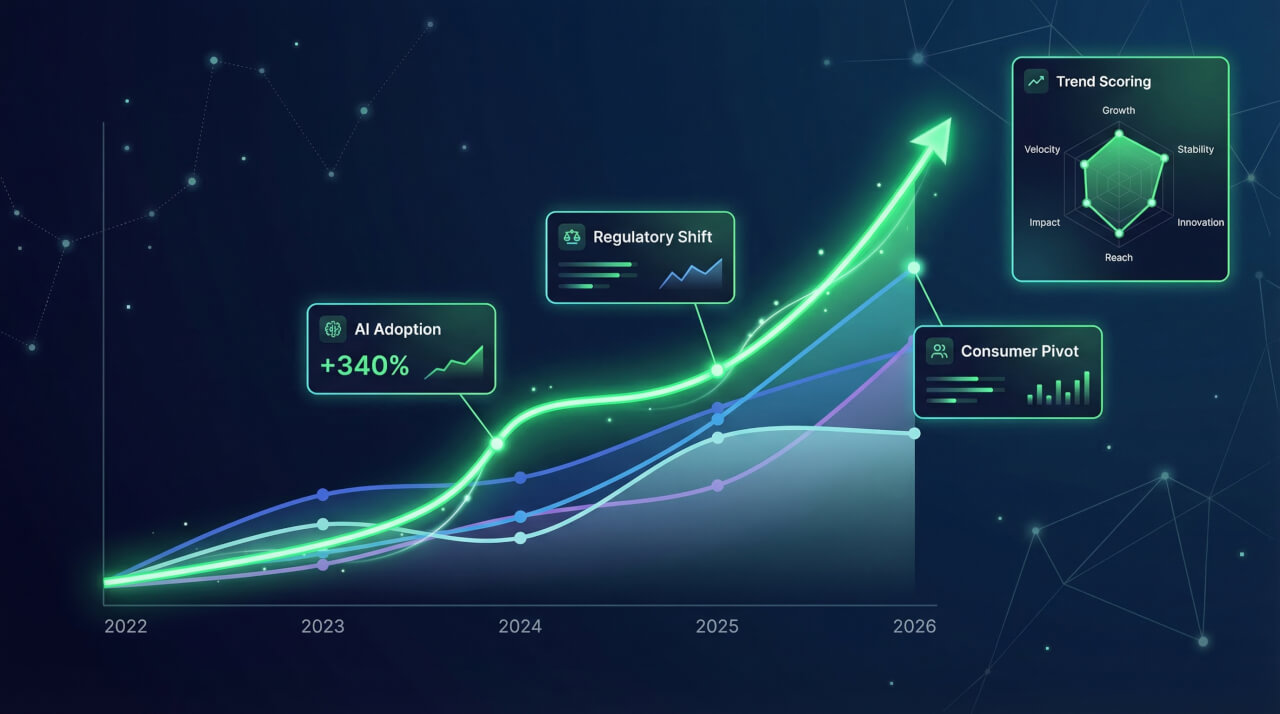
Trend Forecasting & Analysis
See what's changing in your industry before everyone else notices. The agent tracks tech shifts, regulatory moves, and spending patterns, then tells you what it found.
Frequently Asked Questions
What happens after I submit my research topic?
The agent starts searching the web, reading reports, and checking financial data at the same time. You watch it work in real time. Every paragraph has source links, and there's a sidebar listing every page it read.
Can I ask follow-up questions about the results?
Yes, it's a conversation. After the initial report, you can say things like "tell me more about Brand X's pricing" or "now focus on the European market." The agent also suggests next steps you might want to explore.
Can I upload my own data for the agent to analyze?
Yes. Drop a CSV, Excel, PDF, or Word file into the chat. The agent runs Python in a sandbox to crunch your spreadsheet, compare it against live market data, and generate charts from the results.
Does it show where the data comes from?
Yes. Each paragraph ends with a link to the page the information came from. There's also a source panel on the side that lists every page the agent read, with titles and dates. You can click through and check anything yourself.
Can I turn the research into a presentation or document?
Yes. Just say "turn this into slides" or "make a report document." A separate agent takes the findings and builds a slide deck or doc that you can export.
What kind of charts and visuals does it generate?
Interactive bar, line, pie, and radar charts show up right in the response. It can also generate infographic images. If you upload a spreadsheet, it'll run Python to build custom charts from your data.
What data sources does the agent use?
Web search, Google Scholar, public financial filings, stock data, Amazon and Google Shopping listings, and YouTube transcripts. If you upload your own files, it uses those too. Everything it cites is linked.