Quick Guide: Editing Genspark AI Slides in Canva and Figma


Genspark is a powerful agentic AI engine that provides various AI-powered solutions, including the ability to create professional HTML-based slides. These slides are visually appealing and feature-rich but sometimes require additional editing or customization.
In this article, we'll share two effective methods to edit Genspark AI Slides using popular design tools: Canva and Figma.
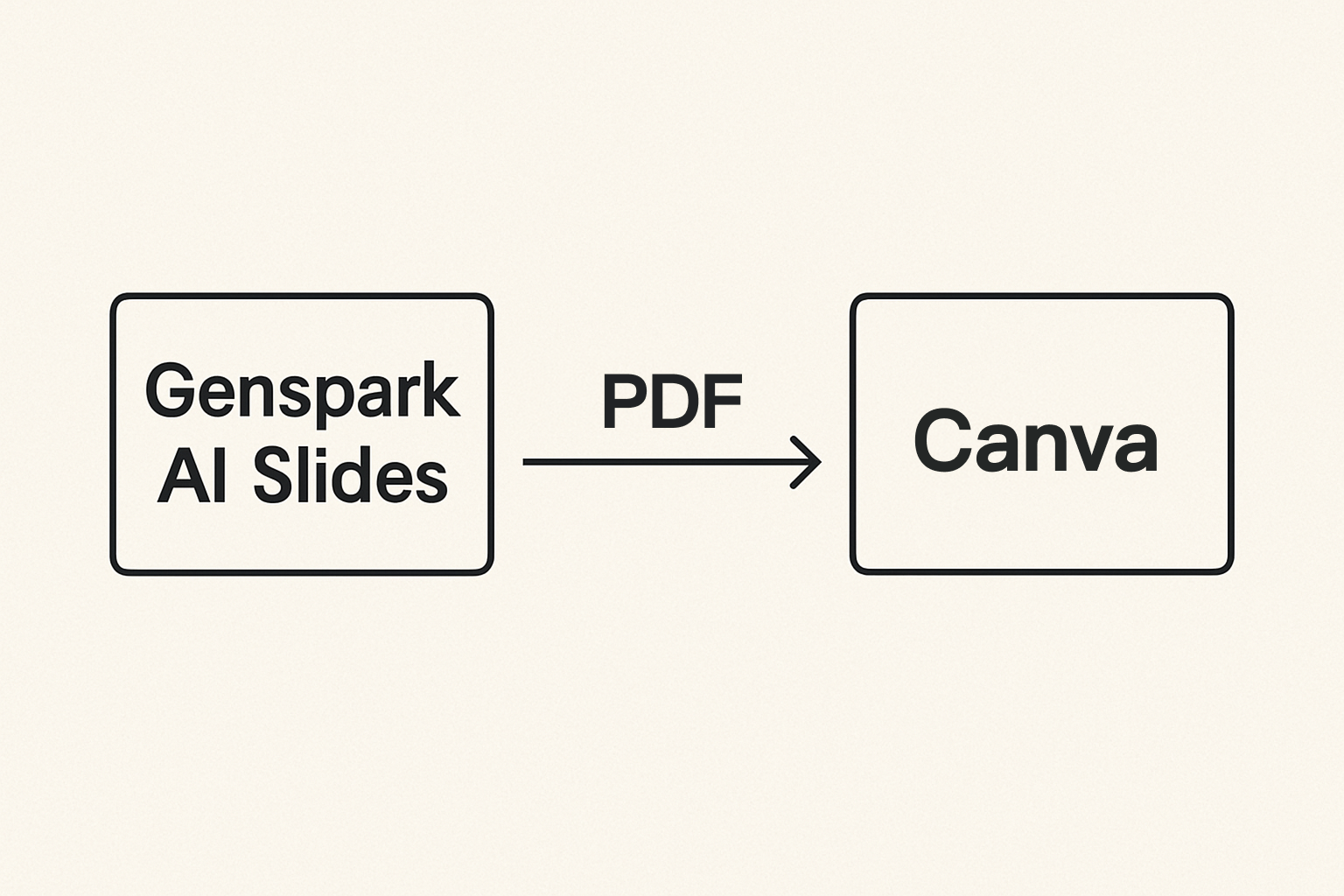
Option 1: Editing Genspark AI Slides in Canva
-
Step 1: Open your AI Slides in new window and export to PDF
-
Step 2: Log in to your Canva and uploads your PDF
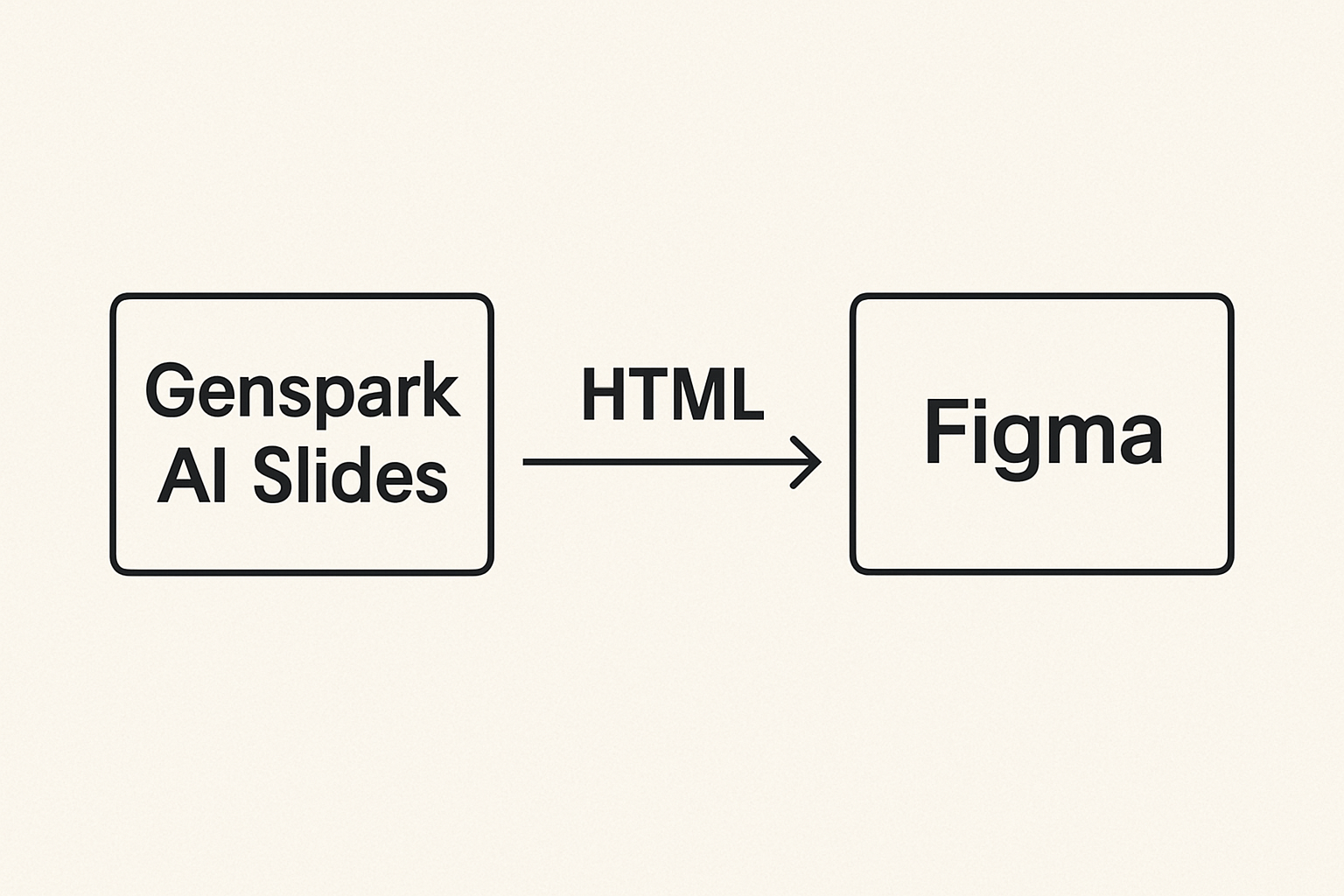
Option 2: Editing Genspark AI Slides in Figma
-
Step 1: Install the plugin Figma html.to.design plugin
-
Step 2: Enter the AI Slides URL to import and edit everything